Sega Saturn Playstation Controller

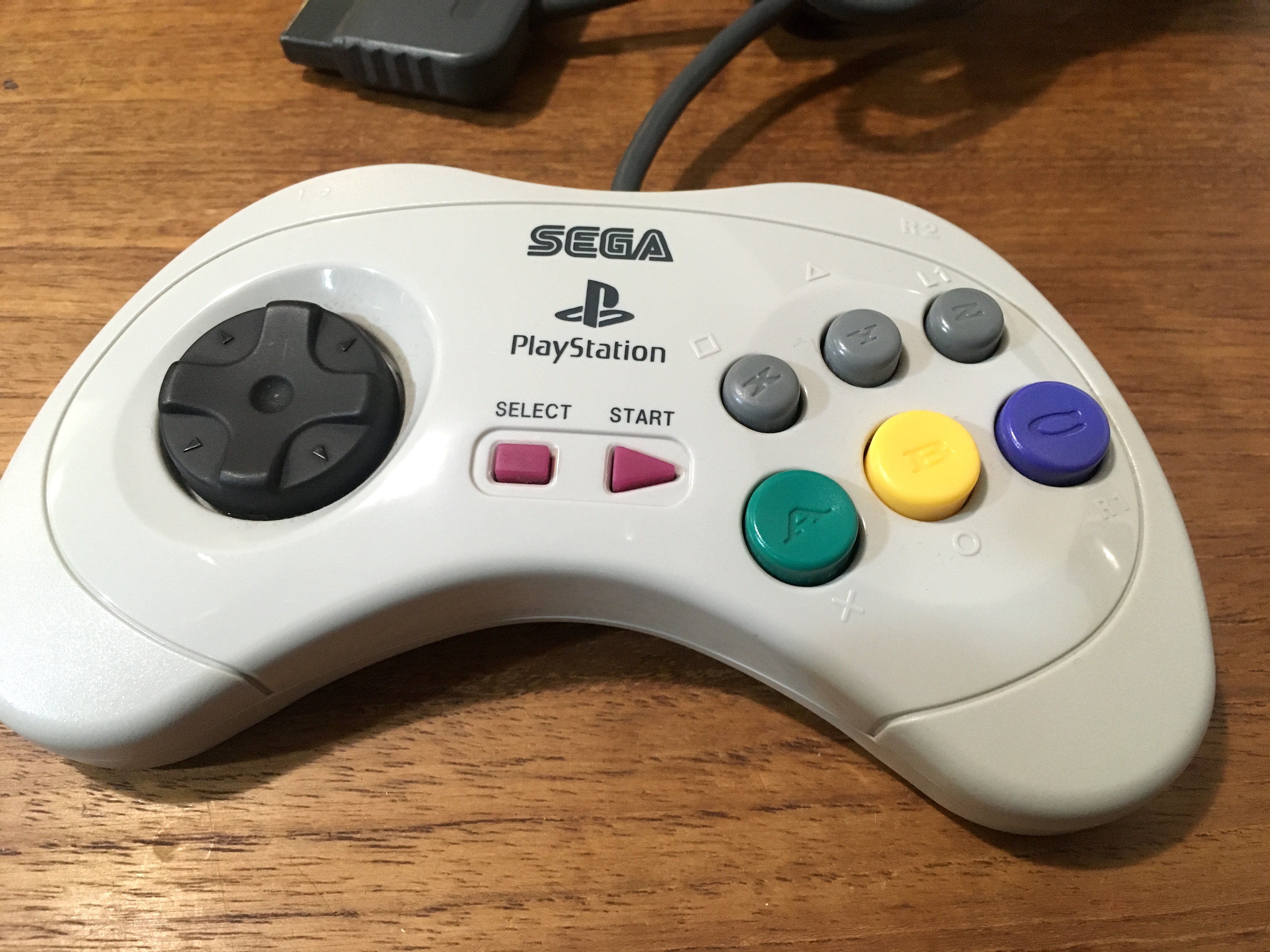
Here’s an interesting little gaming history item. The Sega Saturn Playstation controller. Fully licensed by both Sony and Sega. Minds would have been blown if you could have shown this to kids in 1995…

The full name is ‘Fukkokuban Sega Saturn Control Pad For ‘PlayStation 2’ and they were released in 2005 when the recently third party Sega saw a market for decent fighting game pads for the flood of fighters appearing on the PS2, in particular the recent Capcom fighting collections. There were a few different colours released, including a purple one which came bundled with Capcom’s Darkstalkers Collection.

It is also fully compatible with the original Playstation, so is a great way to play all the 2D fighting games on that console, as well as any other games that need a d-pad better for rolling between directions than the thumb destroying segmented d-pad of Sony’s controllers, or games that use six face buttons.

The unique set up with all buttons having dual labels matching both the Saturn and Playstation button names, plus the addition of a Select button mean it’s the only way to have full functionality on a Sony console while using the superior Sega controller shape and d-pad.

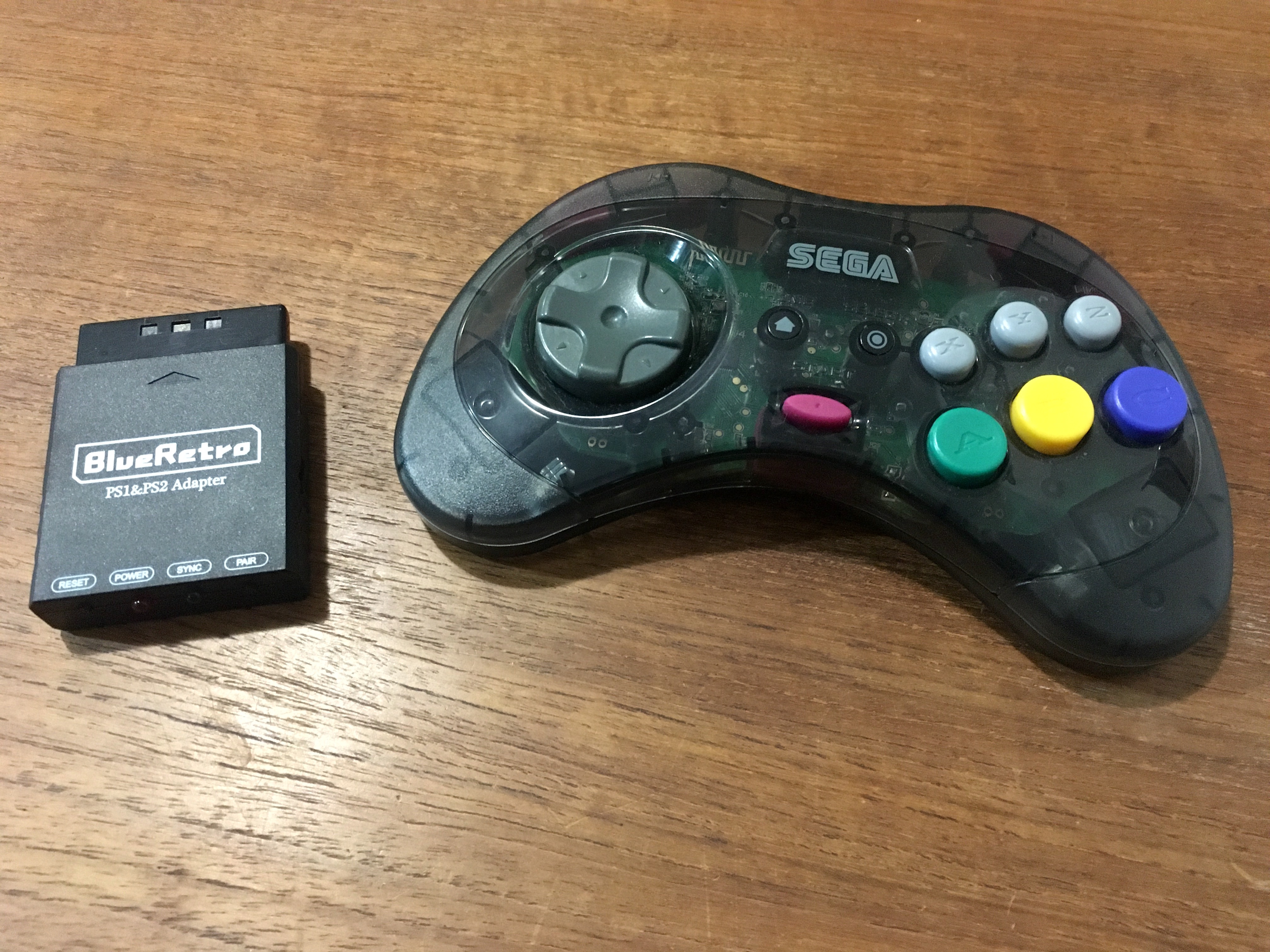
These days there are plenty of more flexible options for using a Saturn pad on almost any console thanks to protocols like BlueRetro. My current go-to us a Blueretro adapter and the Retro-bit Saturn pad.

But for nearly two decades this was my go-to for playing fighters and shoot-em-ups on Sony consoles. They’re quite rare and valuable nowadays so hard to get ahold of.

Australian soft box Master System games

With a pickup of a near mint copy of Casino Games, I’ve become (re)obsessed with Australian soft box Master System games.

This is purely nostalgia, because these were how the first ever games I played at home were presented, in ‘VHS clamshell’ style puffy plastic cases.

The Australian distributor for Sega were a company called Ozisoft, who were notoriously cheap. To save money they got the inserts and carts and manuals sent from Japan, but sourced cases locally from the lowest bidder, and you end up with these soft box variants of some games.

Regular cases were also used at various points in Australia so it was pretty randomised which version you could end up with. Originally these were generally considered the inferior versions to the hard plastic case releases, due to them being, well, inferior versions.

However these days the soft boxes are really hard to find in good condition, because they crush so easily most were destroyed or damaged over the years. So I grab nice condition ones when I see them cheap.

For more info on Ozisoft and Sega in Australia I’d recommend reading various items on Retro Gaming Australia, which isn’t updated anymore but has a lot of good info recorded about the Australian market.

8bitdo Wireless receiver mod for Sega Mark III

The 8bitdo Mega Drive Retro Receiver doesn’t work with the Mark III or SG1000. It connects but the buttons don’t work properly due to the extra signals in Mega Drive pads.

I’d given up ever having wireless on Mark III, but looked further into it, and it’s because the SG1000 and Mark III are mapped to the SG1000 keyboard interface. So how to reenable this?

Long story short, essentially (and pretty obviously) the Retro Receiver is acting like a Mega Drive six button controller which features a selector pin to allow for the extra buttons. SG1000 and Mark III buttons are all active low inputs pulled high by the console, and all the controller does is ground them.

So by killing the selector pin 7, it may work…

And Robert’s your mother’s brother. Wireless official Famicom dogbone (using an 8bitdo mod kit) on the Mark III.

I feel like maybe I should re-use my white Saturn pads (with 8bitdo mod kit) for Mark III to keep it all Sega, but it feels weird with so many unused buttons. And the dogbone just feels great for Mark III. It’s actually quite a revelation to use such a solid non-floaty dpad on Sega 8-bit games.

Modding the Sega Mark III for more recent Master Everdrive support

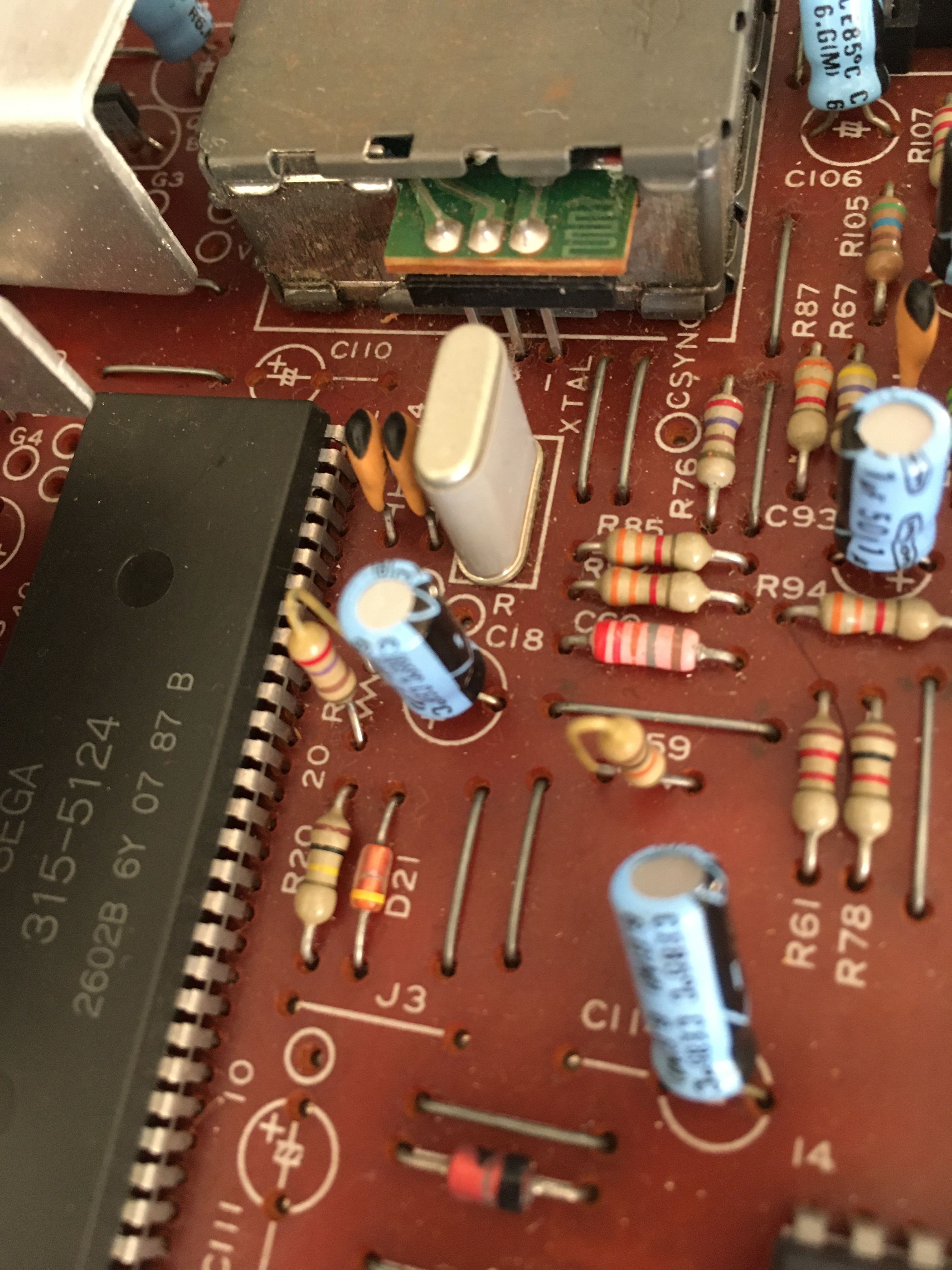
I decided to mod my Mark III consoles to work with the later Everdrive OS versions. The original Master Everdrive works on a Mark III using the oldest versions of the operating system, and this is what I used to make my Mark III Everdrive back in 2015.


It also seems in the intervening years some sellers have commercialised this idea with 3D printed shells, based on images I’ve found.

However, this version of the Master Everdrive is no longer sold, and the new version (and most clones) just won’t work on Sega’s white wonder.

Using info found on SMS Power by user Neto, you can get it booting by changing the value of the capacitor at C18.

Finding the points on the bottom of the board, I add some extra fresh solder, then heated up the points and used a solder sucker.

Unfortunately the first time I did this, when pulling the legs of the old cap up from their bent position, the solder pad came off. I guess messing with 38 year old pads can have issues.

To repair I followed the trace it on the board and connected it up where it should be, the console booted but acted weird, it would keep resetting.

I had to pull up the schematics:

And found killing the pad had essentially killed two traces, and I had to wire the positive leg of the cap between a resistor and a leg on an IC, and then it was up and running.

On my second Mark III it looked like I would have the same issue, as I pulled up the capacitor leg the pad started coming with it, so I just clipped the legs of the old cap on the top of the board and fed the new one through.

I then soldered it up and clipped of the excess. And now it’s up and running perfectly with the latest firmware.

There is one downside. It seems changing this value on bootup affects region selection in some way, and some real western Master System carts now fail to utilise the FM module, and revert to PSG audio.

It only affects some games – of those I tested I found Rastan, Galaxy Force and Wonder Boy III: The Dragon’s Trap played in PSG, while Cloud Master and Wonder Boy in Monster Land still worked with FM.

There are two potential fixes. The first I worked out myself is that this process can be semi-interrupted by holding reset on boot, this returned FM sound to Rastan but it still failed on others.

The second is even better. A recent post by ApolloBoy six years later on the exact same SMSPower thread suggests another capacitor value, 1uF instead of 0.1uF, which has the everdrive still working but FM restored in at least one game. I’ll test this soon!

IPS Screen Mod for Neo Geo Pocket Color

There have been plenty of screen mods for more famous consoles for a decade at this point. Big mod developers have industrialised Game Boy mods, and the Game Gear has a few options around. But the more niche consoles like SNK’s lone handheld, or the Bandai Wonderswan, haven’t gotten the same traction.

However, over the last year or two some some no-name screen mods started floating around on Chinese websites like Aliexpress. Much like Game Boy screen mods, the developers adapt various cheap Chinese phone screens and make adapter board/cables to support the old hardware.

It’s always a risk to spend a decent amount on something somewhat unverifiable and try these things out on limited vintage hardware, but some comments on the listing seemed promising, And some videos from the likes of Macho Nacho showed they do actually work well.

Finally one appeared specifically for my preferred Slim console and this one also needed no shell mods, which is important to me as I can use my favourite graphite console without butchering it.

And, well, the results are insane.

It’s not quite centred, the spacers the kit it comes with push it too far left, so I’ll fix that at some point. But it’s just fantastic.

Here it is with my FunnyPlaying Laminated IPS Game Boy Color with a custom shell. In many ways this NGPC one is better as it’s the original screen size, so doesn’t need a custom shell/lens and looks completely correct to the original, just playable indoors now.

There are various pixel modes. I prefer pixel grids if done well, but the pixel grid mode here takes away too much brightness. I’ve found the scanlines one to look best overall as no filter looks too modern, like an emulated look.

Horizontal scanlines

Vertical scanlines (like a Game Gear)

Pixel Grid (looks a bit washed out here due to phone auto adjusting exposure, in reality it’s darker than the above two)

And no filter.

I’d have to say I’ve been playing a lot more Neo Geo Pocket Color because of this!

If anyone is interested here’s the exact listing I used, hopefully it stays active

https://www.aliexpress.com/item/1005003591590242.html?spm=a2g0o.order_list.order_list_main.243.74c318027HRCEM

On another note, there are also new shells now selling with or without the kit. I grabbed one in case I needed it, and it looks fantastic, exactly like the original clear model and very high quality, so these too are recommended.

Nintendo Mini Games series (ミニゲームシリーズ) (1971-76)

In the early 70s Nintendo ran a line of cheap portable toys called the ‘Mini Game’ series. I guess they were the pre-digital equivalent of the Game Boy, the scaled down portable brethren of the company’s home based products.

More can be read about them on the Before Mario blog.

I managed to pick up a selection a few years ago, they are all new and sealed in their hang tab boxes, though the packaging obviously has a lot of shelf wear, and the glue holding the plastic to the cardboard has given way in many cases so they’re not really ‘sealed’ anymore.

Here are some from my collection.

Hockey Game

Smart Ball

Roulette

Air Gun

Baseball Pachinko


My current gaming set up (2022)

With the birth of my little boy and moving house twice I’ve had a busy couple of years! The upside is I finally have space for a permanent gaming (and VHS) set up tucked away in a corner.

Setup2022_5536

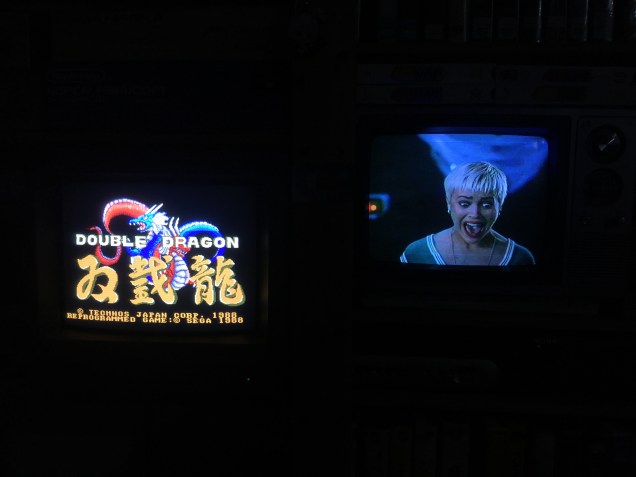
There’s a TV just for VHS, plus several for gaming. The screens on the top left are 80s monochrome PC monitors, which are great for certain specific things but not everyday drivers. On bottom left is the main gaming monitor, a Sony PVM.

Setup2022_5539

It’s the perfect combo for playing Double Dragon while watching Double Dragon.

Setup2022_5548

Yes we agree Marian. The hit detection is terrible on the Mark III port!

Game Box Protectors – Japanese Sizes Part II

Box protectors for games started popping up around 20 years ago, and are a great way of keeping vintage games protected but still accessible and playable. However it has taken a very long time for certain box sizes to get protectors that fit properly, particularly Japanese box sizes.

In my previous post on the topic, I looked at some (at that time) newly available sizes for Japanese Game Boy and Game Boy Color games, as well as some custom protectors I had produced for Japanese Sega games, plus some suggestions I had used for certain other types.

Well, progress marches on, and there are even more sizes available today. Better yet, Chinese producers have gotten in on the game, meaning cheaper prices direct from China, versus resellers in various countries all over the globe with big markups and sometimes very expensive postage.

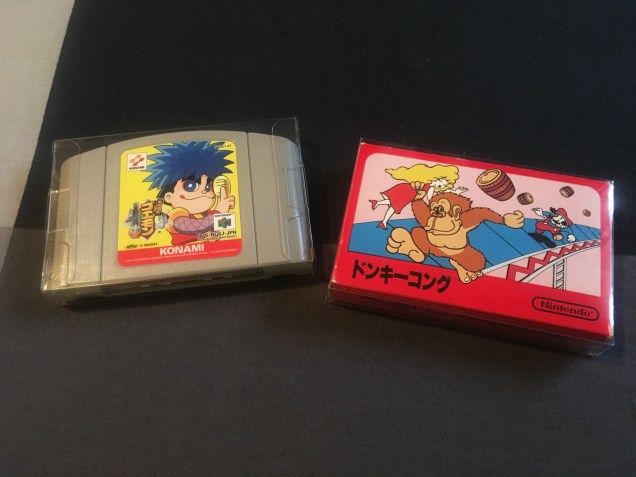
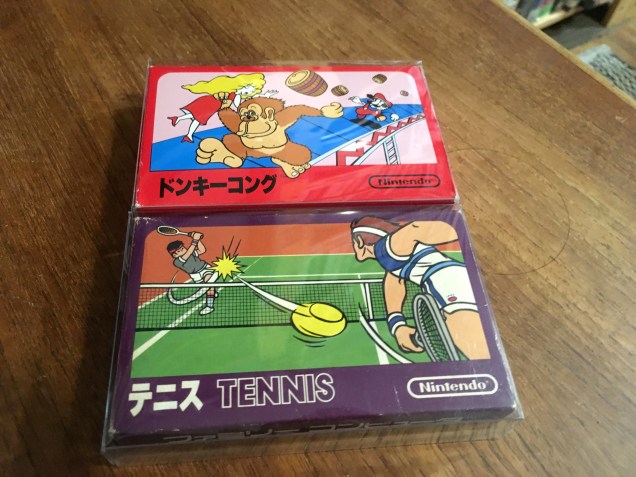
Custom protectors for Famicom medium and small boxes

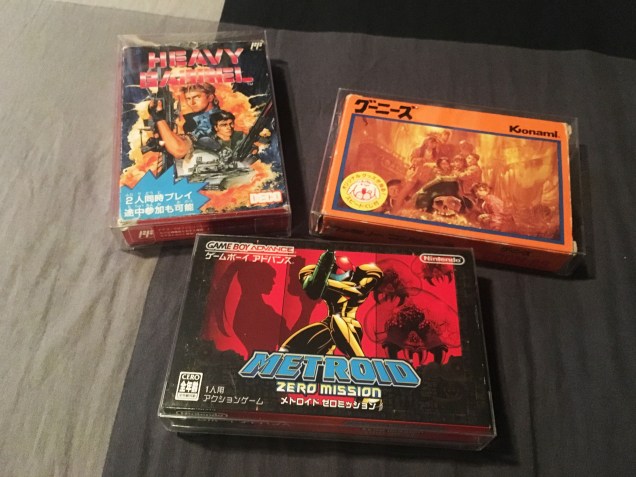
Previously I’d been using Japanese Game Boy Advance protectors for my ‘mid size’ Famicom boxes. They had a bit of room to move, but it was the best option at the time.IMG_5419

But now there is a custom snug fit option.

Boxprotectors_5524

Similarly, previously I’d been using protectors designed for Nintendo 64 cartridges for small box Famicom games.

SmallBoxFami_5492

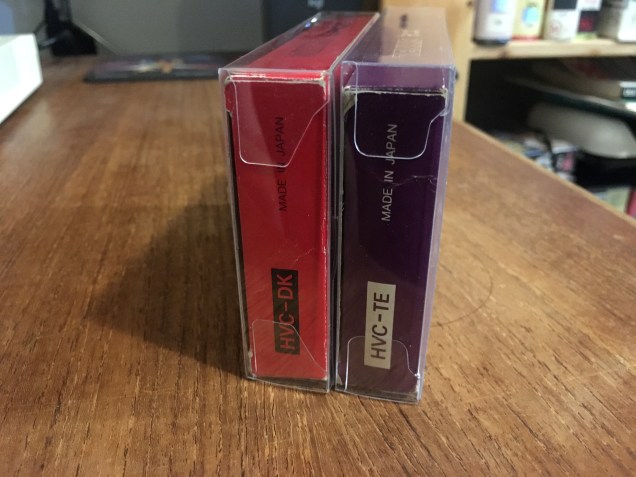
They were not the greatest as they were a bit tight width wise, but worked okay due to being taller. But now there’s a custom snug fit for these too.

Boxprotectors_5525

It’s hard to tell from the front, but you can see the better fit more clearly from the side.

Boxprotectors_5526

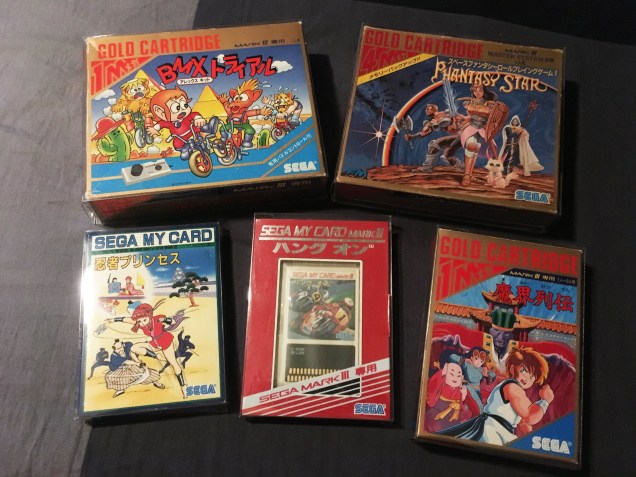
Sega Mark III

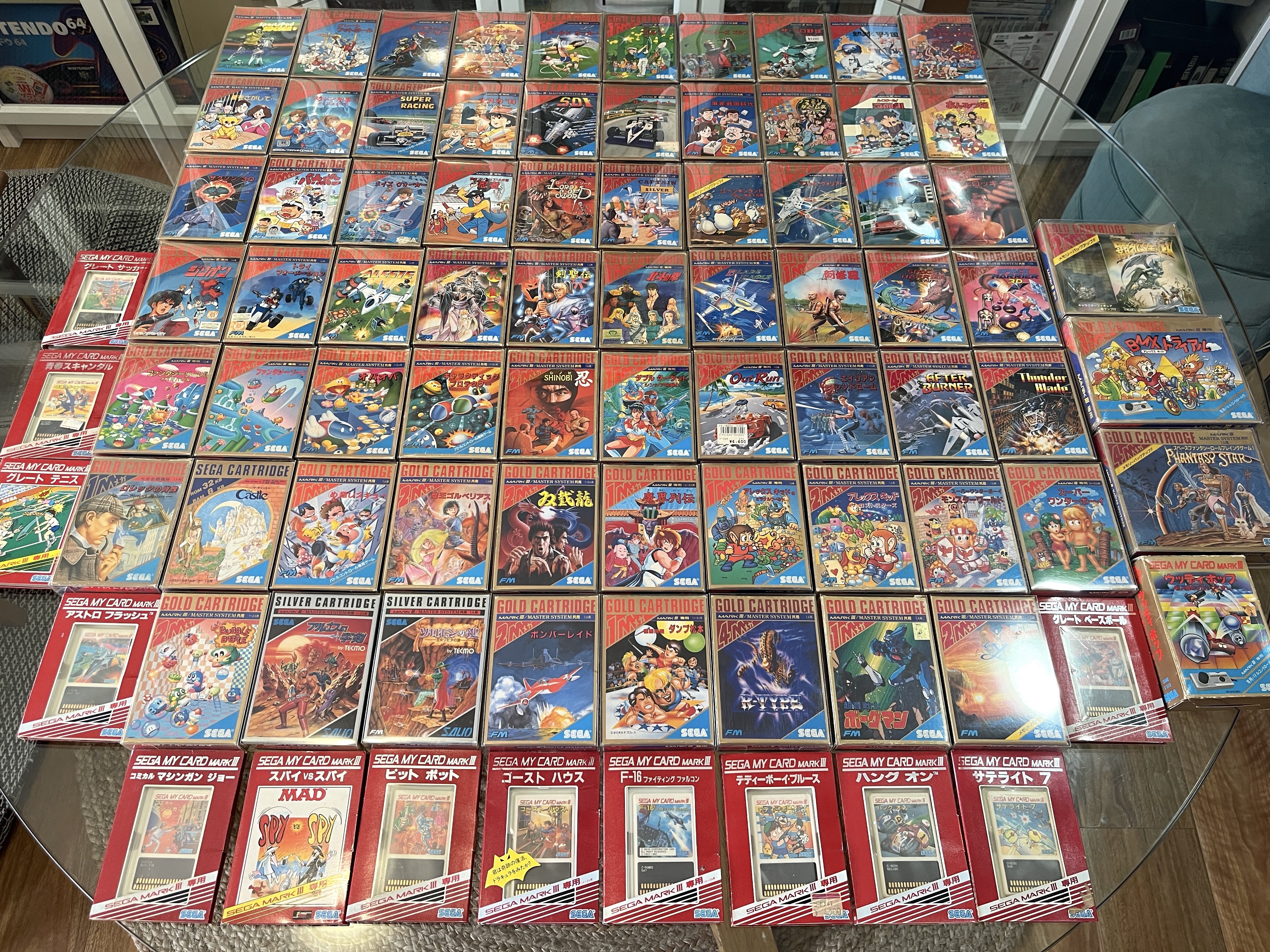
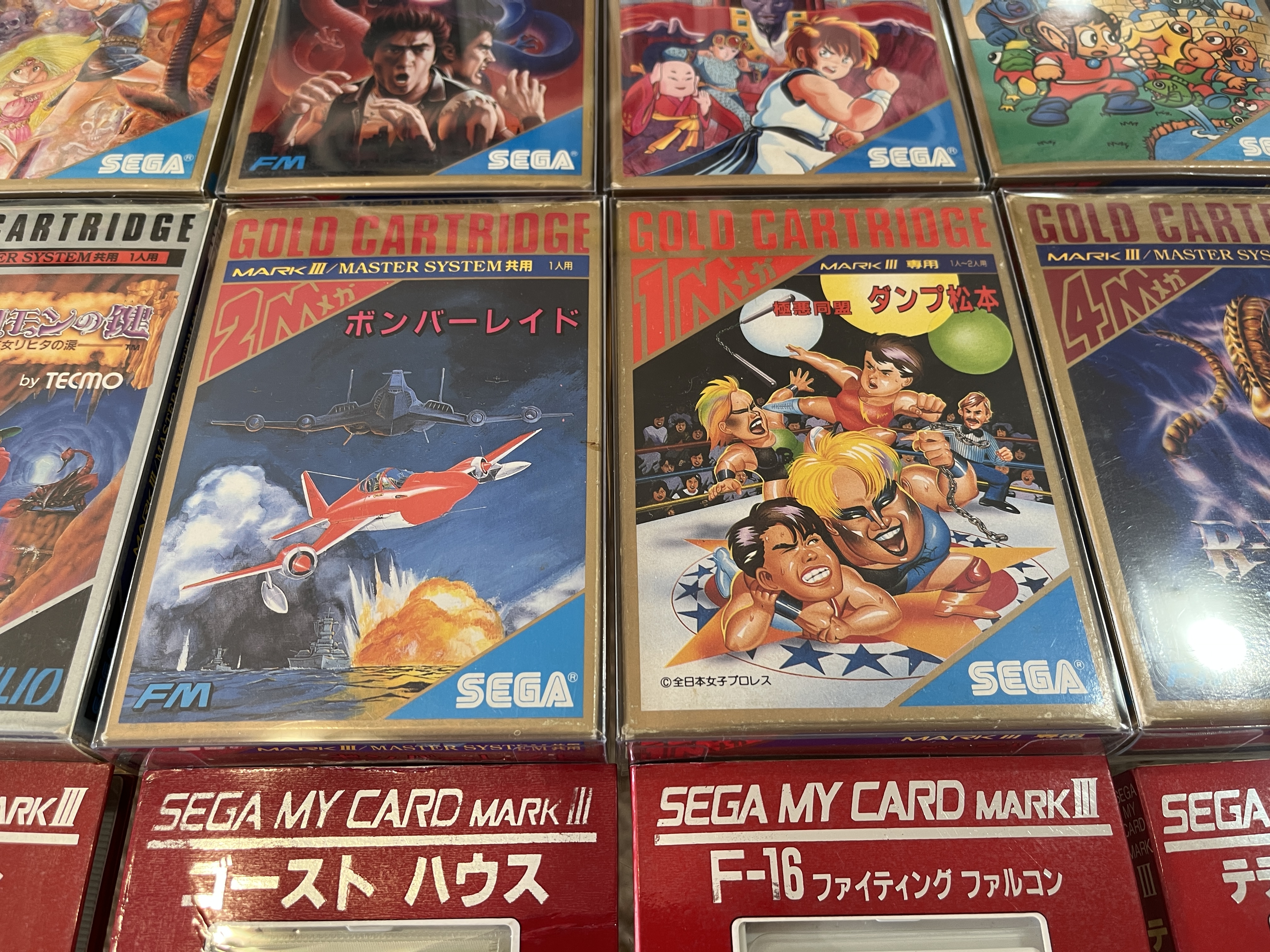
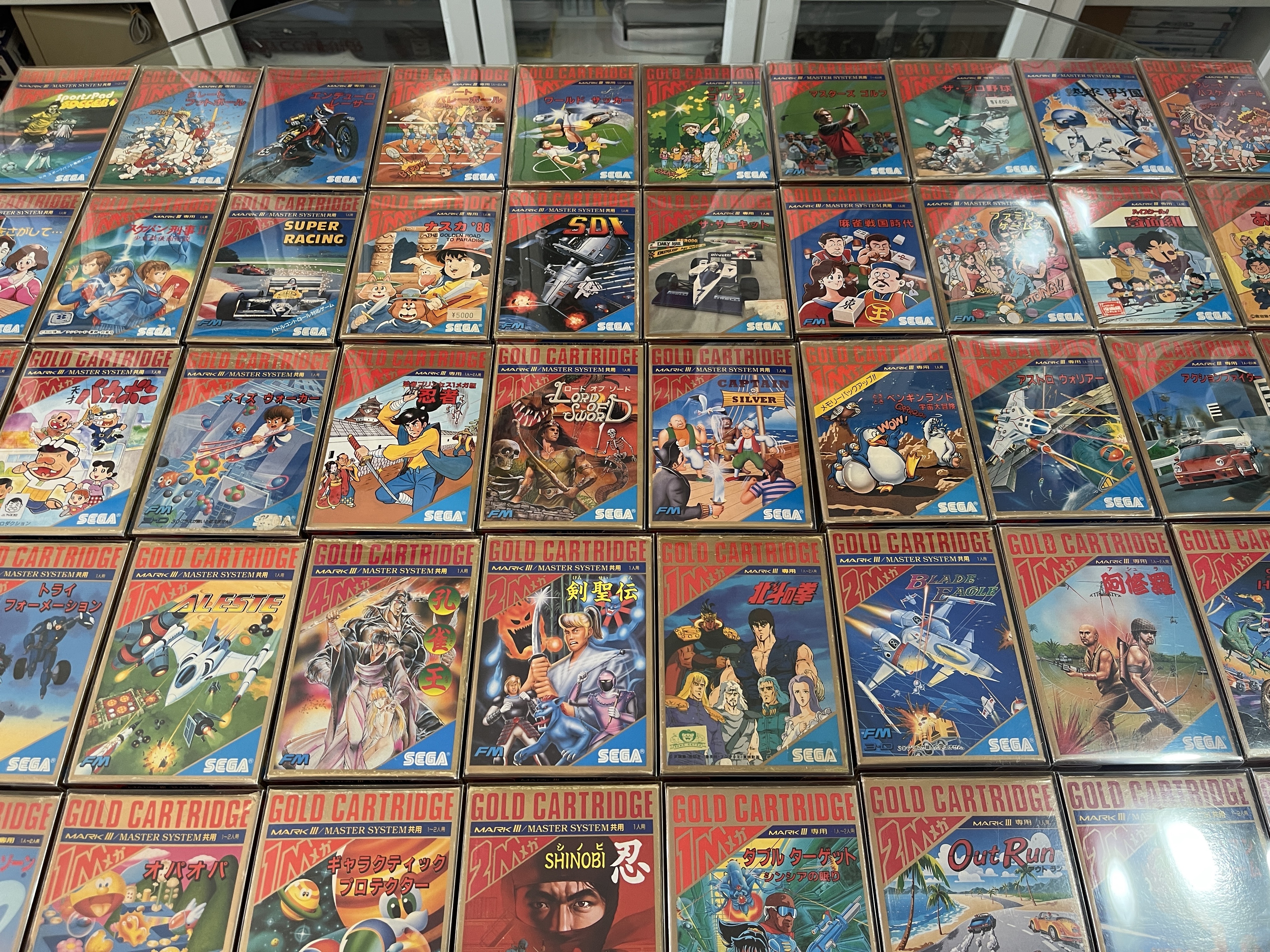
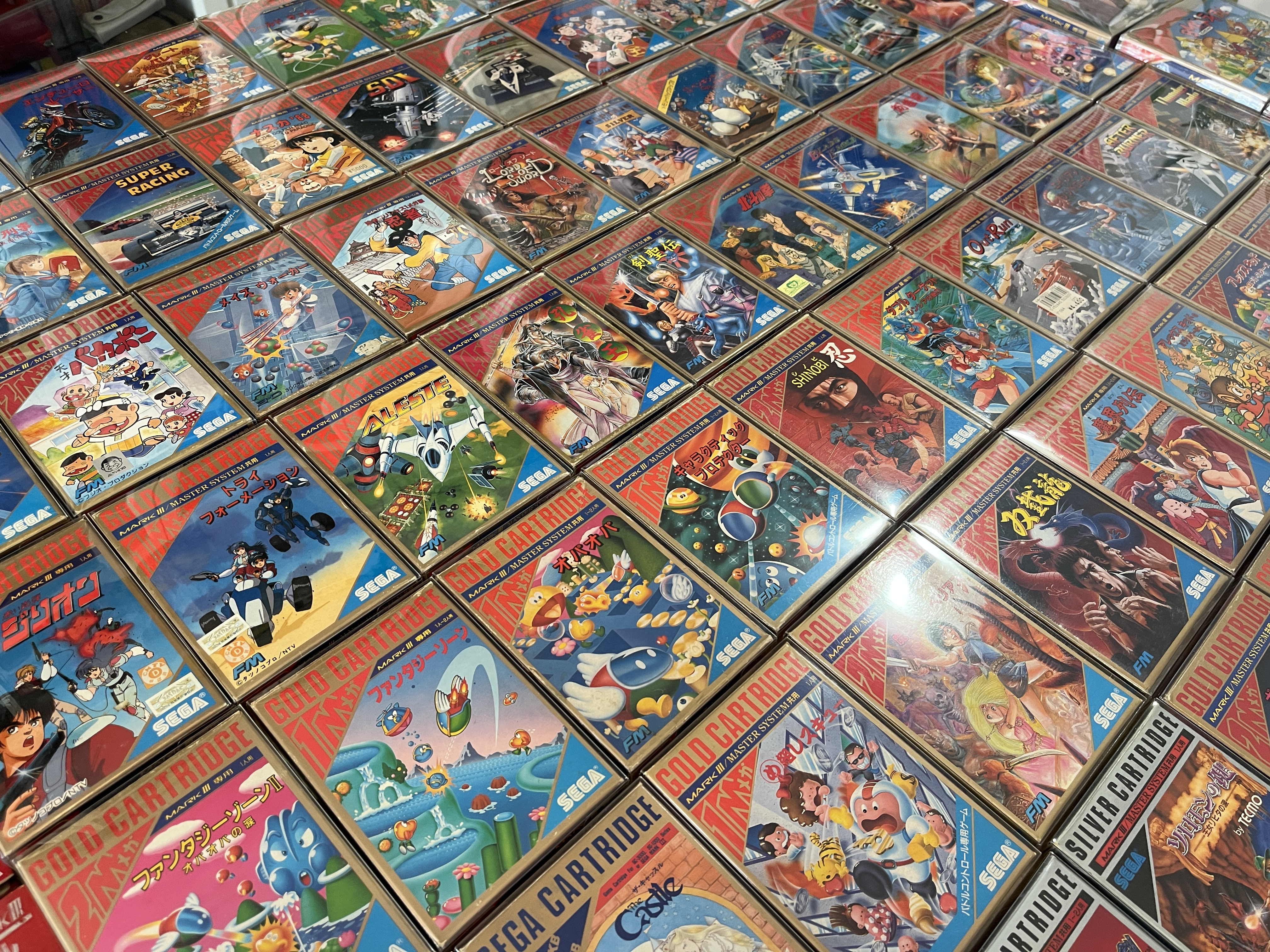
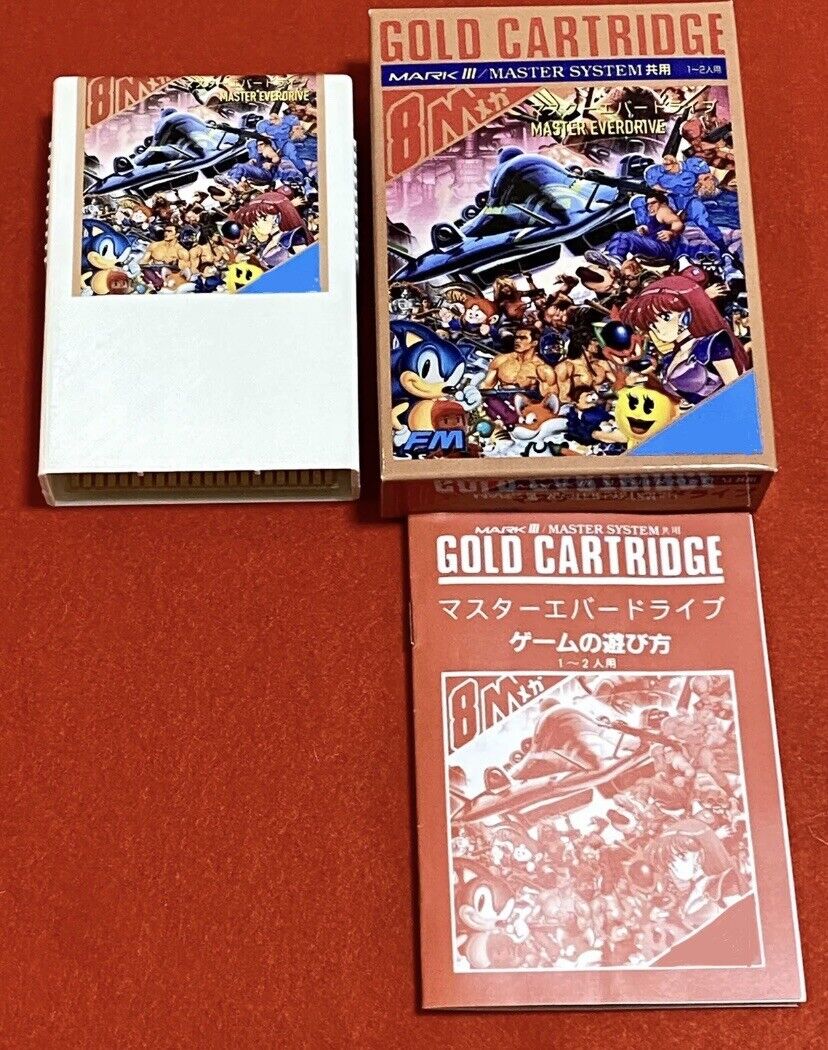
This one had me quite excited. I’d previously had some custom boxes made for my Sega Mark III and SG1000 games of various sizes, as no other sizes were close enough for an adaptation. These custom ones were quite expensive!

Customs

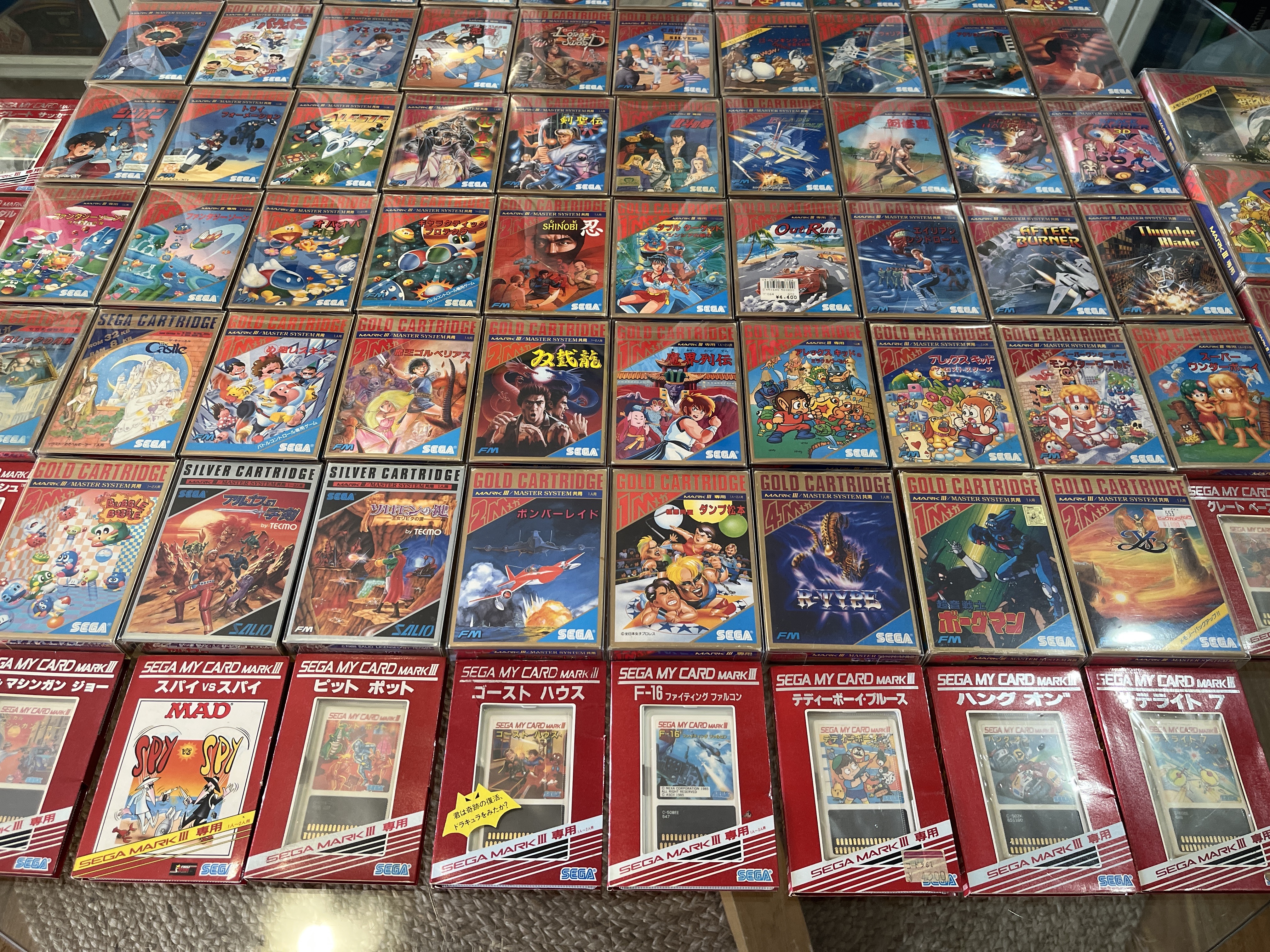
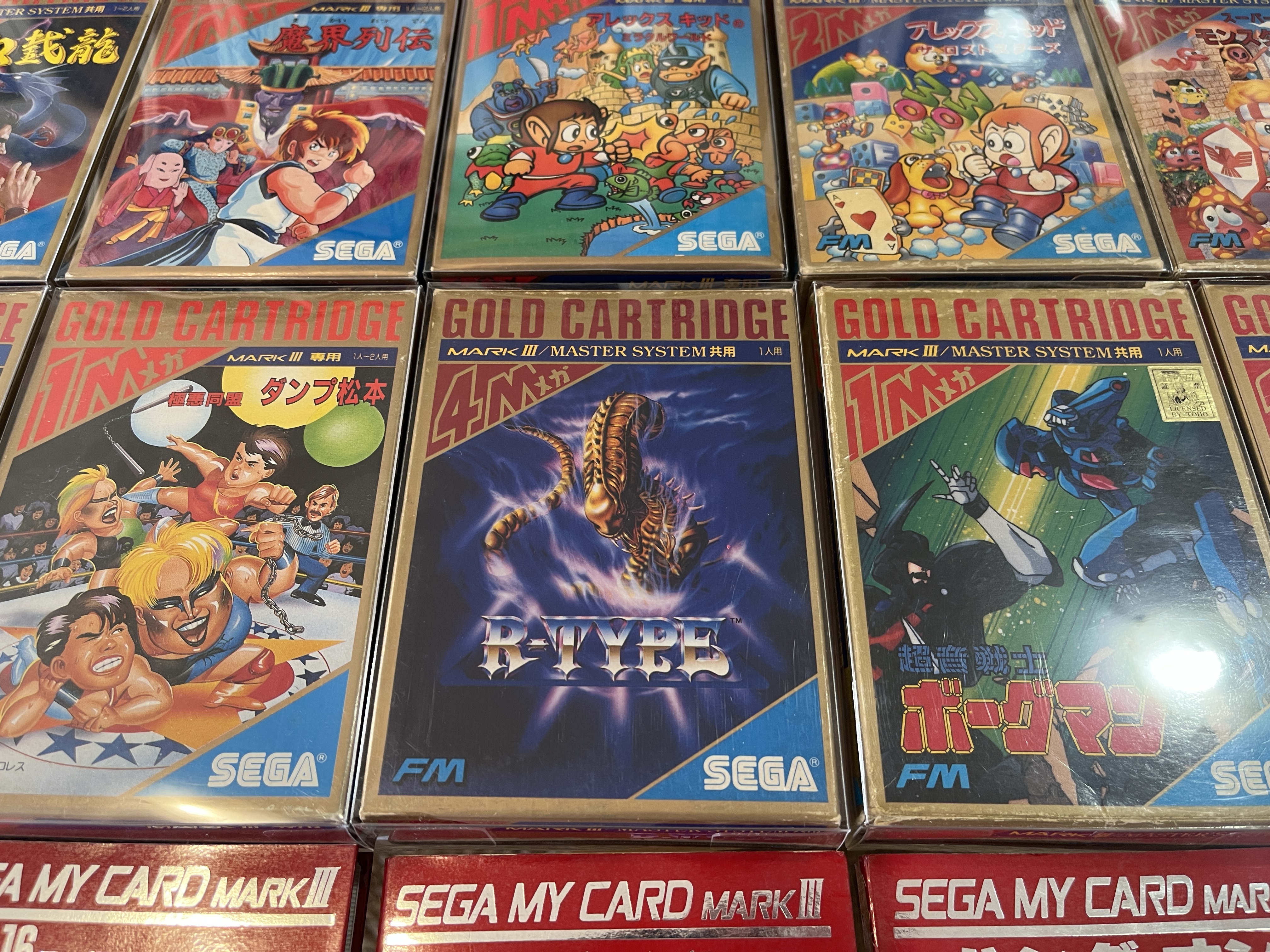
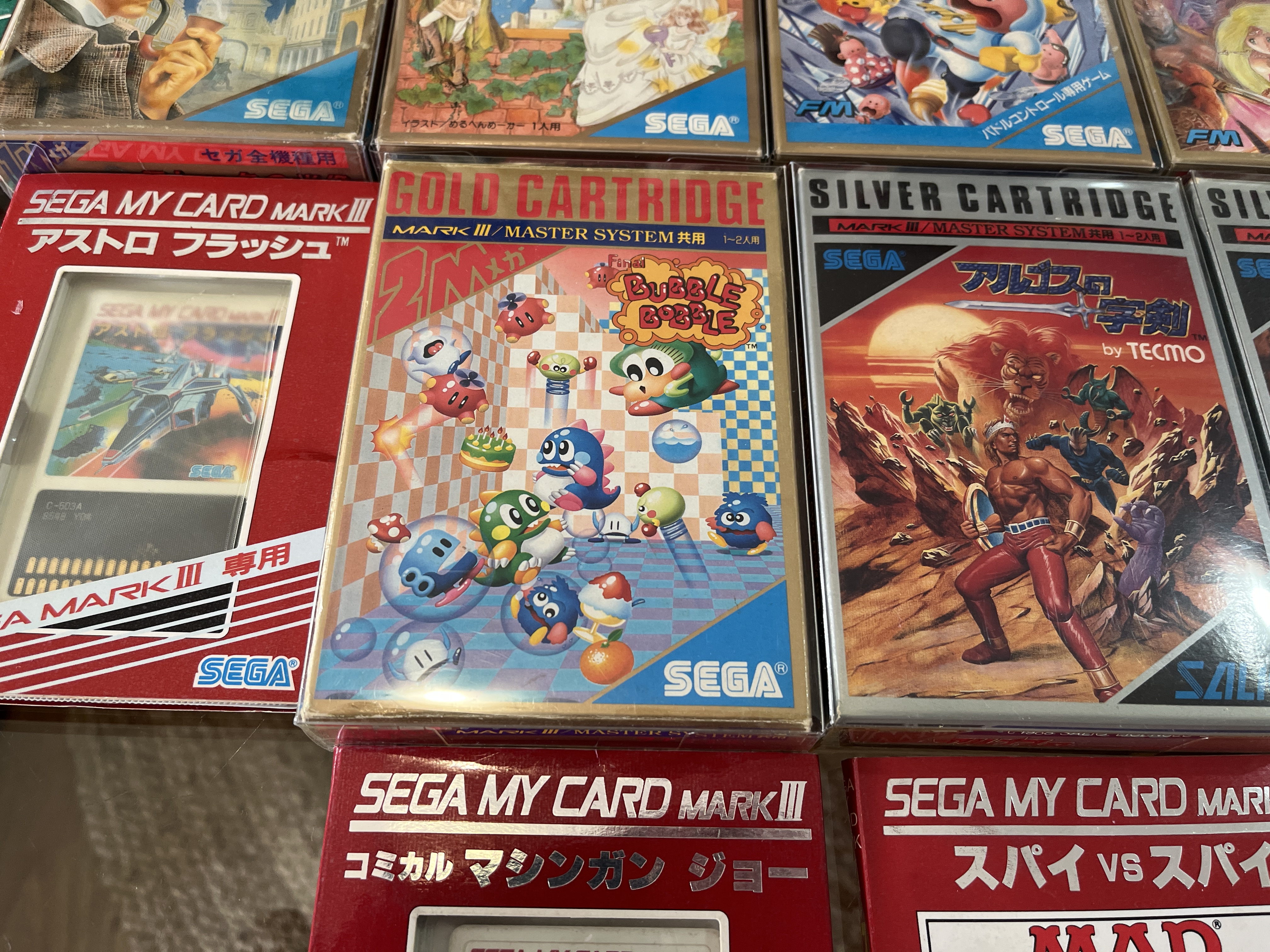
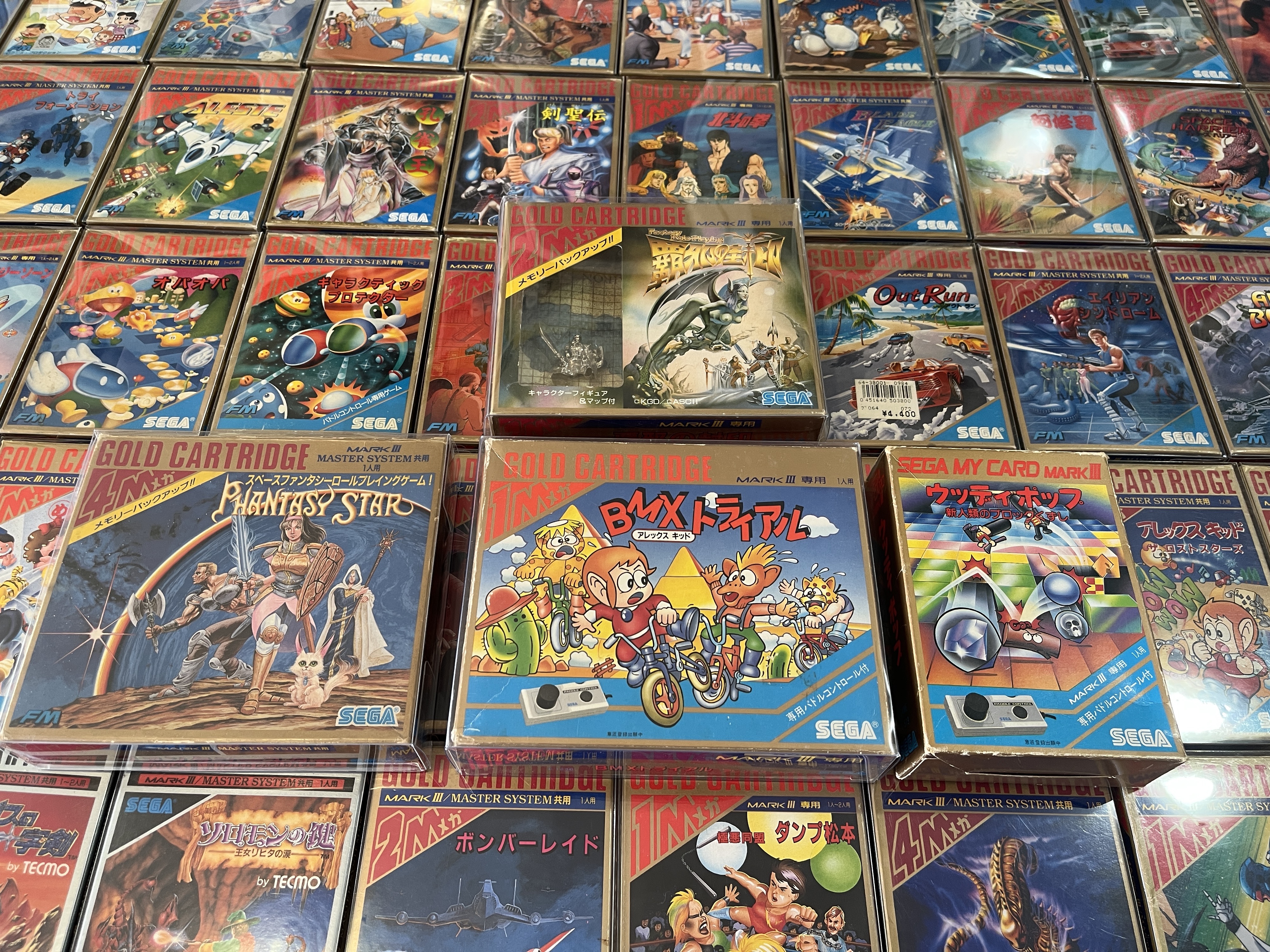
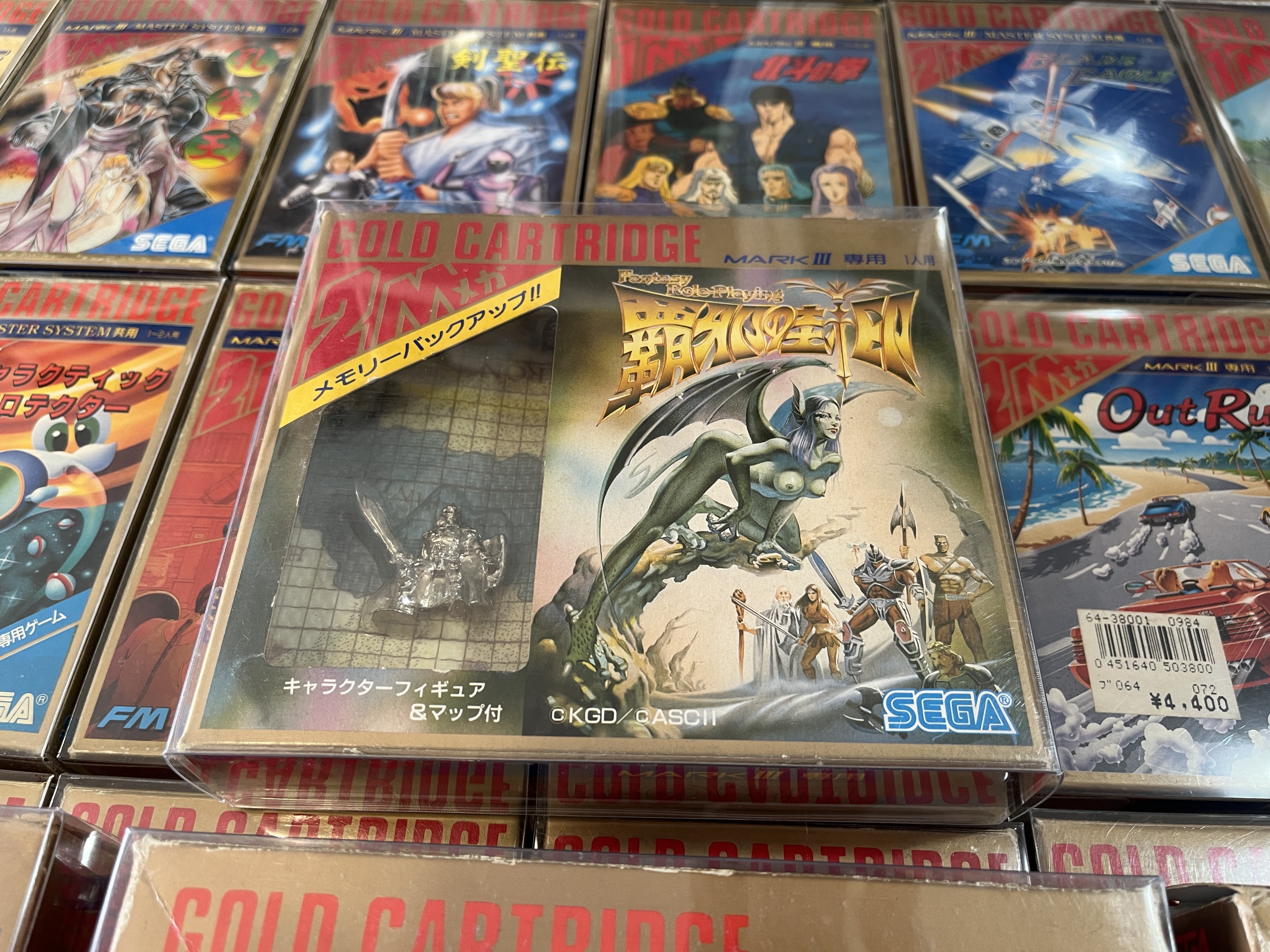
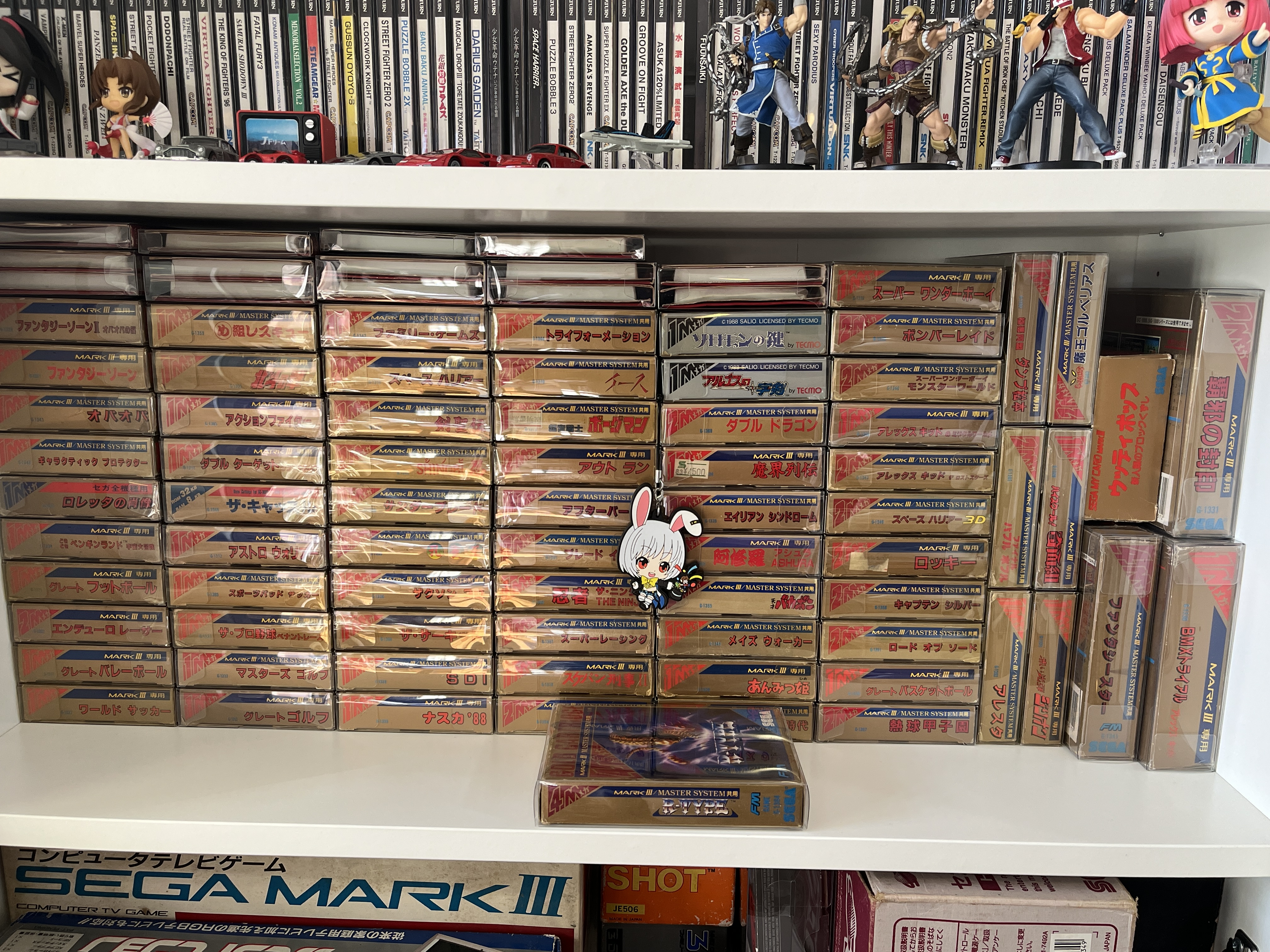
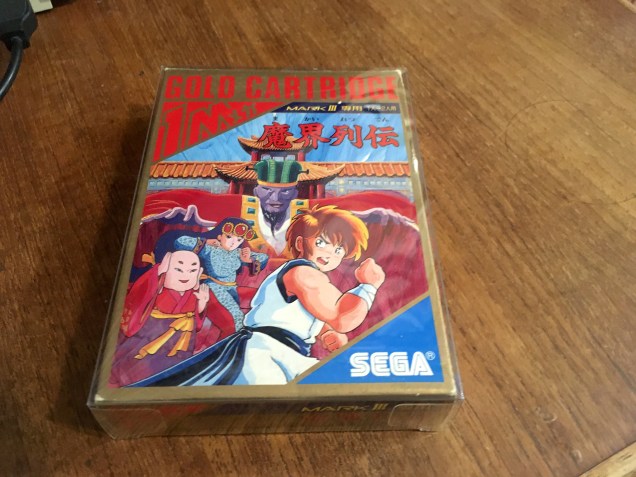
But now there’s a regular commercial option, at least for the most common Gold Cartridge size.

Boxprotectors_5527

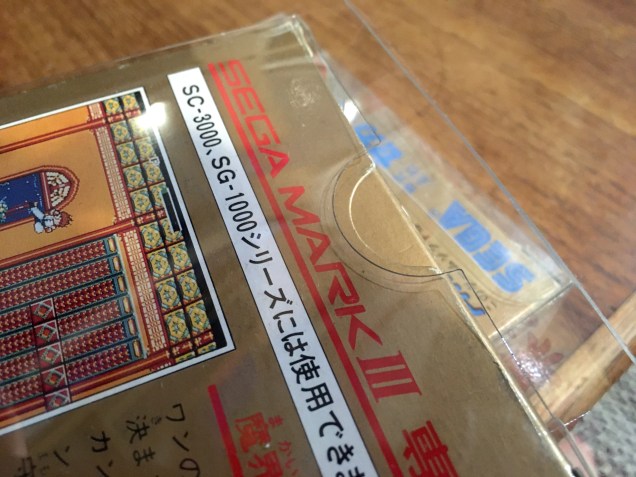
It also has a small upgrade, a circular cutout to help open the box flap with less risk of damage.

Boxprotectors_5529

That’s about it for now. I’m still waiting on custom sizes for the SG1000 small box, Sega My Card SG1000, and Sega My Card Mark III. They may be too obscure to ever get any, but hopefully one day!

NTSC games on a vintage early 80s PAL Television

I keep an early 80s colour TV for that classic vintage video look.

‘Rank Arena’ was a local badge for NEC screens in the 70s/80s, presumably because ‘Nippon Electric Company’ may have put off some buyers due to xenophobia or outdated ideas about Japanese products being unreliable.

It could be questioned why would one use a low-end older screen when there are much better, higher quality, RGB equipped alternatives available. In my case only a few inches to the left.

But this screen in particular is great for a period-perfect look when watching VHS tapes.

Yes, it’s the original cut with the voiceover…

It’s also a great screen to play old games with the proper vintage look. But most of my consoles are NTSC, which means a rolling black and white picture.

Luckily, televisions this old still had manual vertical hold adjustment knobs, right on the front in this case.

And so a stable black and white picture is easily attained with a quick adjustment, if squashed due to PAL TVs having 576 lines instead of the 480 of NTSC (or 288 instead of 240 in this case due to old consoles running a 240p signal)

But what about the colour?

There are various cheap NTSC to PAL digital adapters available these days. They work, but they add lag and judder, as they’re essentially buffering frames and rebuilding the analogue signal to display 60hz images in standard PAL 50Hz.

What I really needed was a pure composite colour transcoder. Luckily there was a situation that created demand for such a thing.

In the early 90s, a pseudo-standard called ‘PAL60’ was developed to allow people to watch NTSC video tapes. Compatible VCRs would output in PAL colour, but at 60Hz. Most TVs from the mid 90s onwards could handle a PAL60 signal.

This was fine for a VCR, and the standard was utilised by consoles like the Dreamcast and Gamecube which had PAL60 modes for 60Hz gaming. But if you imported an NTSC console, your PAL60 compatible TV would play at the correct speed – but in black and white, because the TV could not understand the NTSC colour.

Enter composite colour transcoders.

It leaves the signal completely alone apart from analogue transcoding the NTSC colour to PAL. Here’s it running on my NTSC NES.

Voila! Stable full colour 60Hz Castlevania on a very old PAL TV.

The picture remains squashed of course. This could be adjusted via the TV’s geometry controls, but it’s also exactly what PAL games looked like back in the day anyway. Only now they play full speed!

Sure it’s got nothing on playing it via RGB.

But this look has historical value, since it’s what these games looked like for 99% of people in the 80s.

Of course it also works great on the Sega Mark III.

Super Famicom

And any console all the way through to the end of the analogue era. Playing Silent Hill on this screen works beautifully, looking even more like the pulpy VHS experience it was always designed to be.