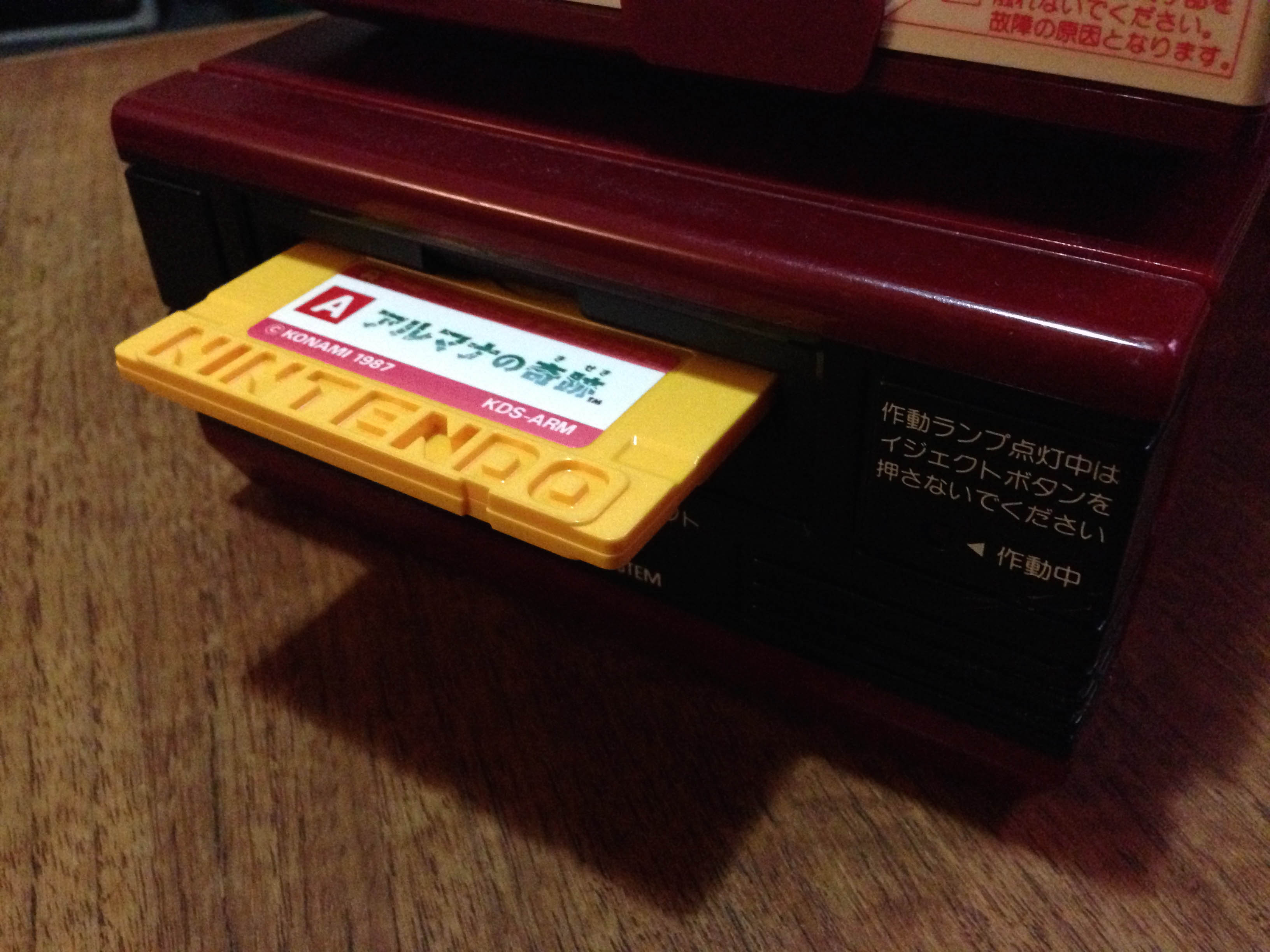
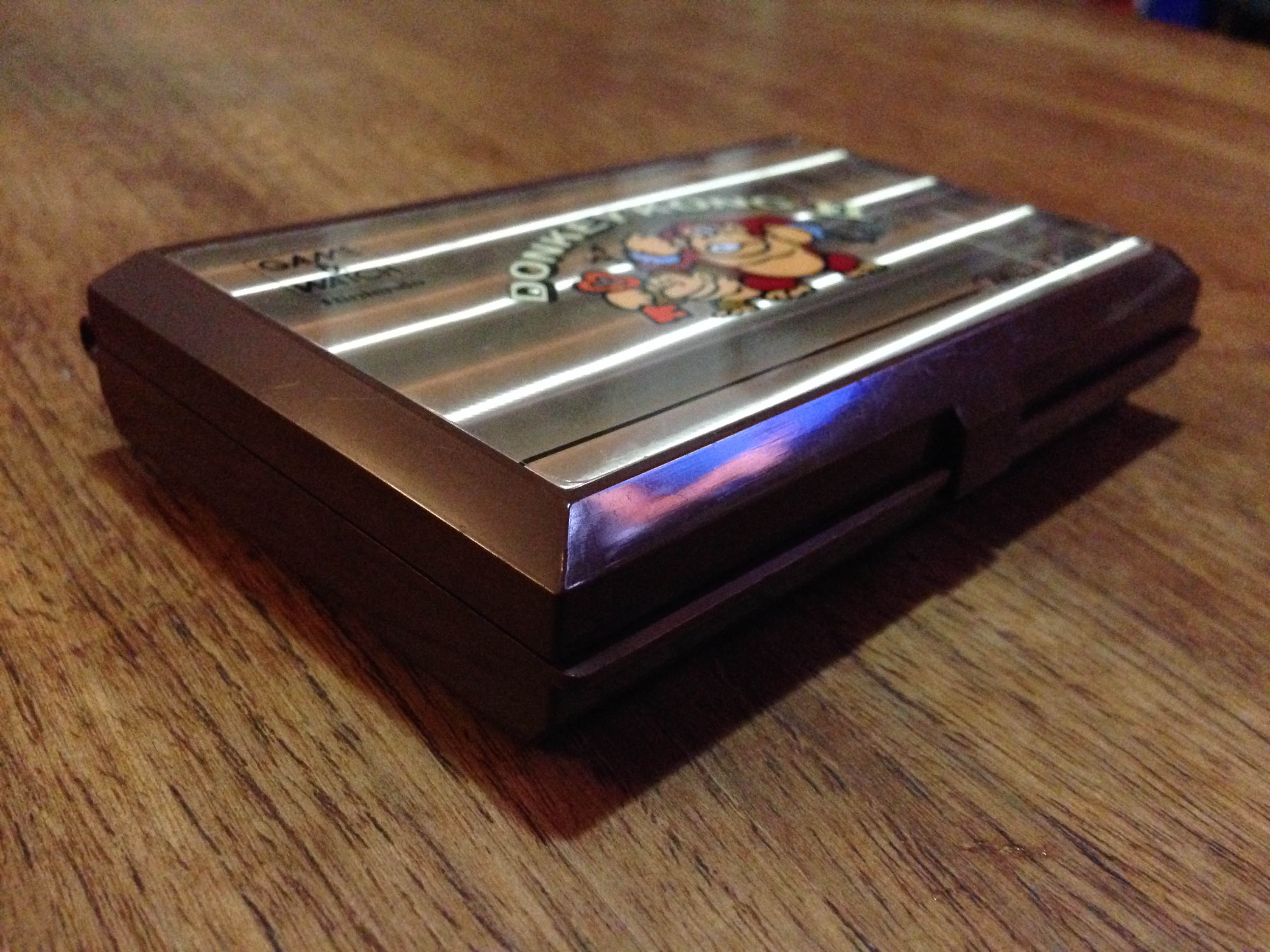
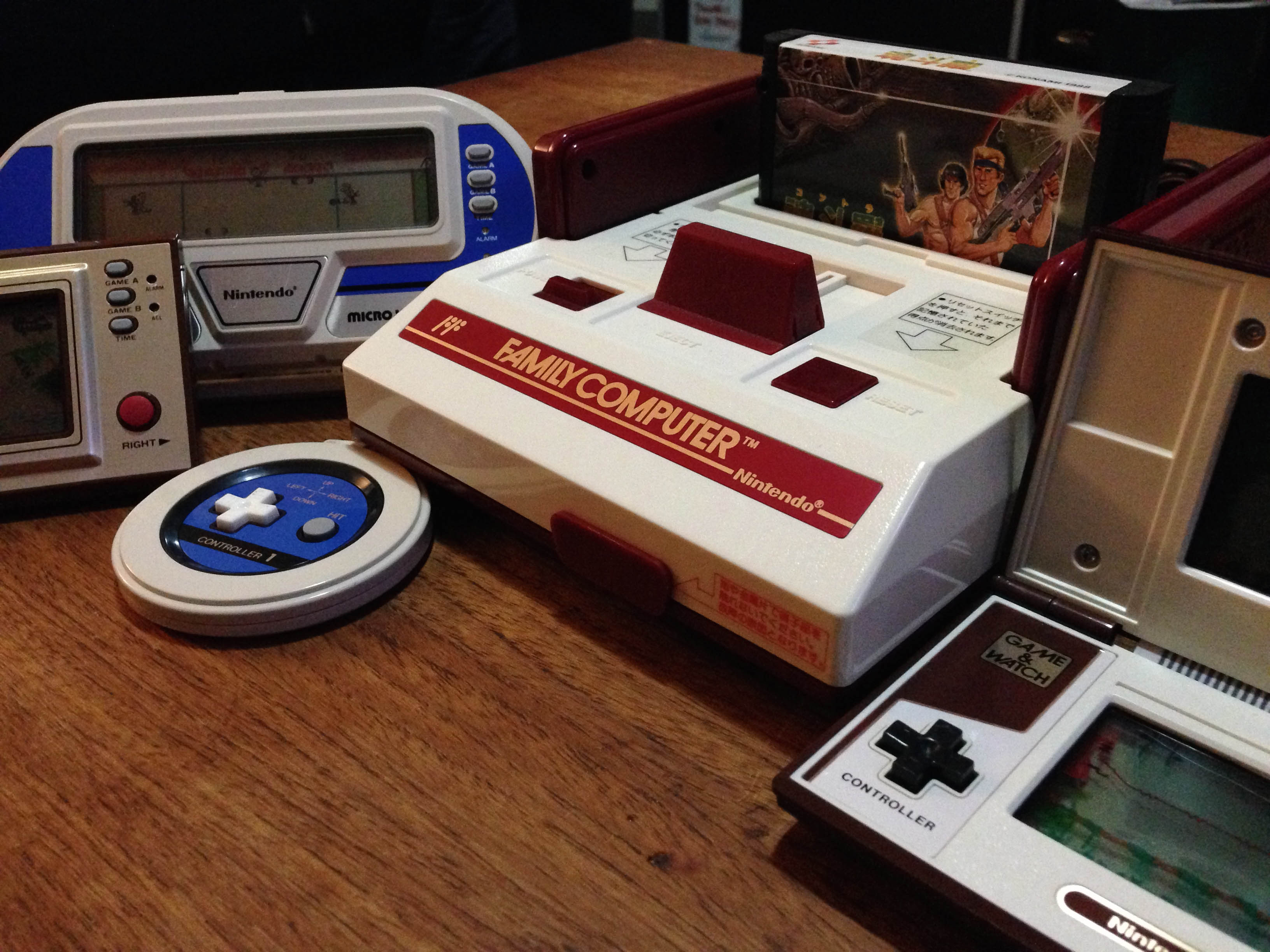
1983 Face Off: Donkey Kong (Famicom) vs Congo Bongo (SG1000)

It is July 15, 1983.

Two new consoles have been released by two prominent Japanese arcade developers – the Family Computer from Nintendo, and the SG1000 from Sega.

DKvsCB_6191

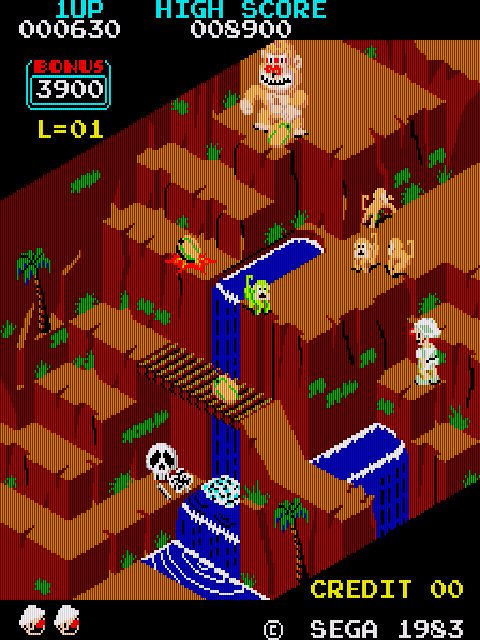
The big game in the arcades is still Nintendo’s Donkey Kong, featuring future superstar-to-be Mario. But the bigger name in arcades right now is Sega, whose Turbo and Buck Rogers: Planet of Zoom are doing incredible things graphically. And Sega now have themselves an answer to Donkey KongCongo Bongo. Essentially a conceptual clone of Donkey Kong (and in the later stages Konami’s Frogger)Congo Bongo differentiates itself with an innovative and incredibly impressive isometric 3D perspective.
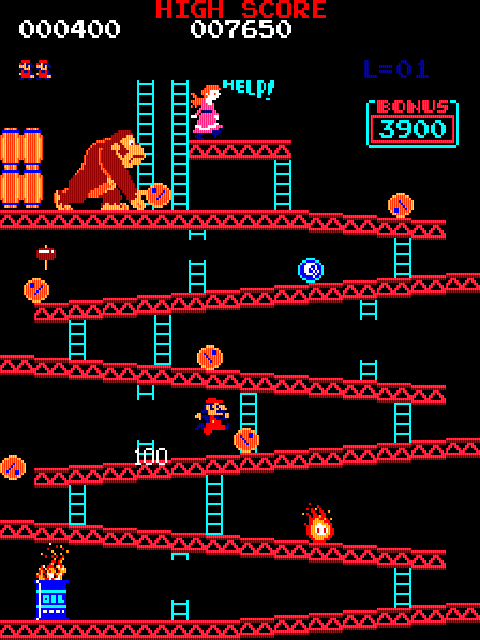
Donkey_Kong_arcade    CongoBongoArcade

In turn, both companies’ new consoles have launched with home ports of these killer titles.

DKvsCB_6244

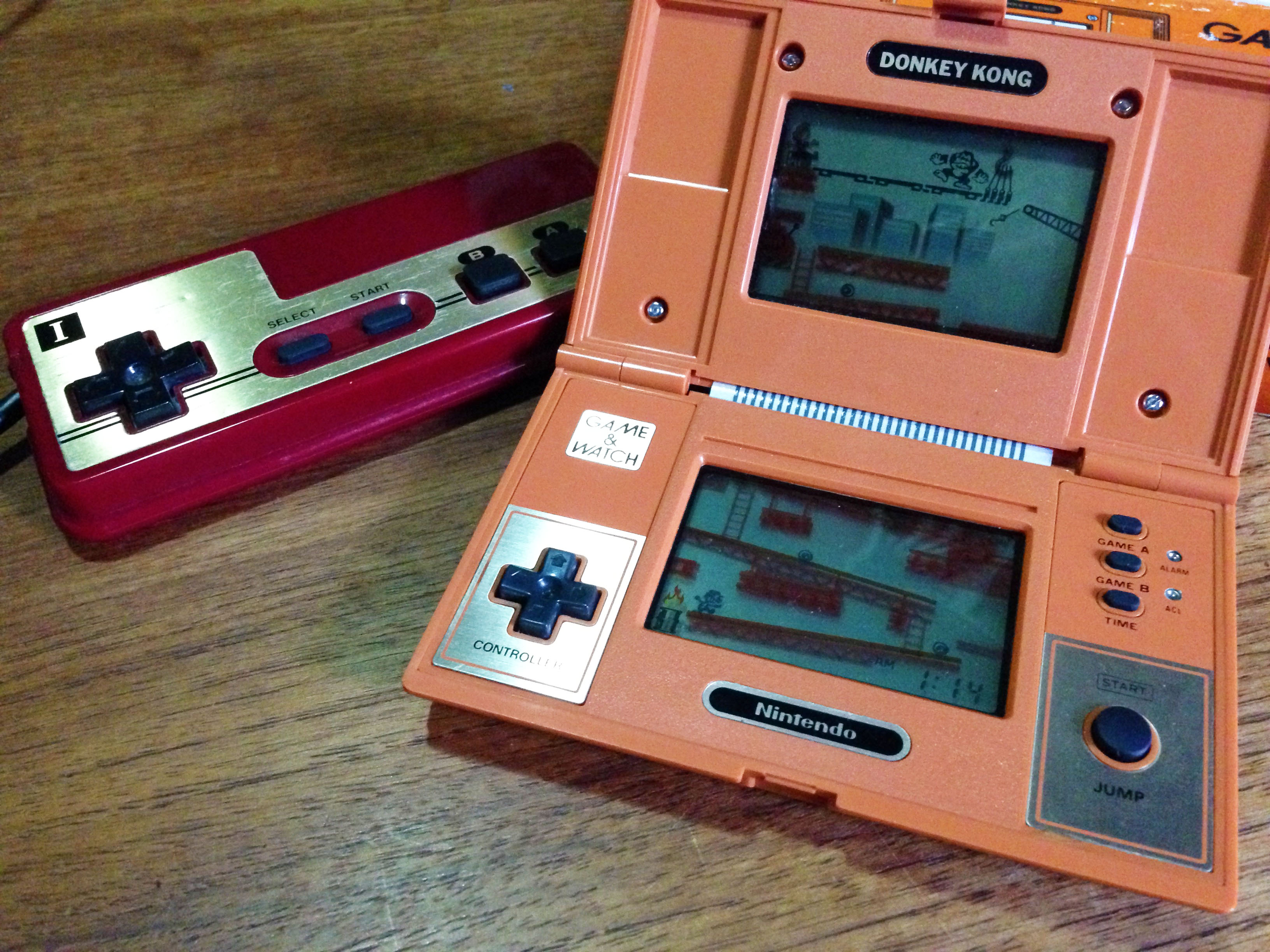
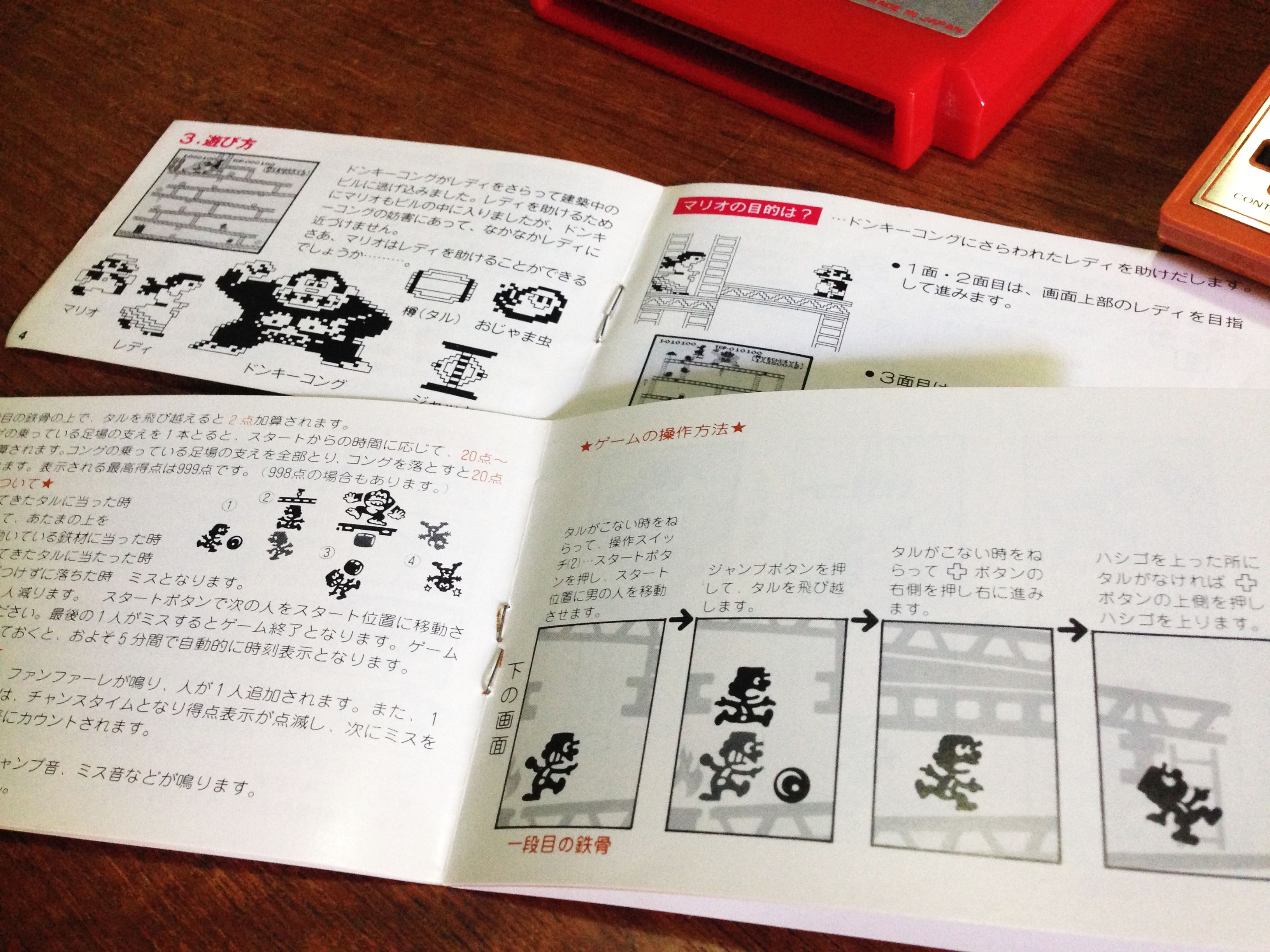
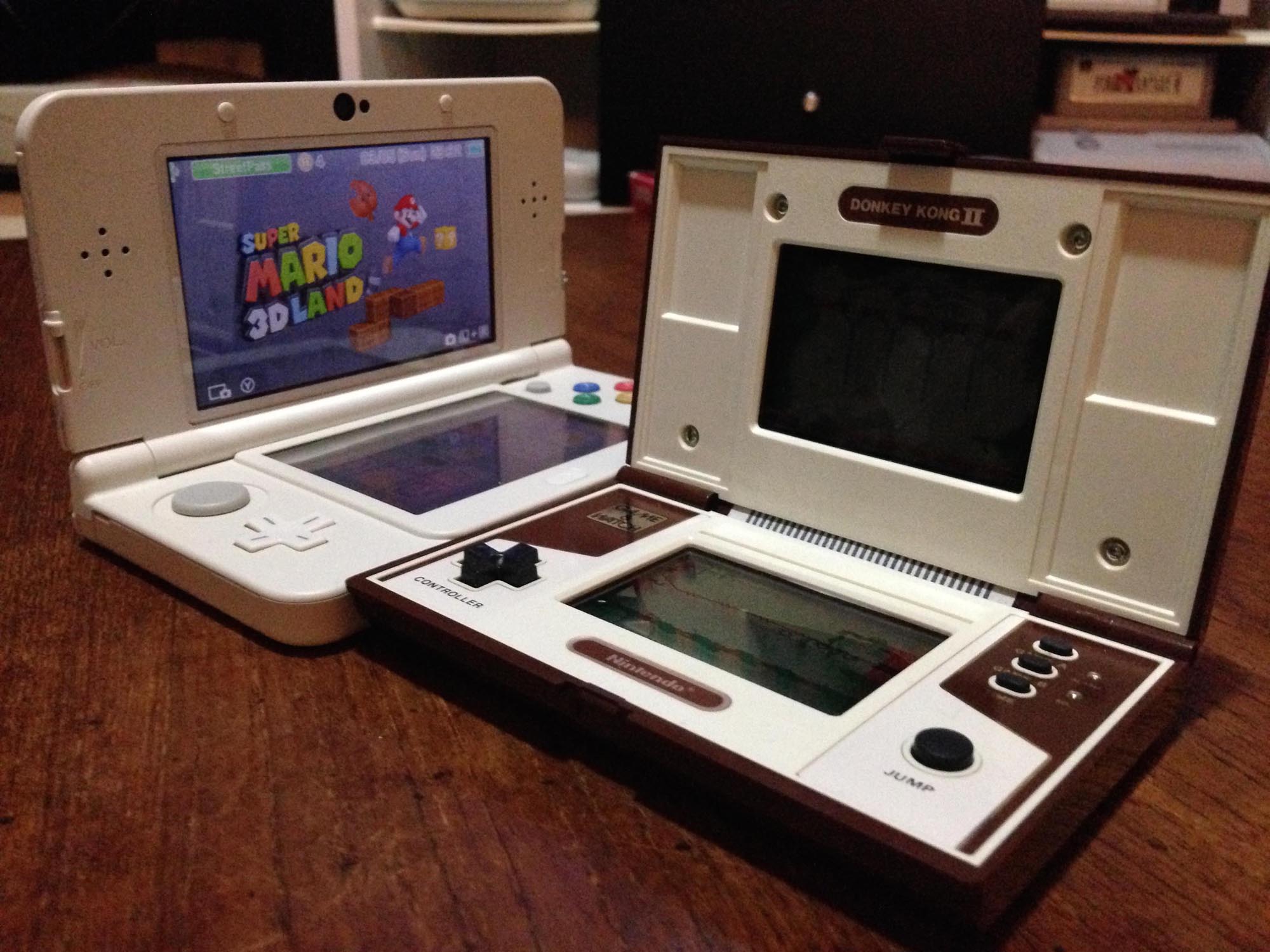
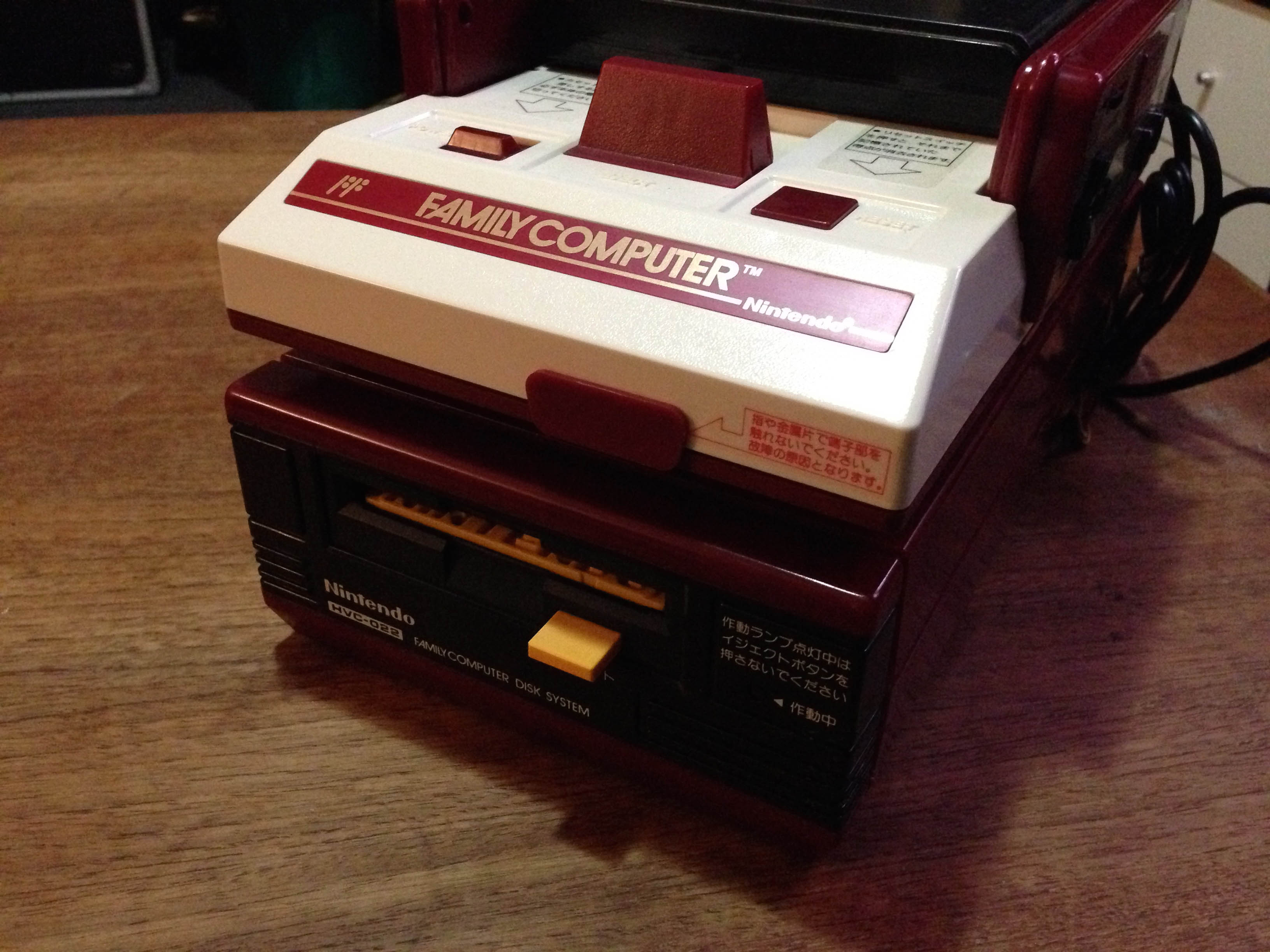
Of course, this isn’t the first time Donkey Kong has been made available at home. Aside from a variety of home console ports (including the solid Colecovision version), there is the fantastic Donkey Kong Game & Watch from Nintendo’s smash hit line of handhelds. The Family Computer itself has taken many design and packaging cues from the little handhelds, and this, along with Nintendo’s earlier Color TV Game series has given them valuable experience in the retail space.

DKvsCB_6250

DKvsCB_6256   DKvsCB_6199

So how do the two ports hold up compared to their arcade originals? Sega is taking the lead in the arcades, but are they up to the task of meeting Nintendo’s challenge in the home space?

Donkey Kong

DKvsCB_6224

First up is the original. Firing up DK on the Famicom, the first thing that’s apparent is that the game has transitioned quite well from the arcade’s 3:4 aspect ratio to the regular television 4:3 aspect ratio.

Donkey Kong.000

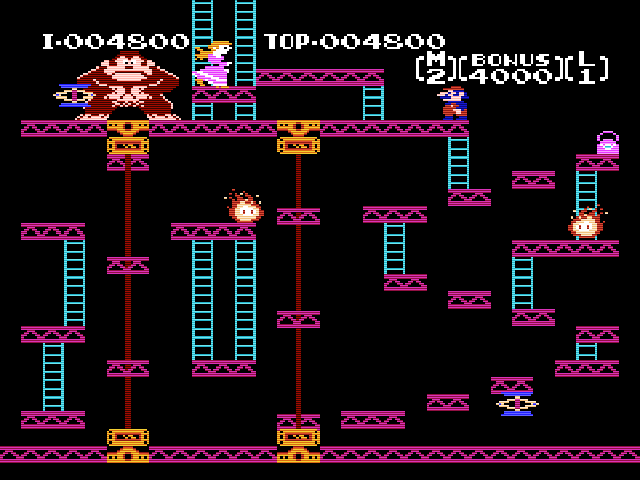
It’s a little squished, but overall it works and is a very faithful port. Gameplay is replicated near perfectly, if anything it plays more smoothly, though it may have to do with the Famicom controller being more suitable for platformers than arcade joysticks.
Donkey Kong.004
The ‘secret’ safe spot to avoid the spring

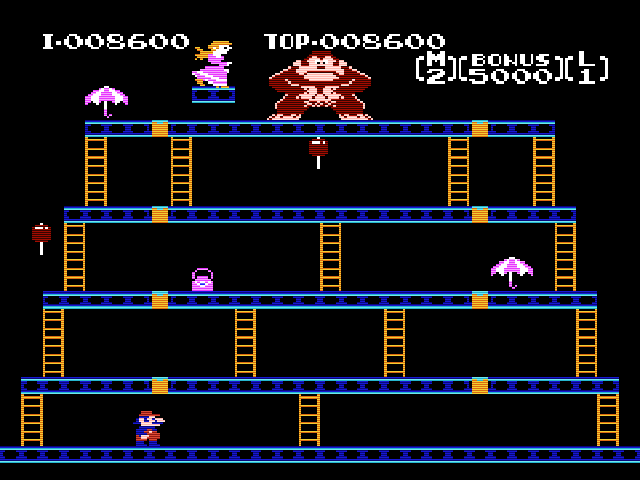
The major omission is the third ‘cement factory’ stage, so DK on Fami has only three stages before looping.
Donkey Kong.005

There’s even the ending screen where Mario is reunited with Pauline (briefly).

Donkey Kong.007

The arcade intro and interludes are missing, and there are a few sound effect and animation omisions, but it looks and sounds great overall. It’s a clear step above the already excellent Colecovision version, and Donkey Kong on Famicom is likely the most advanced game available on any home platform to date.

Congo Bongo

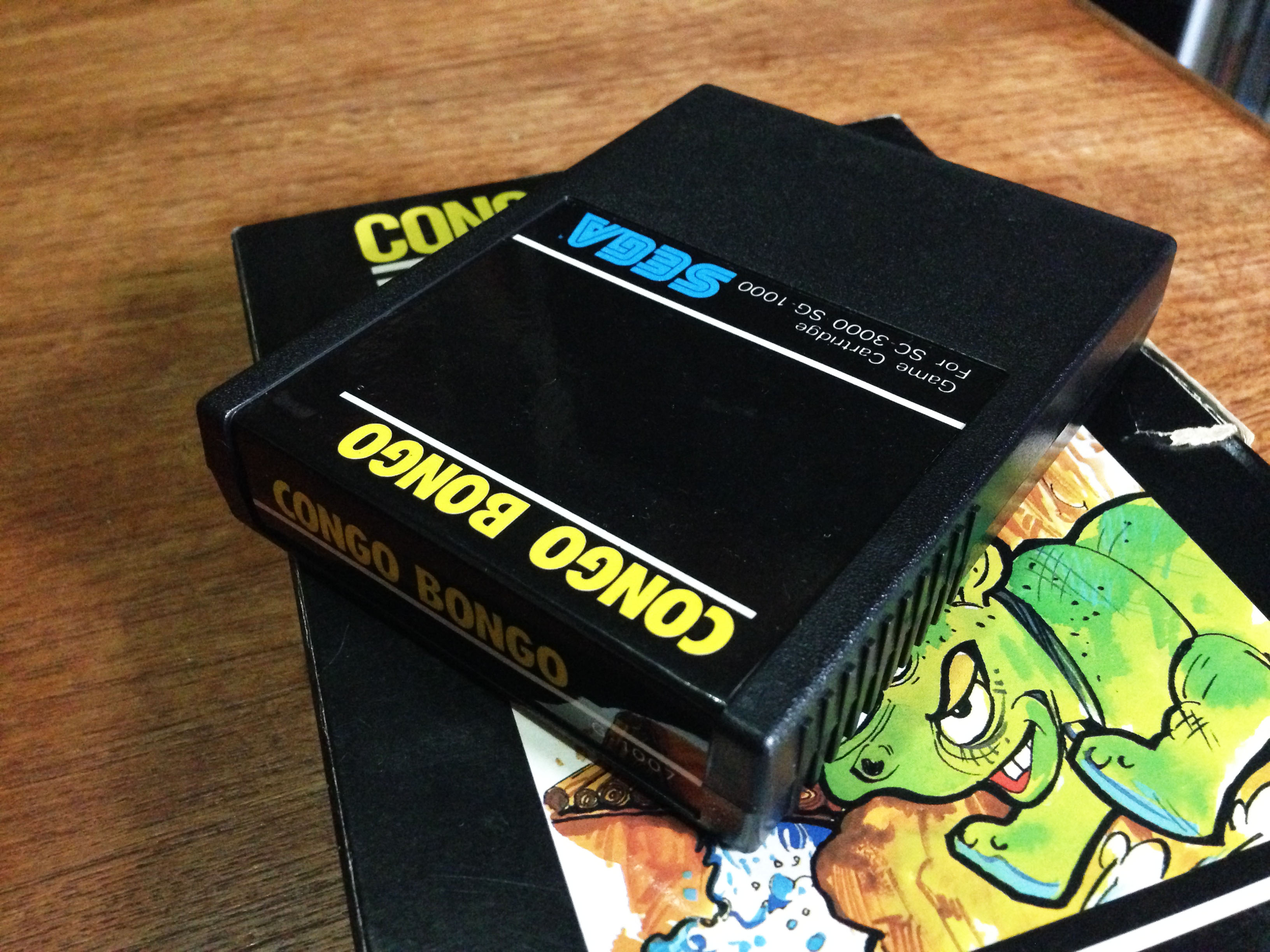
Congo Bongo has a very interesting history, directly linked with Donkey Kong. It was developed for Sega by a software engineering company called Ikegami Tsushinki – the same team that did the programming work for Donkey Kong. While Donkey Kong was designed by Shigeru Miyamoto, Nintendo assumedly didn’t yet have the software development pipeline to make a top arcade game in 1981, and hired external software engineers. Sega grabbed the same team for their answer to Nintendo’s smash hit.

DKvsCB_6240

As soon as you hit start on Congo Bongo‘s title screen, the disappointment begins. Where is the isometric 3D? As a 2D game Congo Bongo is very much a poor man’s Donkey Kong.

Congo Bongo.004

What’s even more disappointing is that the Colecovision, a console with basically identical hardware to the SG1000, managed to have a port which maintained the isometric perspective.

congo_bongo
The Colecovision version is very impressive

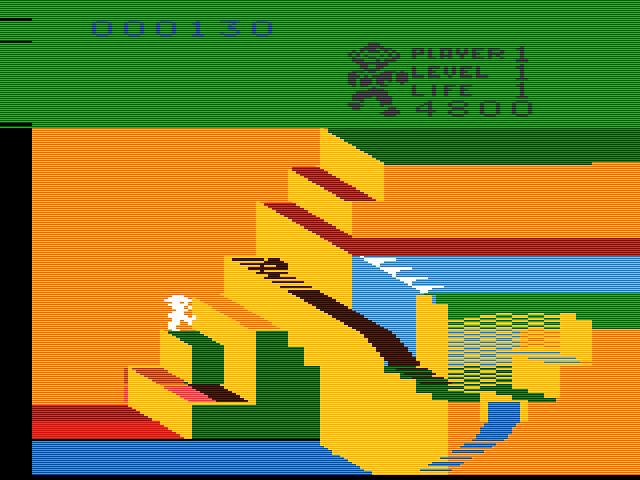
And unbelievably, a port to the ancient Atari VCS somehow did too!
congo_bongo_atari
This should not work but it somehow does…

But the poor SG1000 got a 2D version. There are only two stages, the Donkey Kong style stage plays from a side view, and the Frogger style stage from the top.

Congo Bongo.003

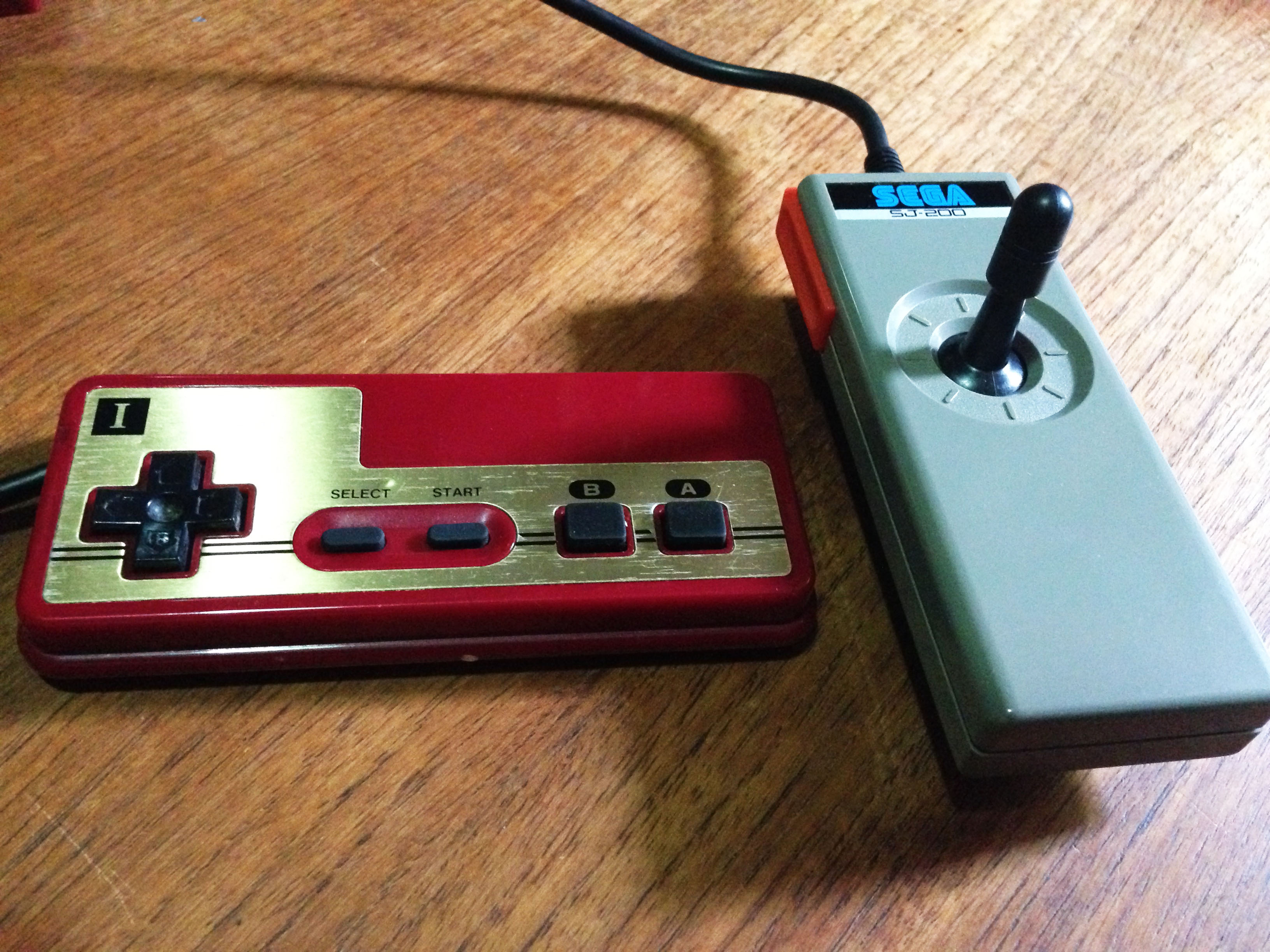
Despite all this, it still plays okay, if a little awkwardly, and in the grand scheme of things it’s not too far below the Famicom version of Donkey Kong. It’s not helped by the terrible SG1000 joystick, but even if you get around that by playing on an SG1000 II pad, controls are a bit loose.
DKvsCB_6213
I’ll take the one on the left please.

The SG1000 hardware could have done much better, and Sega proved it in 1985 when their isometric 3D shooter Zaxxon (which was also programmed by Ikegami Tsushinki and used the same arcade hardware) was ported to SG1000 with the 3D effect intact.

Zaxxon.000

It’s little wonder the Family Computer took off. Donkey Kong was a premium product. Congo Bongo for SG1000 is decent enough fun and about as good as most games before that point, but is just an interesting artefact now.

DKvsCB_6246

DKvsCB_6206

DKvsCB_6209

DKvsCB_6247

DKvsCB_6248

DKvsCB_6196

Nintendo and Sega’s 8-bit Controller Rivalry

Nintendo and Sega had a famous rivalry in the 80s and 90s. In this post I’ll focus on a single element – the first party controllers of their 8-bit consoles.

———-

1981

The story begins before either company has released a cartridge based console. In 1982 Nintendo completely reinvents cheap directional input with the calculator style ‘plastic button above rubber membrane’ design of the directional controller pad (d-pad) in the Donkey Kong Game & Watch.

It’s equal to expensive microswitch arcade joysticks in speed, reliability and precision. It has great tactile feedback thanks to the ‘give’ of the rubber.

80sNintendo_2053
1983 Donkey Kong II

It is a vastly superior solution to the standard Atari-style joysticks of the time, whose sticks and buttons use primitive leaf connectors (bending metal) to register button/direction presses.

———-

1983

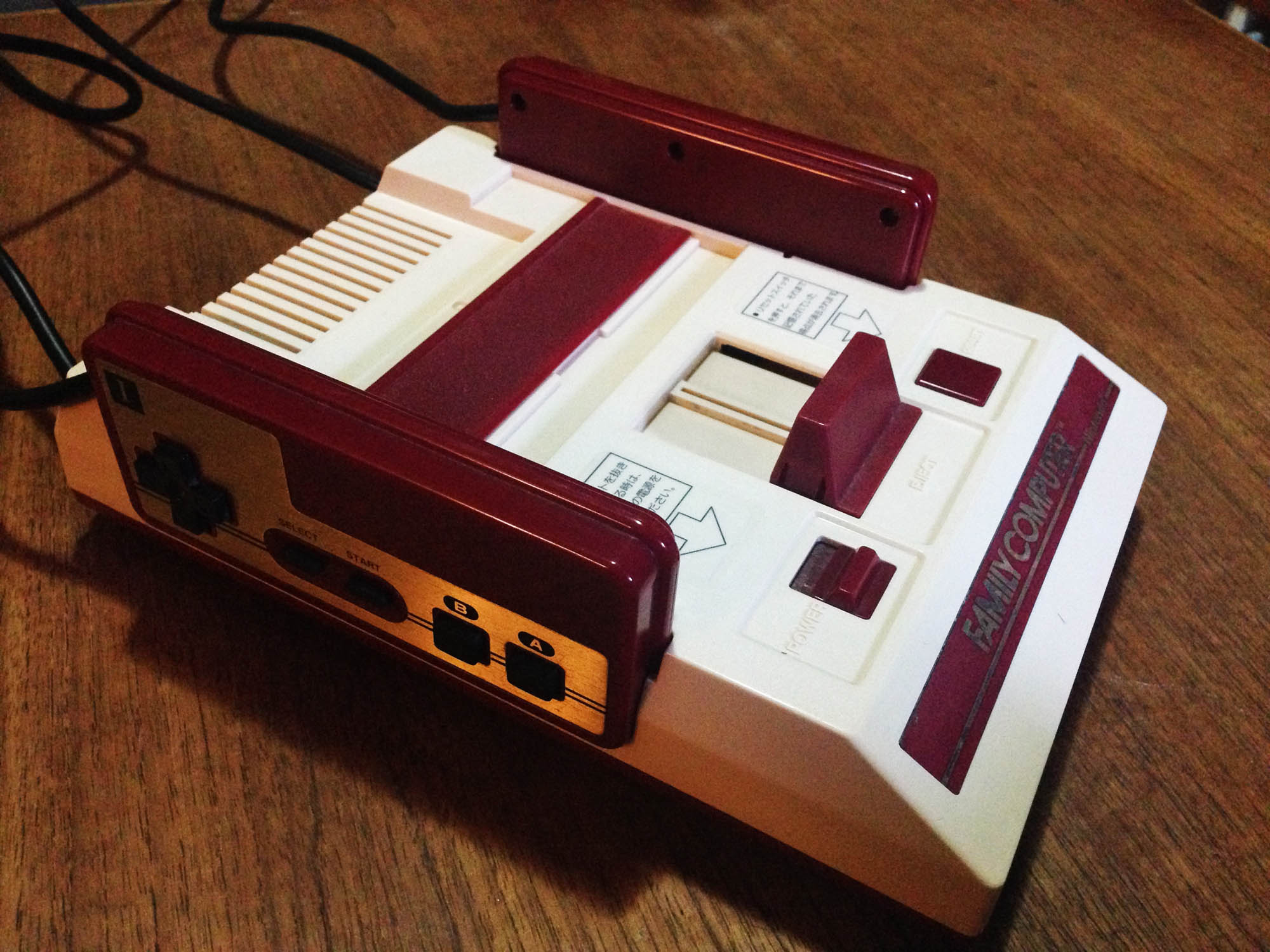
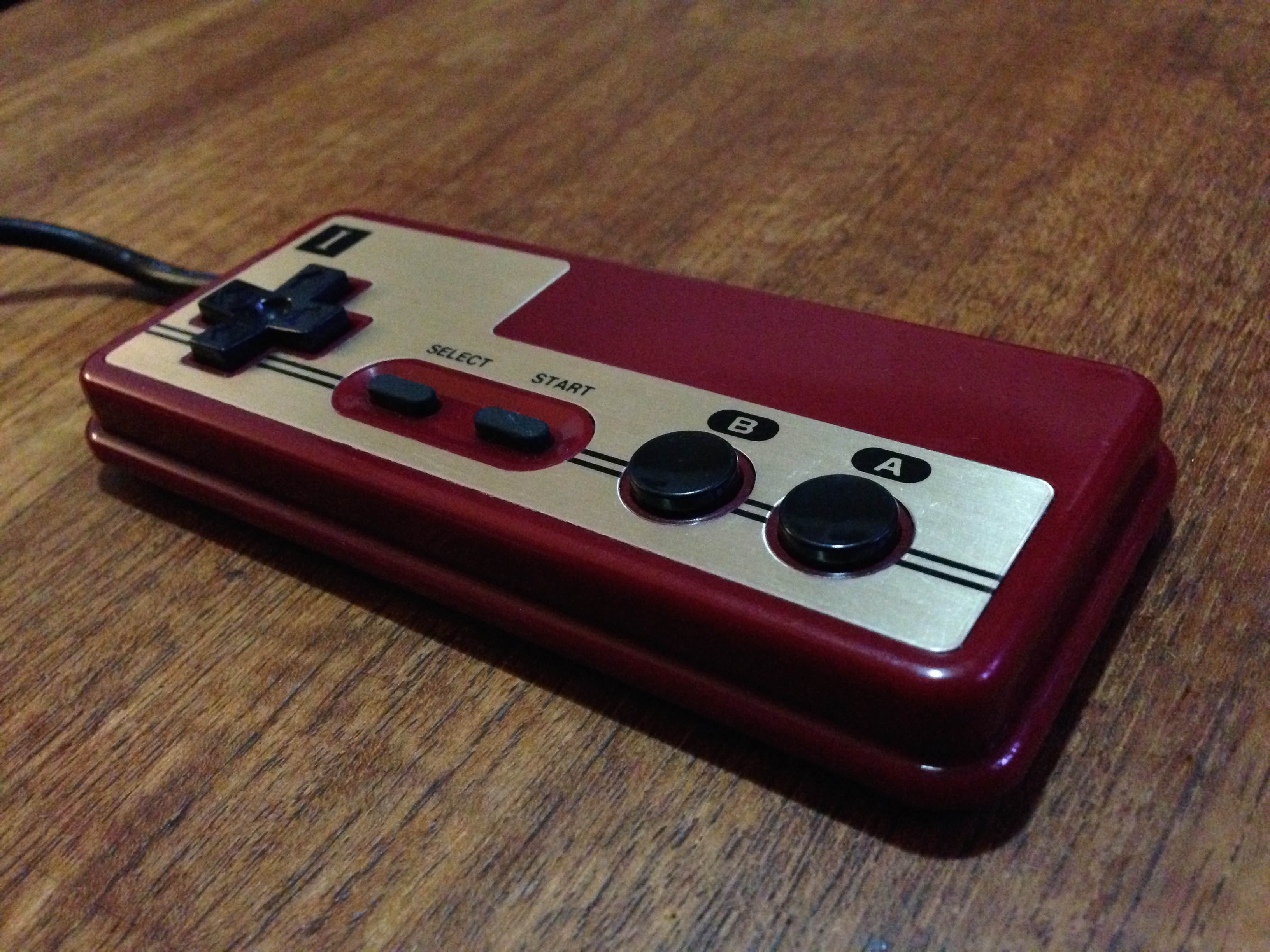
Nintendo releases the first edition of the Famicom. The controllers feature the Game & Watch d-pad, and like Donkey Kong, soft rubber action action (A/B) buttons. Also like Game & Watches, it features soft rubber function buttons (Start and Select).

Nintendo continue the ‘metal plate on top of coloured plastic‘ styling of the Game & Watch series.

SegaNintendoPads_1

The rubber buttons are usable, and suitable for simpler games, but are not as responsive as the d-pad is, and on hard presses can get stuck on the corners. For this reason (combined with a rare graphics glitch issue) Nintendo recalls these models in early 1984 and replaces them for customers. As such they’re relatively rare in the wild.

SegaNintendoPads_5

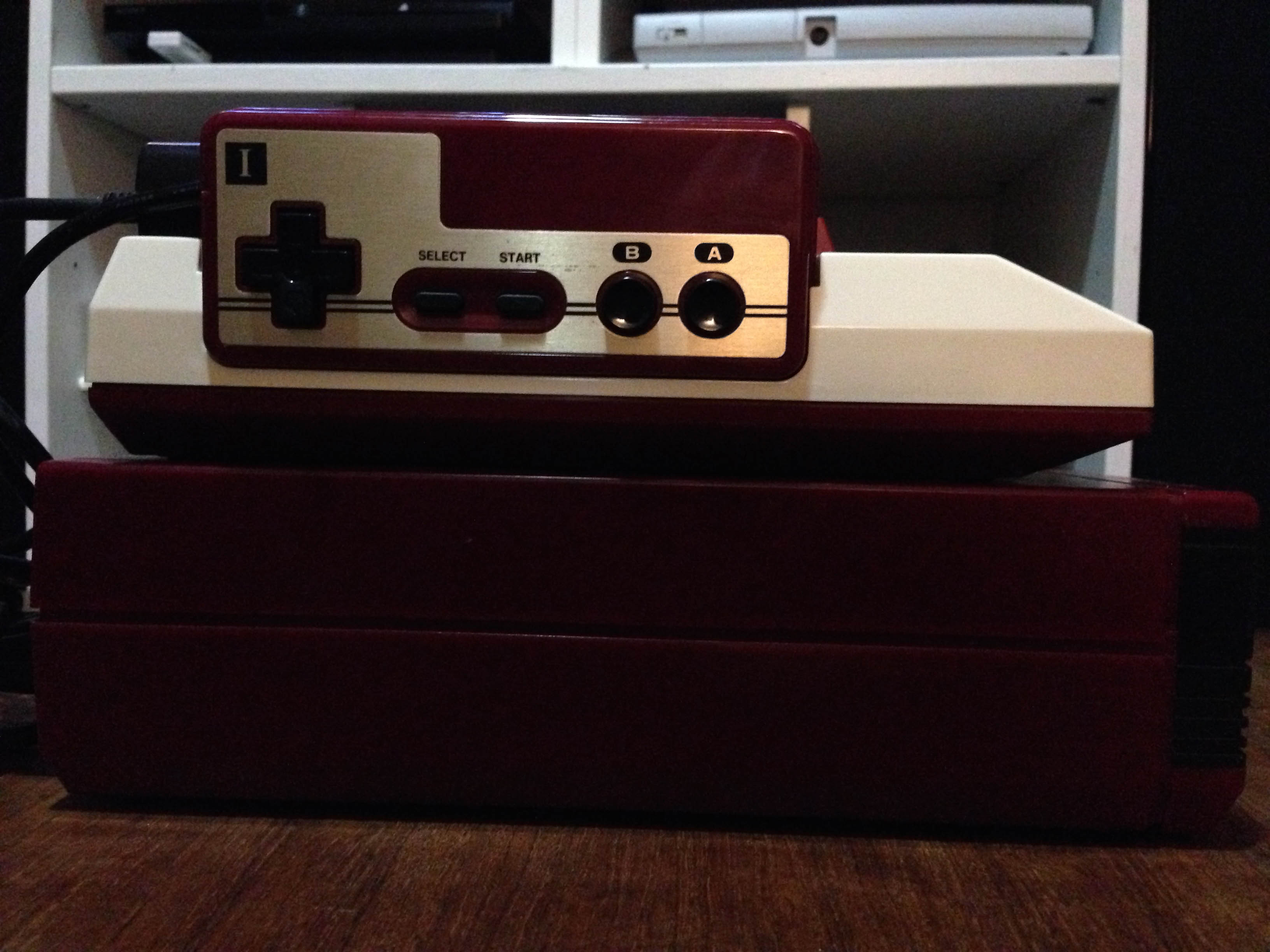
Of note, the Famicom features controller docks on the side of the console, so cords come out the side of the controllers to facilitate this.

SegaNintendoPads_2

Still 1983, Sega releases the SG1000 console. The console itself is a generation behind the Famicom, and the SG1000 controller (SJ-200) is a primitive old-paradigm joystick that uses the unreliable old leaf connectors. It also only has two buttons to the Famicom’s four (the console itself features a ‘Hold’ (pause) button on the main unit).

SegaNintendoPads_3

It’s an absolutely terrible controller. The mini joystick is equally as bad as an Atari VCS joystick, but cannot be as easily wrenched around to ‘force’ it to work like an Atari one, due to the small size and the way you hold it.

———-

1984

Nintendo updates the Famicom controller to have hard plastic over rubber membrane A/B buttons for better responsiveness. They leave the less commonly used function buttons as soft rubber.

A brilliant controller that basically sets a permanent industry standard.

SegaNintendoPads_4

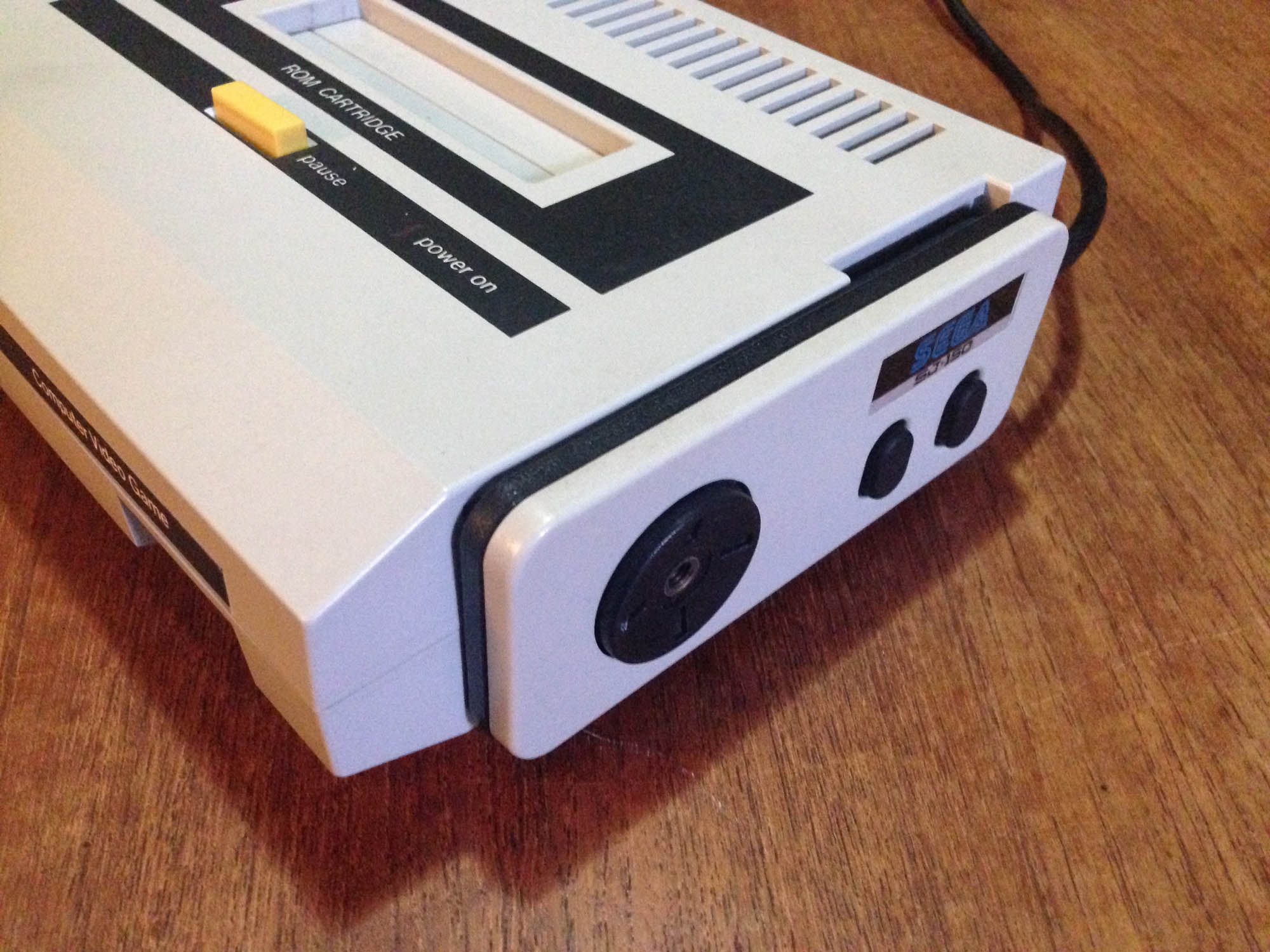
Later in the year, Sega releases the redesigned SG1000 II console, with the Famicom inspired SJ-150 controller.

SegaNintendoPads_6

The SJ-150 has a round variation of the Famicom d-pad, and a copy of the original Famicom soft rubber A/B buttons.

SegaNintendoPads_7

The new console ditches the unique look of the original SG1000, and takes more than a few design cues from the Famicom, including controller docks on the side of the console. Controllers are detachable from the console unlike the Famicom, but they plug in at the back, using an Atari-style DB-9 connector – a legacy of the original SG1000, which had a DB-9 plug for an optional second controller.

SegaNintendoPads_8

Interestingly, the SJ-150 tries to keep one foot in the old ‘joystick’ world, and comes with a little plastic stick which can be screwed into the middle of the d-pad, presumably for players who want some kind of joystick feel.

SegaNintendoPads_9

———-

1985

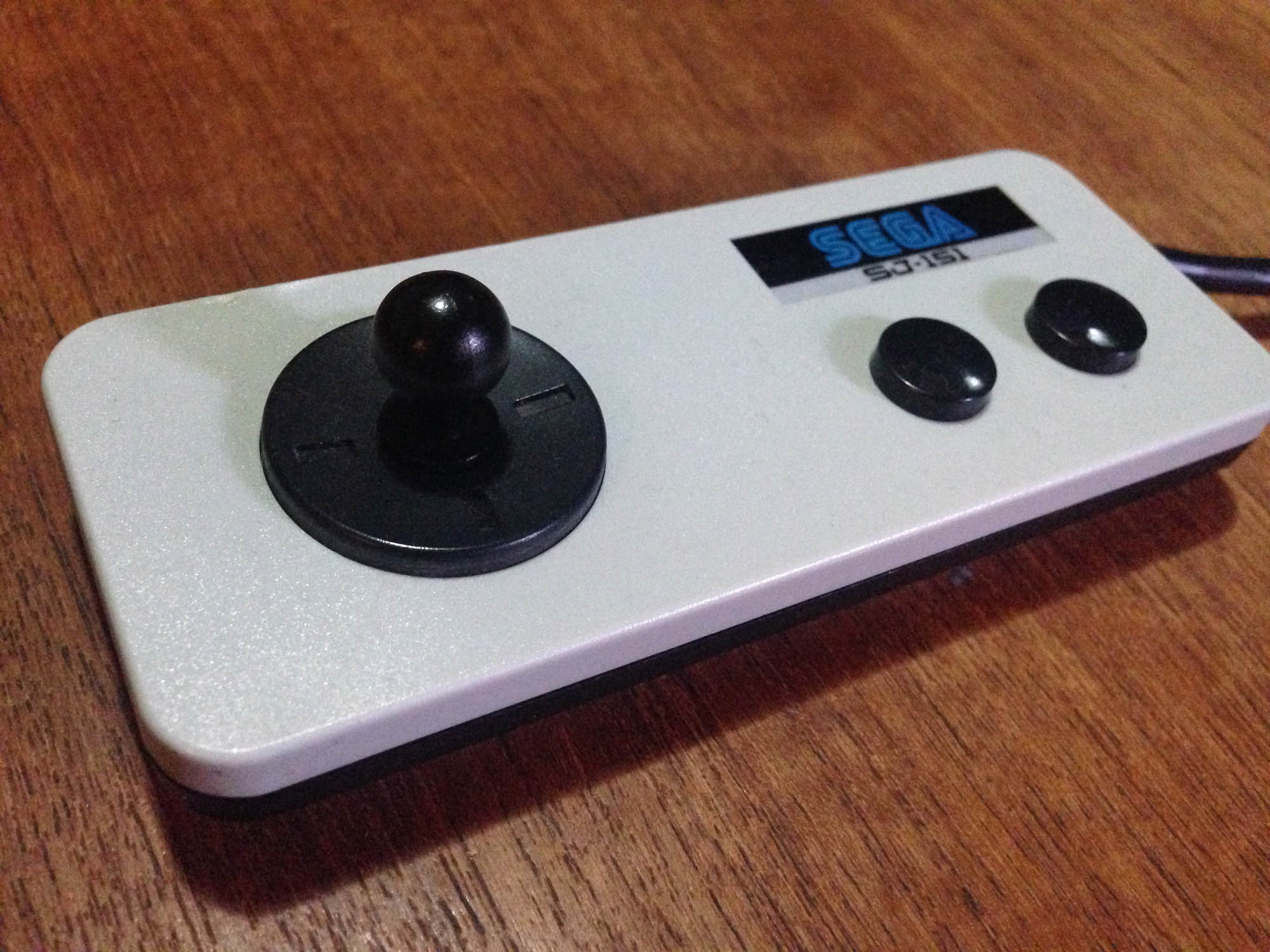
Sega releases the SJ-151 controller with later SG1000 II consoles, and it is moved up to the latest Famicom design, with hard plastic with rubber membrane A/B buttons.

SegaNintendoPads_10

This is the first all-round good Sega controller. It keeps the weird mini-joystick option.

SegaNintendoPads_16

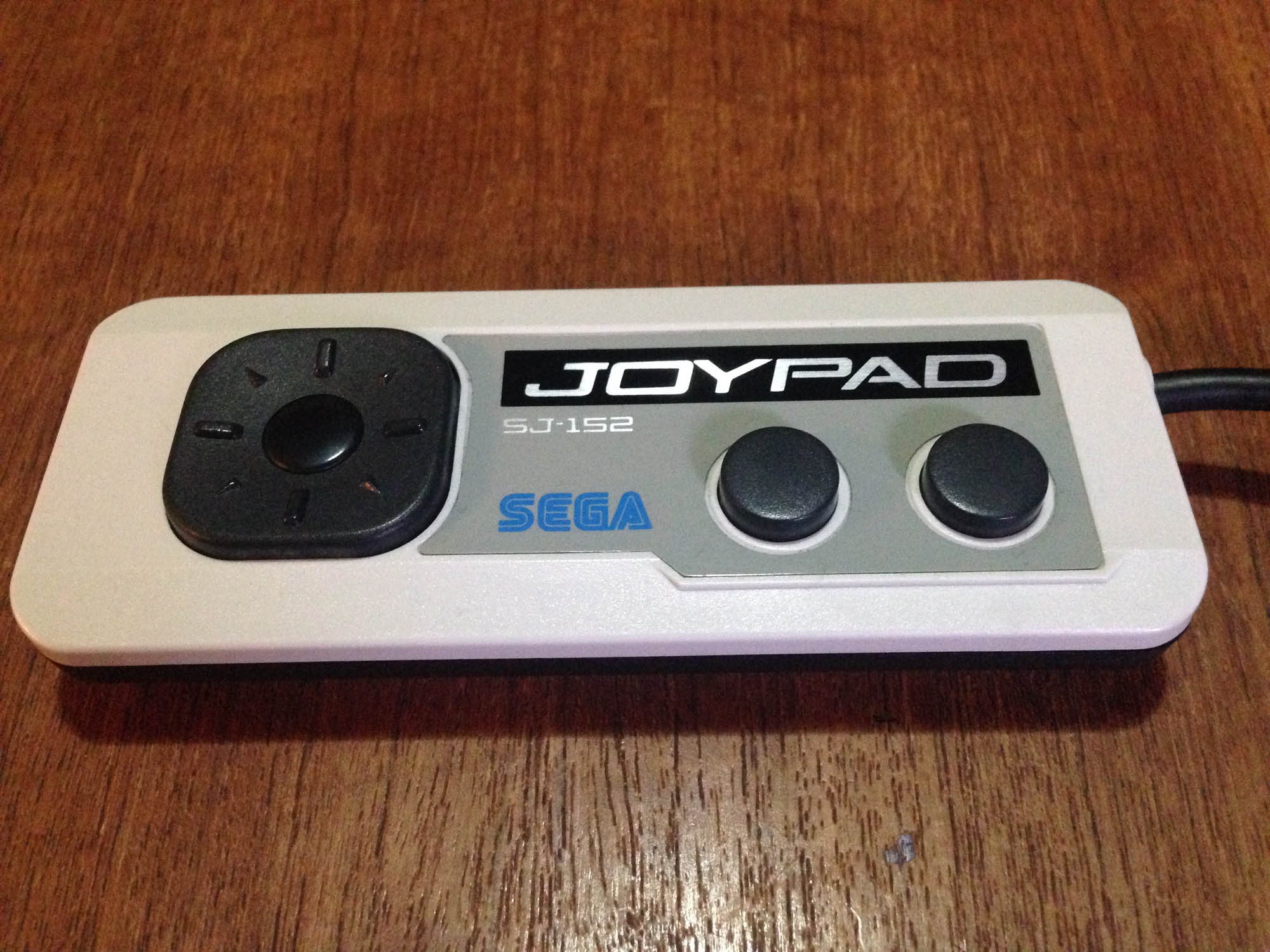
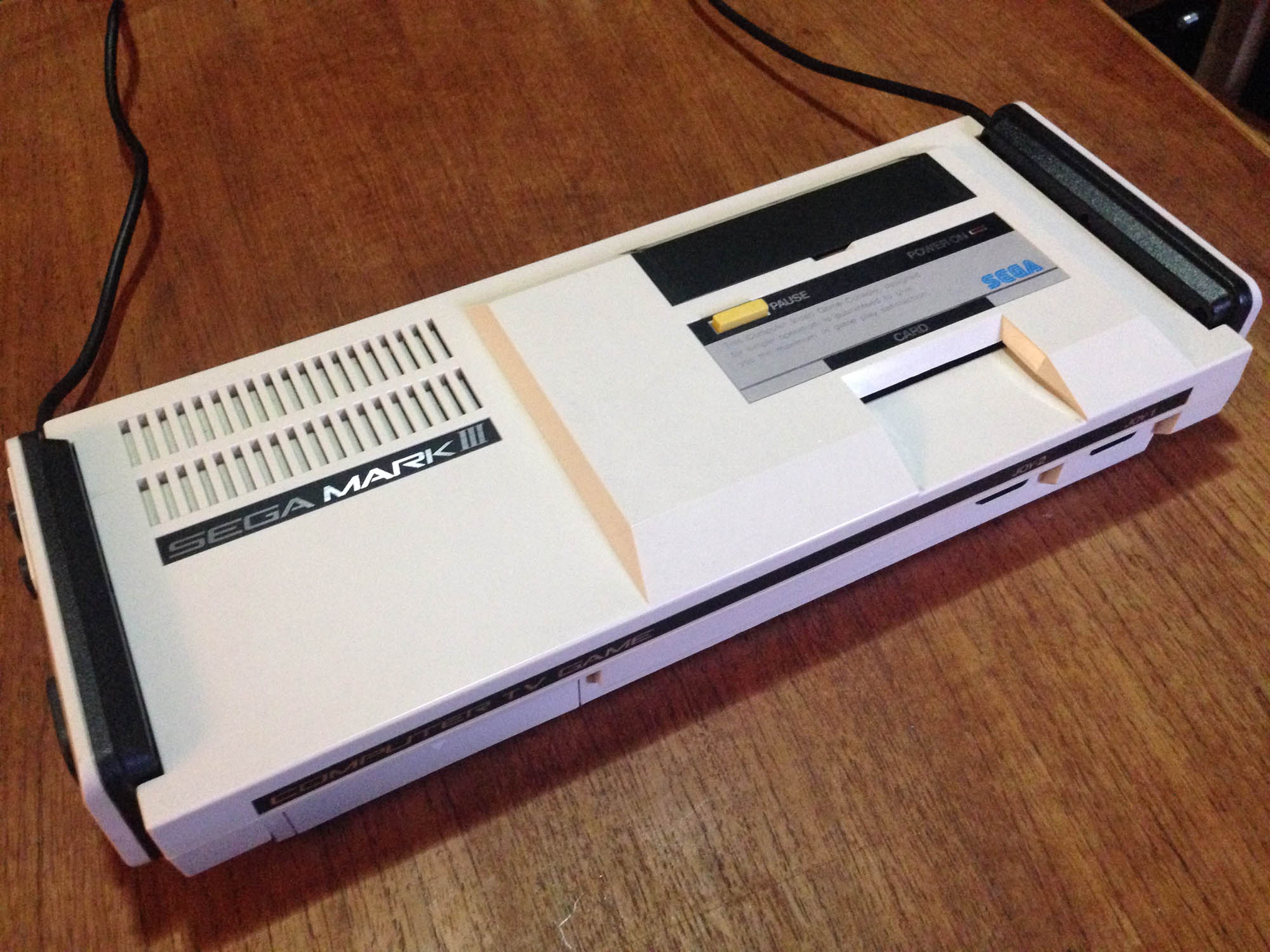
Later in 1985, Sega releases their upgrade to the SG1000 – the Mark III, with the SJ-152 controller, which is basically just a redesign of the SJ-151. It has more Famicom-like styling, with a reflective metallic sticker on the top mimicking the metal faceplate of the Famicom controller. Possibly due to the SG1000 legacy of the Mark III hardware, Sega is stuck with only two buttons for each controller.

SegaNintendoPads_11

The console continues to feature controller docks like the Famicom, though the controllers now plug into the front of the console.

SegaNintendoPads_12

SegaNintendoPads_13

It also retains the mini-joystick option. Someone must have liked it.

SegaNintendoPads_14

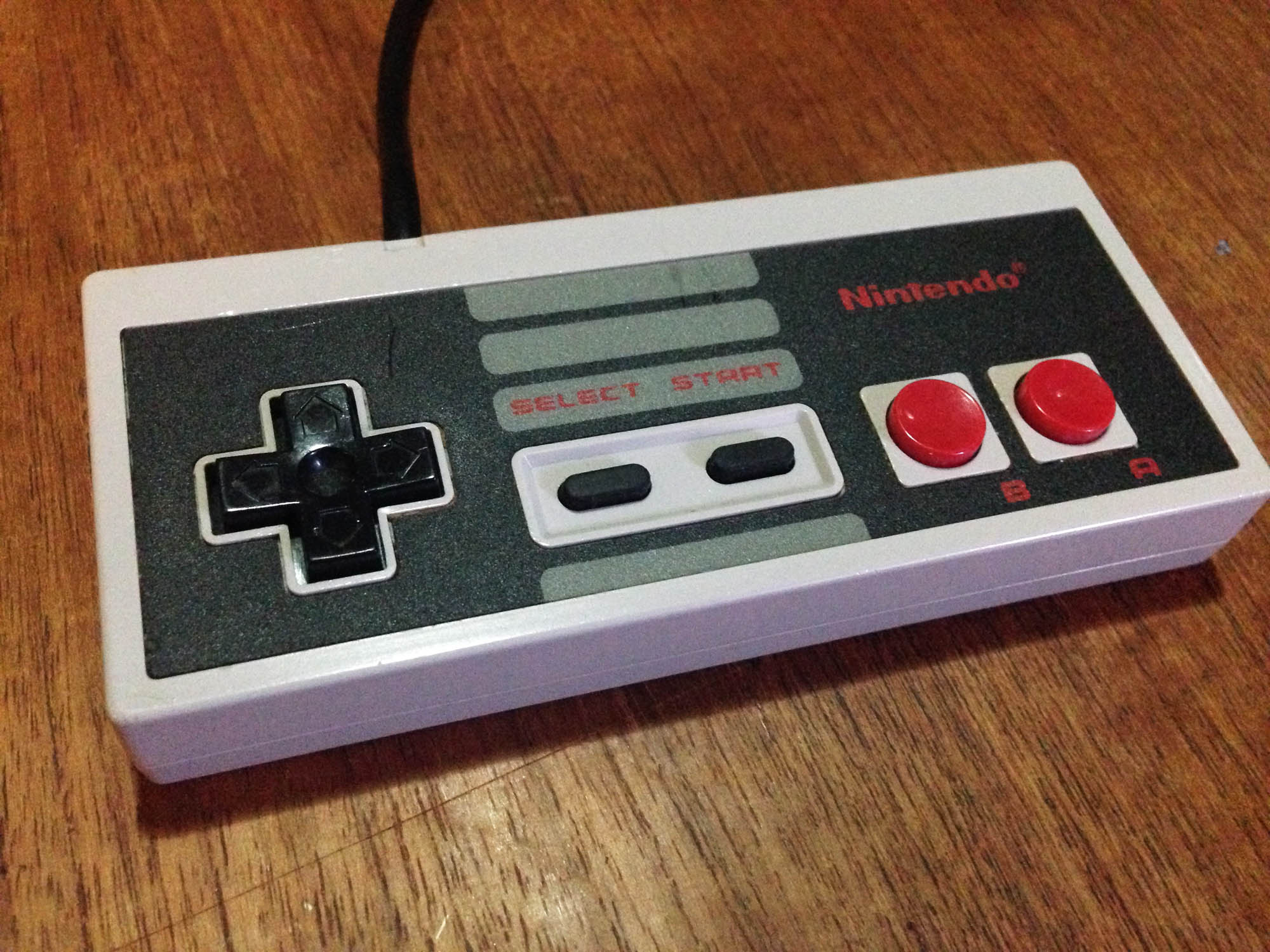
Later in 1985, Nintendo brings the Famicom west as the NES, with an externally redesigned (more squared off) controller that keeps all internals of the hard button Famicom pad as-is – it even uses the same board.

SegaNintendoPads_15

Due to the NES having no controller docks, Nintendo improves on the Famicom pad design slightly by having the cord come out the top instead of the side of the controller. It is however slightly less comfortable to hold due to the harder edges; the Famicom controller was nicely rounded.

———-

1986

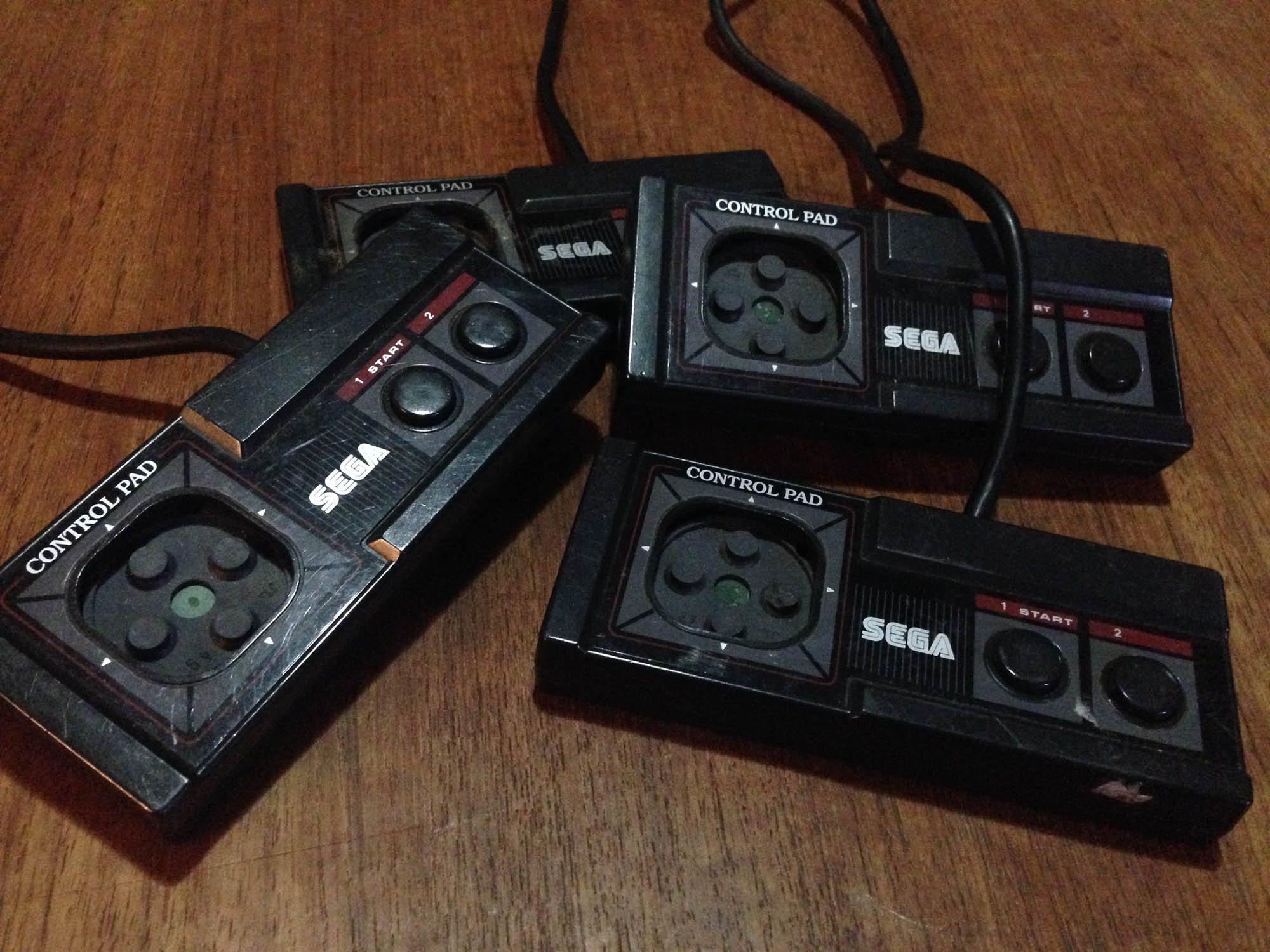
Sega brings the Mark III west as the Master System, with an externally redesigned (more squared off) controller that keeps all the internals of the Mark III pad as-is – it even uses the same board.

SegaNintendoPads_17

It has some weird raised sections making hitting the buttons and d-pad less comfortable, though the d-pad is still the half decent one from the SJ-152. It is also less comfortable to hold due to the harder edges. Unfortunately, despite the Master System having no controller docks to necessitate it, the cord still comes out the side. It still has the mini-joystick option.

———-

1989ish?

After the release of Sega’s next system the Mega Drive, Sega begins positioning the Master System as a budget system in some of their more successful territories (mostly Europe and Australia/New Zealand). They revise the Master System pad to have the cord come out the top like the NES, and finally drop the mini joystick attachment.

SegaNintendoPads_18

SegaNintendoPads_19

At some point along the way Sega farm out all Master System production to China, and the non-Japanese controllers (and consoles) were much lower quality, and broke incredibly easily. Especially the d-pad, which had a cost-cutting redesign, making it less responsive as well as more prone to breaking.

SegaNintendoPads_20
No first party controller breaks as easily as the ‘top cord’ Master System pad.

———-

1993

After the release of the Super Famicom/Super NES, Nintendo repositions their older Famicom console as a budget machine – in Japan as the ‘AV Famicom’ and as a Top loading NES model in the USA/Europe.

The new Famicom/NES comes with a new Game Boy/Super Famicom inspired controller, affectionately known as the ‘dogbone’.

SegaNintendoPads_21

It’s a great controller, a very high quality build, and easily the most comfortable controller of the generation. Some players prefer the ‘flat’ AB button orientation over the Game Boy/SNES-style angled orientation. I prefer the angle.

———-

And that’s where that battle ended. Poor Sega were 1-3 years behind at every single step.

Here’s the whole lot in one shot.

SegaNintendoPads_5168

My favourite Nintendo controller is either the beautiful round button Famicom pad (or my hybrid Famicom/NES controller), or the dogbone.

My favourite Sega controller is probably the SJ-151. It has the better buttons, and the round d-pad works just a little better – the square one has a bit too much face surface. The SJ-152 is also quite decent, and it looks less plain.

Panasonic MSX2 computer (and Akumajou Dracula for MSX)

You don’t have to look too far into 80s Japanese gaming to see that the biggest competitor to the Famicom was not the Sega SG1000 or Mark III – but a console-like home computer platform – the MSX. Invented by Microsoft Japan, MSX was designed to be a standard platform for computer manufacturers, for which Microsoft could provide the operating environment and sell their other software. In effect an early version of the racket they later managed worldwide with Windows.

I became aware of the MSX in the late 80s, when many of the catalogues and promos that came with my imported Famicom games featured ads for MSX games.

IMG_4796
Panasonic FS-A1 Mark II with matching controller

What got many Japanese gaming enthusiasts’ attention early on were the big Konami franchises like Akumajou Dracula (Castlevania) and Metal Gear that got early entries on the platform. Many Hudson Soft game series started on MSX as well.

IMG_4789
Akumajou Dracula MSX

What’s nice about MSX computers is that they bear much more resemblance to consoles than lots of other 80s PCs. Most are standalone, single piece units with the keyboard built in. This model is one of the most compact models – so even with the built-in keyboard it’s smaller in size than many consoles.IMG_4794

They were designed to be plugged into a TV, so there’s no looking around for specific retro monitors or video converters. Most MSX computers have standard composite AV out, and many have RGB out, allowing for a great quality picture via any RGB capable TV (or modern scalers like Micomsoft XRGB units).

IMG_4791

Probably best of all, MSX computers feature a cartridge slot, and while this design feature was present in many 8-bit and 16-bit computers, unlike most of the others a good deal of the best software for the platform was released on cart. This means plug and play simplicity, and less fiddling around trying to get old floppy disks to work.

MSX_4795

Power wise, there are two main generations of machine, the MSX and the MSX2. The MSX was first announced in June 1983, and features similar graphical and processing power to the Sega SG1000 and several other platforms that used the same basic design, including the Colecovision and the ZX Spectrum. While there are some good games (including the first ever Parodius game) MSX1 games are fairly primitive, mostly featuring 1/2 colour sprites, and little scrolling. The lack of hardware scrolling makes the many shooter games on the platform very choppy, as they ‘scroll’ 10+ pixels at a time. Ultimately, just like the SG1000 it is dramatically outclassed by the Famicom in terms of gaming, despite the Famciom being released earlier.

MSX_4194
My Mitsubishi MSX1

The MSX2 was introduced in 1986, and is much closer to the Famicom. It can produce more detailed graphics and features more colours, but usually at a lower framerate, so games feel more choppy. In a pretty huge design oversight for a post Super Mario Bros platform, the MSX2 hardware is still not capable of horizontal scrolling. As such, a huge number of games for the system utilise Legend of Zelda or Montezuma’s Revenge ‘flip screen’ style progression. This heavily influenced the way many games were designed for the system, and Metal Gear as we know it today was created around these limitations.

Is the MSX worth it as a pseudo-console retro gaming machine? Absolutely. There are heaps of great games, and the hardware is easy to get and easy to use. It can be confusing because there are a lot of different MSX models, but really any MSX2 model will cover 95% of games. The biggest downside is the price of games. The software typically sold less so is in much shorter supply than the main console platforms, and it has a very dedicated fan base, so prices for top titles these days are sky-high.

Akumajou Dracula for MSX2

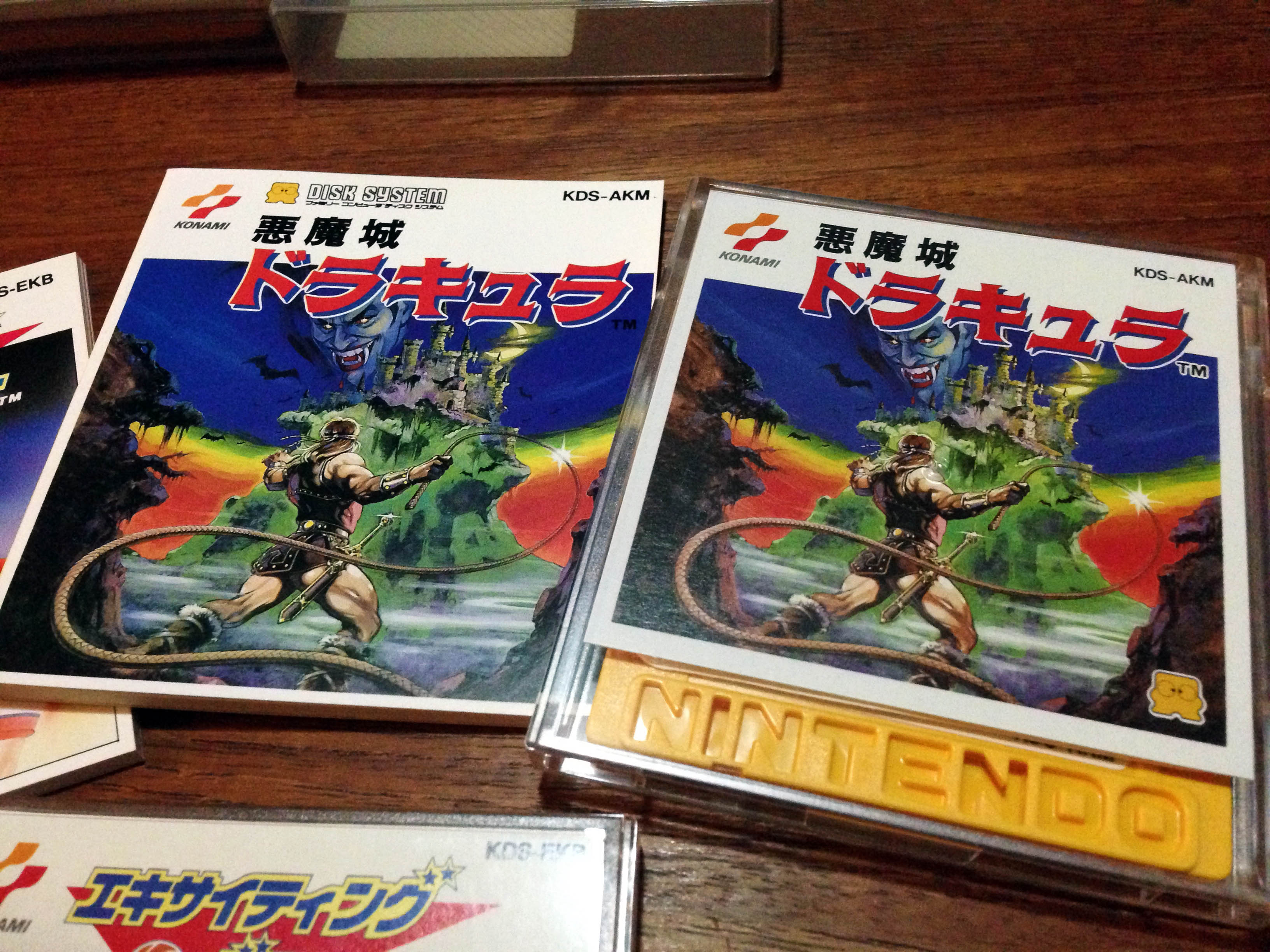
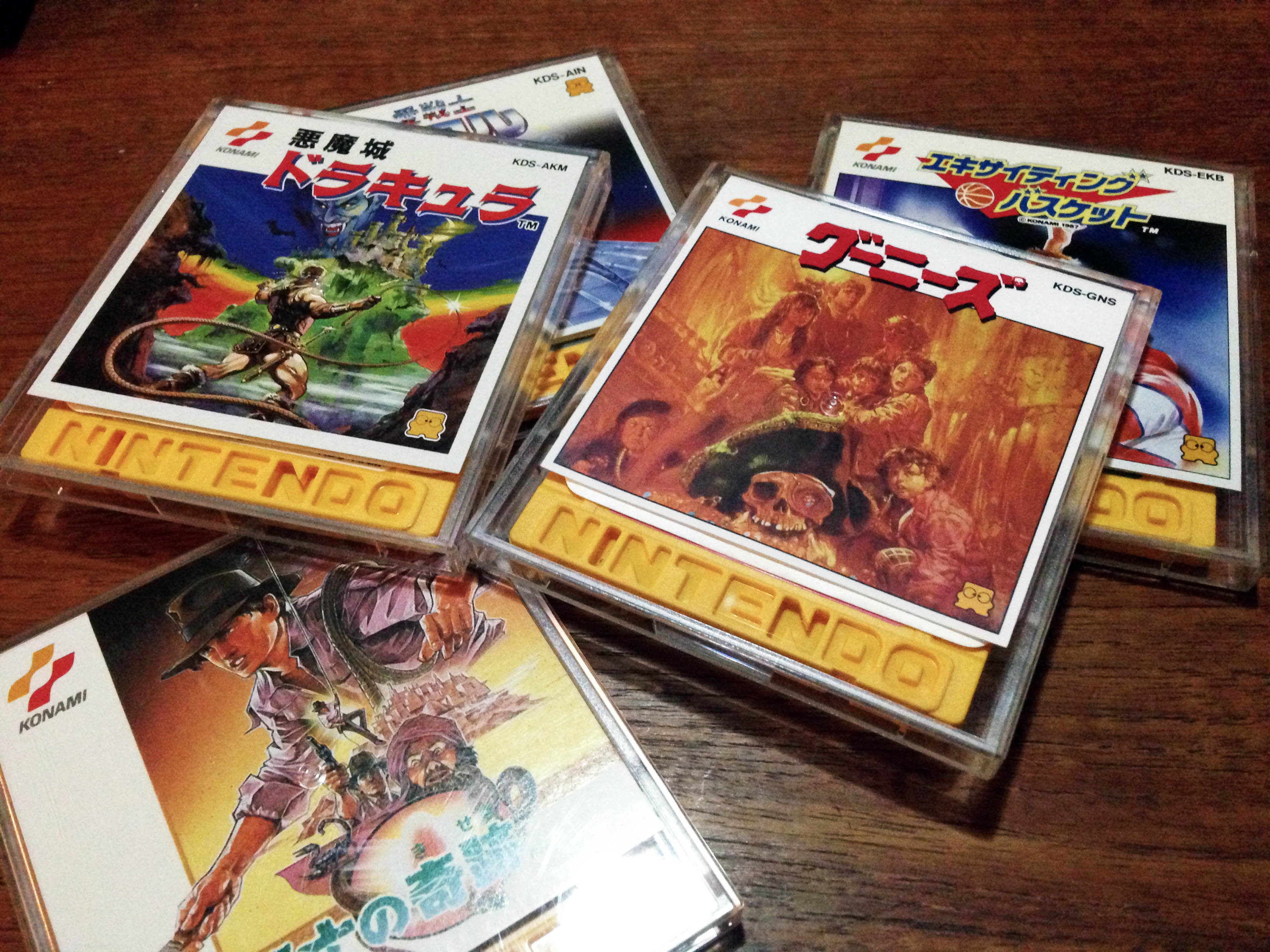
I originally got an MSX2 just to play the alternate version of the original Akumajou Dracula. The MSX2 version was released mere weeks after the Famicom Disk game, so they were clearly developed in tandem. The typical MSX flip screen design element is present, and realising the limitaions of the platform for action games, the designers instead focused on other things, and turned it into a Goonies style puzzle adventure. Instead of just fighting enemies and passing platforming challenges, you also have to collect hidden keys to open doors and progress to the next part of the level. It’s really a lot of fun, and a completely different take on the same basic levels. It’s more rough around the edges, but also more interesting.

The big question is – which Akumajou Dracula reigns supreme? Famicom Disk, or MSX2?

IMG_4798

The short answer is the Famicom Disk version, by a small margin, it’s just such a solidly designed classic game. While it’s mostly due to the platform, if you play the Famicom version immediately after the MSX2 version, while the graphics are a slight downgrade, the smoothness and responsiveness really hits you, it’s just a more refined game. The music is also marginally better on the Famicom, despite the game not even using the extra FDS sound channels.

DraculaFamicom1 DraculaMSX2

DraculaFamicom2 DraculaMSX1

The MSX version is still great however, and a completely different experience. And what’s most interesting is that the Famicom Disk-only sequel  Dracula II: Noroi no Fuuin is clearly a sequel to both games. Simon is wearing his red gear from the MSX version, and it expands on the exploration and puzzle elements of that version that were not present in the Famicom original.

Nintendo Color-TV Game 6 (カラー テレビゲーム6)

Do you think Nintendo started in home video gaming with the Famicom? The Game & Watch?

 80sNintendo_2040 80sNintendo_2053

It actually all started in 1977 with this, the Color-TV Game 6.CTVG6_7199

Pre-dating the Famicom by six years, The Color-TV Game 6 was a Pong clone, offering six variations on the basic light tennis formula. Above is the first edition, CTG-6S, which came in a creamy white colour. Subsequent releases were orange, below right is the most common variant, the CTV-6V.

CTVG6_7201

You can play a classic Pong type game, plus variations with half sized paddles, and a mode with four paddles.

CTV6_8 CTV6_9

It runs off six C batteries, and connects via RF as per all consoles of the era.

CTV6_7 CTV6_11

CTVG6_7213

The orange re-releases also added the ability to use an external power adapter.

CTVG6_7206

The orange ones also had improved dials. They rotate more smoothly, have less ‘give’ before they star registering, and stop rotating when your paddle is off the screen. CTG-6S dials just keep rotating, and your paddle comes back from the top of the screen after moving off the bottom, and vice versa.

CTVG6_7203

CTVG6_7208
The manuals of these two variants.

It’s pretty primitive but works perfectly 38 years later. The simple circuitry is pretty sturdy and will likely outlast most consoles easily.

CTV6_5

It was followed up by the Color TV-Game 15 which featured more pong versions, Color TV-Game Racing which played a car game, Color TV-Game Block Breaker which was a Breakout clone, the Computer TV-Game which played Othello, and finally the Family Computer.

But it all started here.

CTVG6_7195
This one is still in the original shipping box.

CTVG6_7196

CTVG6_7197

CTVG6_7198

CTVG6_7209

Circus Charlie (サーカスチャーリー) – Secret Konami Famicom game #2

Similar to Smash Ping PongCircus Charlie is a Konami arcade game that was released on the Famicom, but published by another company. In this case the publisher is the mysterious Soft Pro International, who dropped a few 8-bit games in the 80s then disappeared.CircusCharlie_3460

Circus Charlie 1In the game you play as Charlie the clown, and must perform various stunts for the crowd over five levels. The first level has Charlie riding a lion and jumping through rings of fire.

Circus Charlie 2 Circus Charlie 6 Circus Charlie 9 Circus Charlie 13

There’s also tightrope walking, trapeze, balancing balls, and a strange level where you jump onto trampolines from the back of a pony.

Circus Charlie 11 Circus Charlie 12

It’s very much in the early 80s arcade mould of simple, short levels which repeat after a loop, and the goal after seeing each level is simply to get the high score (think Donkey Kong).

Circus Charlie 14It’s a relatively faithful adaptation of the arcade game. Five out of six levels are intact, and they play almost identically, despite the move from vertical to horizontal orientation.

CircusCharlieArcade1 CircusCharlieArcade2 CircusCharlieArcade3 CircusCharlieArcade4

But while sound effects and music are pretty much on par, the graphics have taken a pretty big hit. Gone are the bright, colourful tones of the arcade, replaced with a sad, drab circus right out of the Communist Bloc.

Circus Charlie 15
Comrade Charlie?

Matching the early Famicom arcade heritage gameplay and presentation, Circus Charlie comes in the original small size Famicom box, much like the first Nintendo games, and the original Konami orange package line.CircusCharlie_3473

Circus Charlie was later released in original arcade form in the compilation packages Konami 80’s Arcade Gallery on the original Playstation and Konami Arcade Collection on Nintendo DS. The Playstation version is pretty much the go-to if you want to experience Circus Charlie properly. The DS version is a nice novelty but to view the game in correct vertical resolution you need to hold the DS sideways which is pretty awkward.

ArcadeCharlie_3748 ArcadeCharlie_3739

As for the Famicom release? It’s still pretty fun, in that pre-Super Mario Bros arcade gameplay kind of way. It is however extremely rare. I bought the only boxed copy I have ever seen.

CircusCharlie_3486

Circus Charlie 6 Circus Charlie 4 Circus Charlie 10 Circus Charlie 8

Konami Orange Box Famciom line – complete set

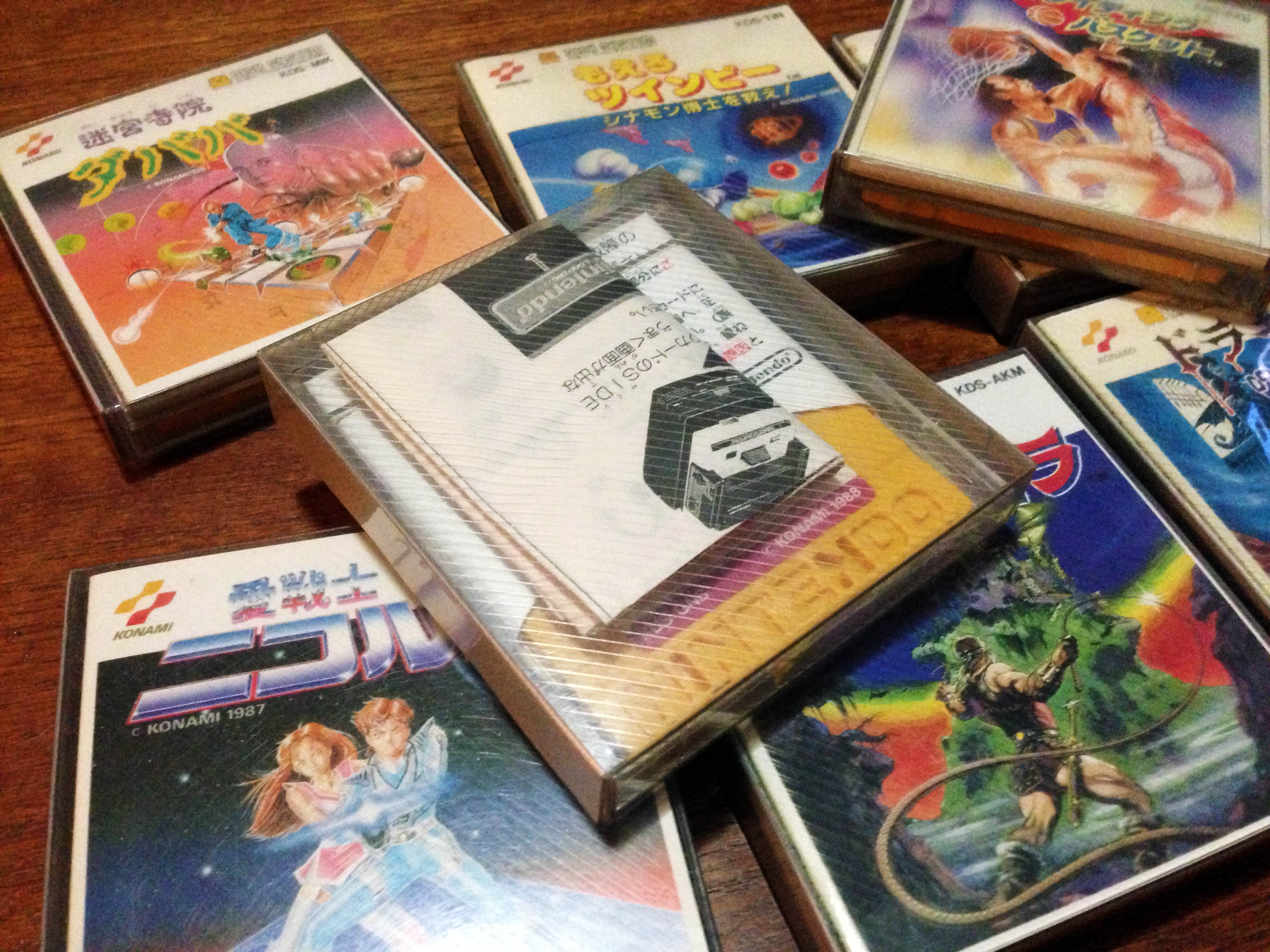
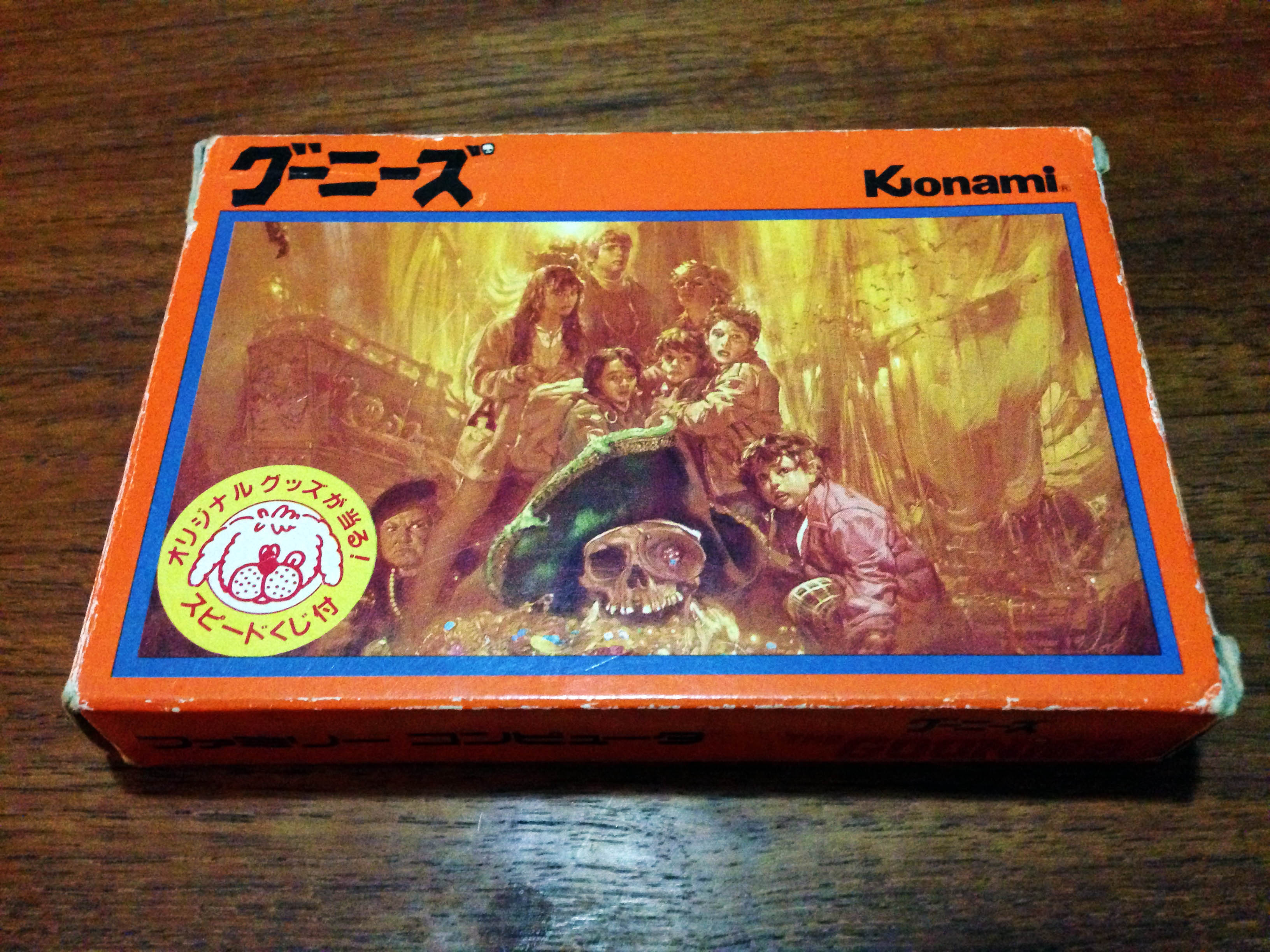
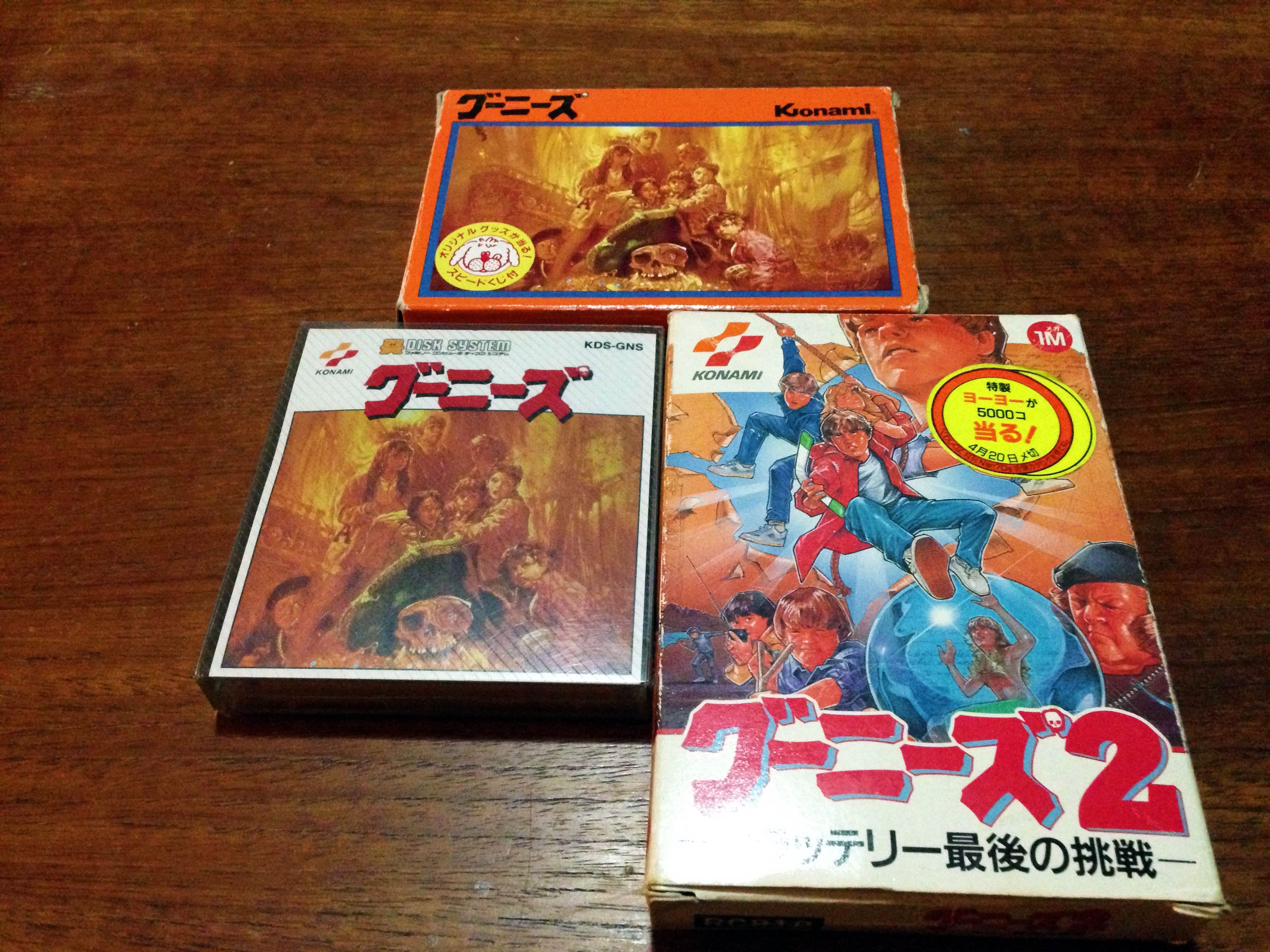
Konami’s first Famicom line was basically a direct copy of the Nintendo template, except with consistent  orange colouring. There were seven games in the series, and this is the complete setKonamiBoxes_3465 Road Fighter, Antarctic Adventue, Hyper Sports, Twinbee, Hyper Olympic, Yie Air Kung Fu, and Goonies.KonamiBoxes_3467Goonies was somewhat of a transition game – it skips the uniform ‘FAMILY COMPUTER’ branded sides of the preceding six releases and started the short-lived ‘puppy face’ icon period. The next Konami release was Gradius, which is I believe the final Konami release to feature the old 70s style logo.KonamiBoxes_3475The next evolution is shown here in King Kong 2 – which maintained the size of Gradius and introduced the new Konami logo.KonamiBoxes_3478Contra is an early example of the final evolution, with the artwork framed by a bright colour which covered the rest of the box, and the Konami logo on a white background in the top left corner. Almost every Konami game for the rest of the Famicom generation followed this final template.KonamiBoxes_3480

KonamiBoxes_3484
Of course there are exceptions to every rule…

It’s nowhere near as consistent as their flawless Famicom Disk release presentation. But it’s still a relatively classy line.

Konami Famicom evolution, 1984 – 1988.KonamiBoxes_3481

The Goonies (グーニーズ) Famicom Disk – Retail Release Reproduction

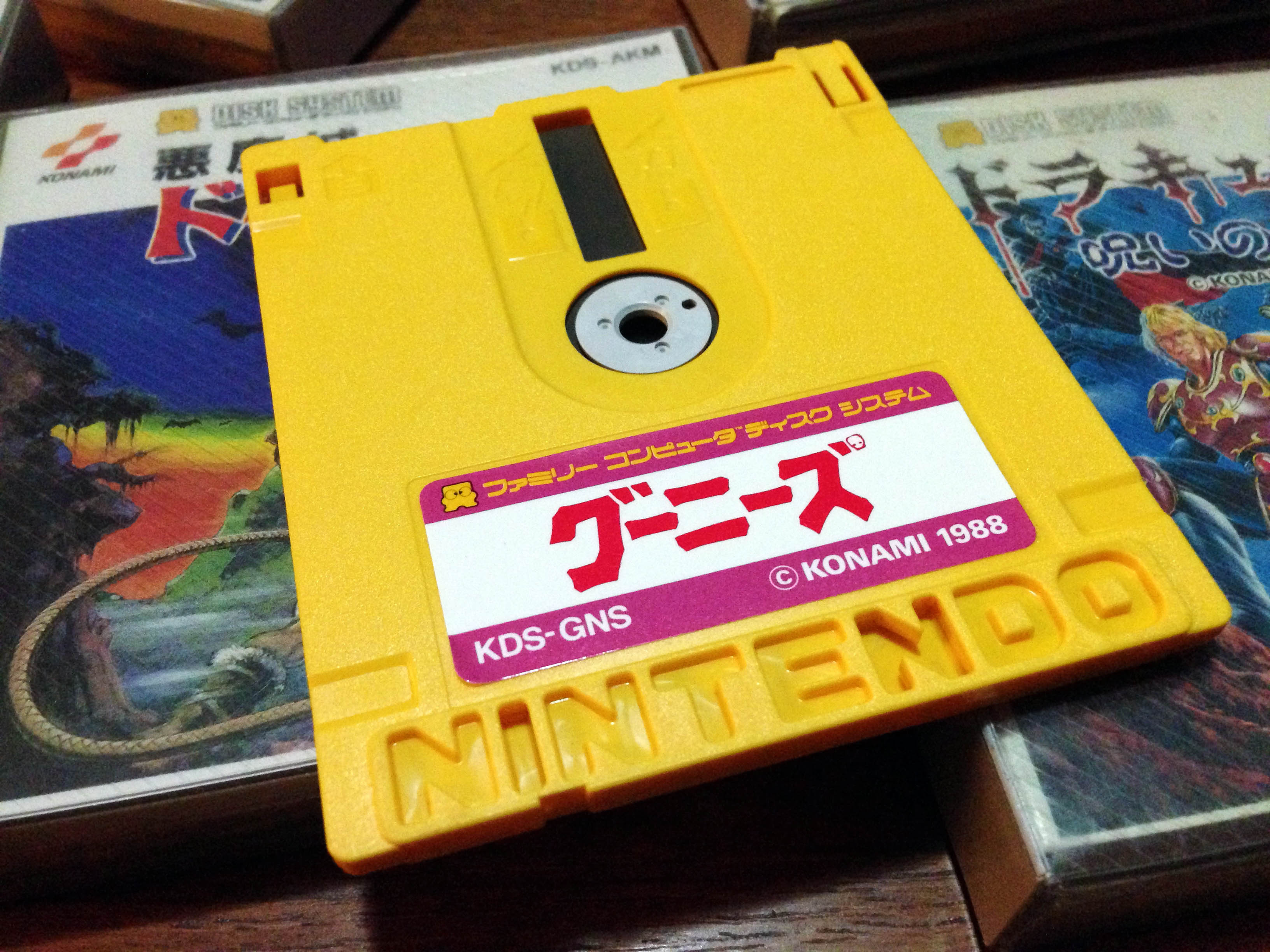
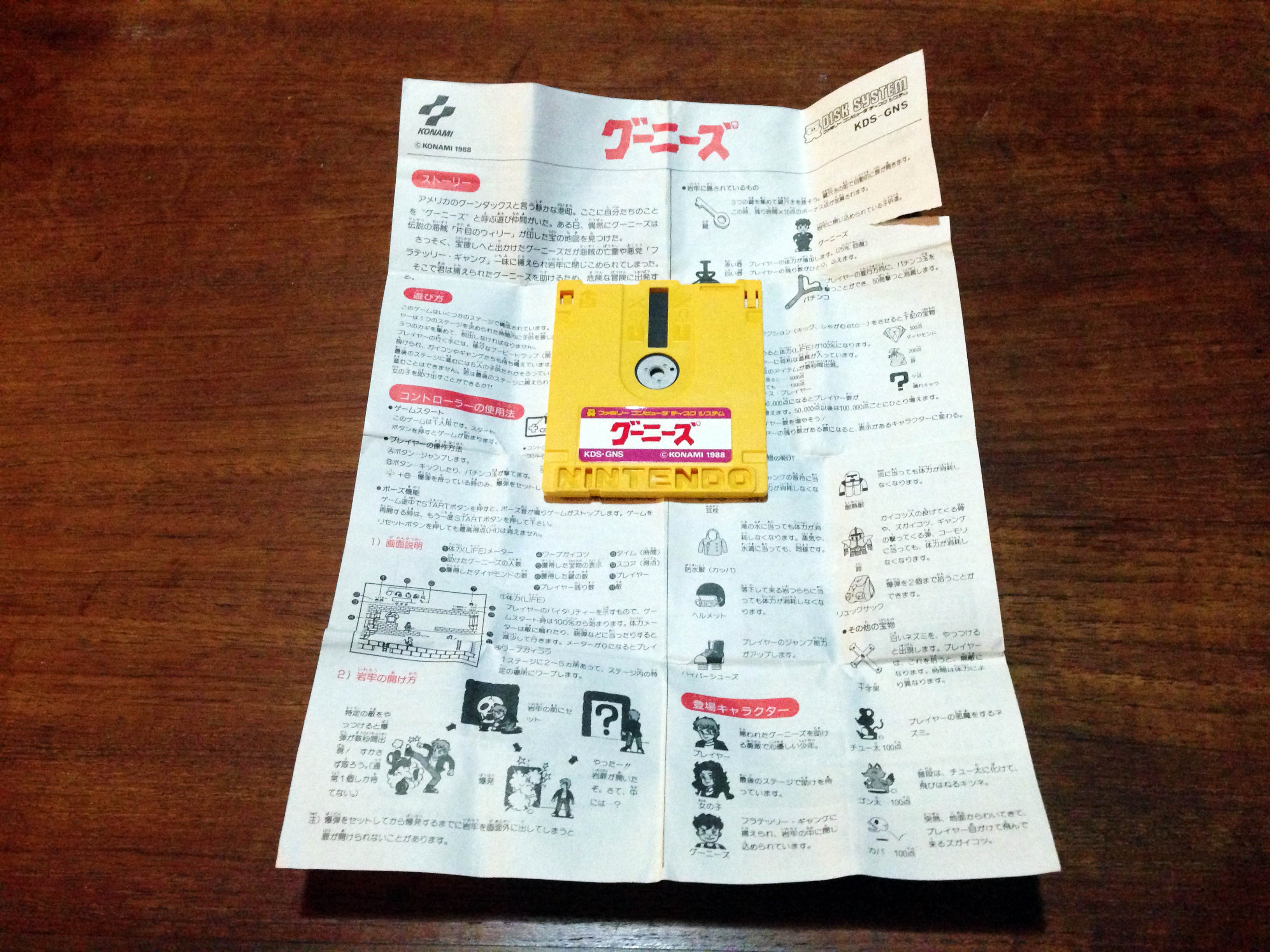
There were two Konami games on Disk System which were not released at retail, and only available as re-writes via Disk System Writer Kiosks – The Goonies and Twinbee. After much searching I managed to get my hands on a single disk with both games on it.

GooniesFDS_1 GooniesFDS_2

Disk Writer games came with a nice official printed disk label and fold-out paper manual.GooniesFDS_3

But it doesn’t match the rest of the otherwise beautifully consistent Konami Disk System catalogue.GooniesFDS_5

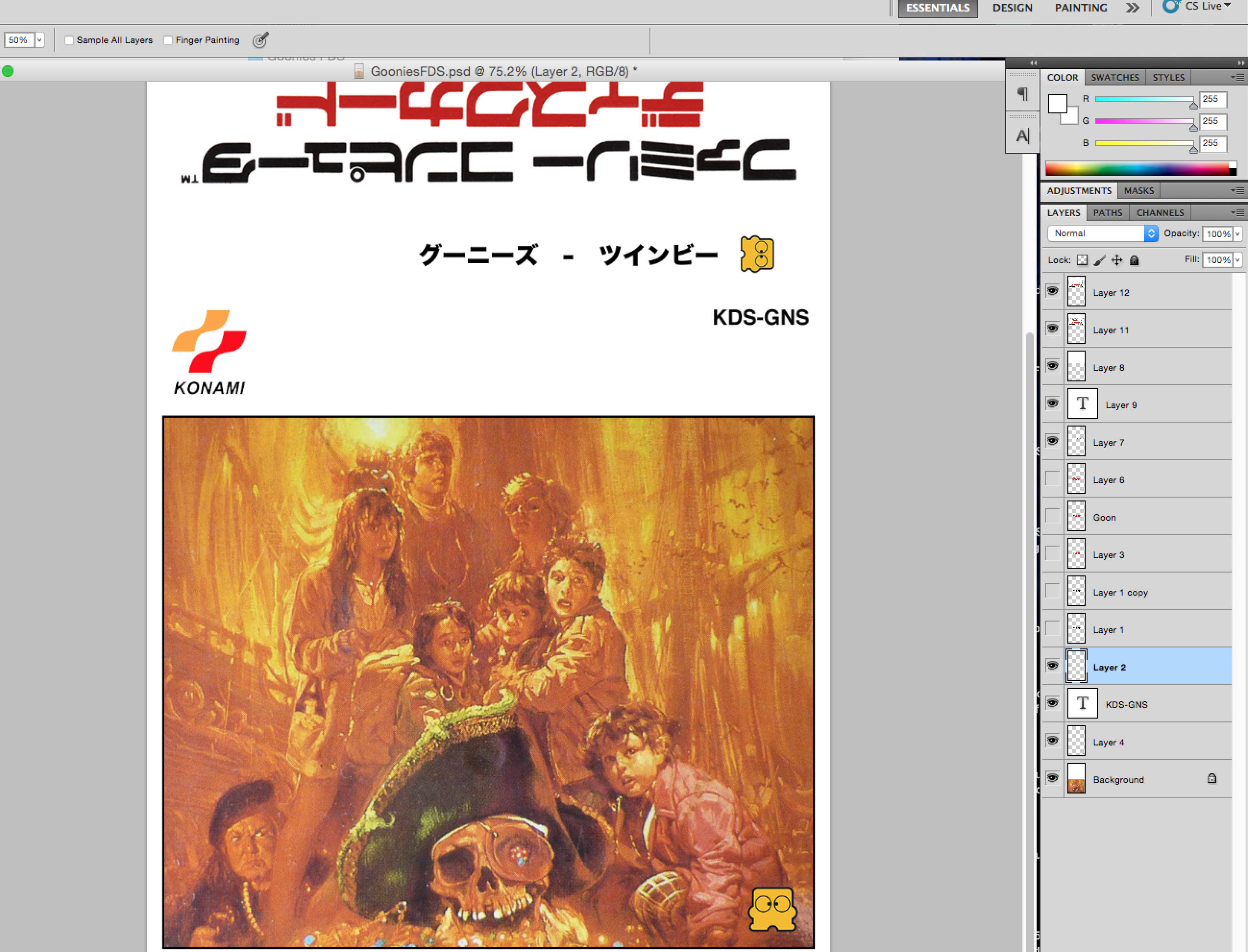
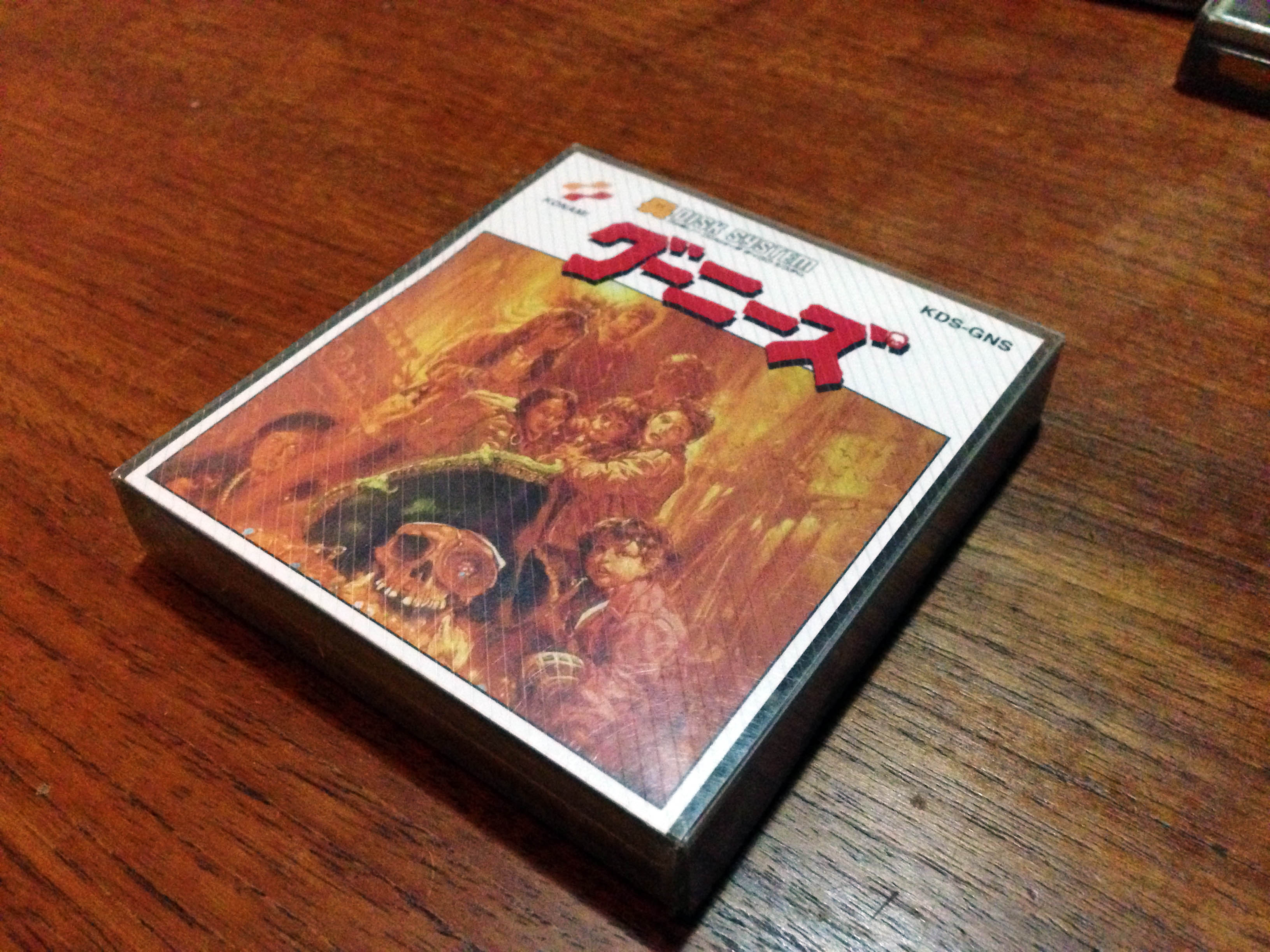
Since FDS inserts are just thin cards, I decided I could make up a reproduction retail release for Goonies, based on the cartridge box.GooniesFDS_6

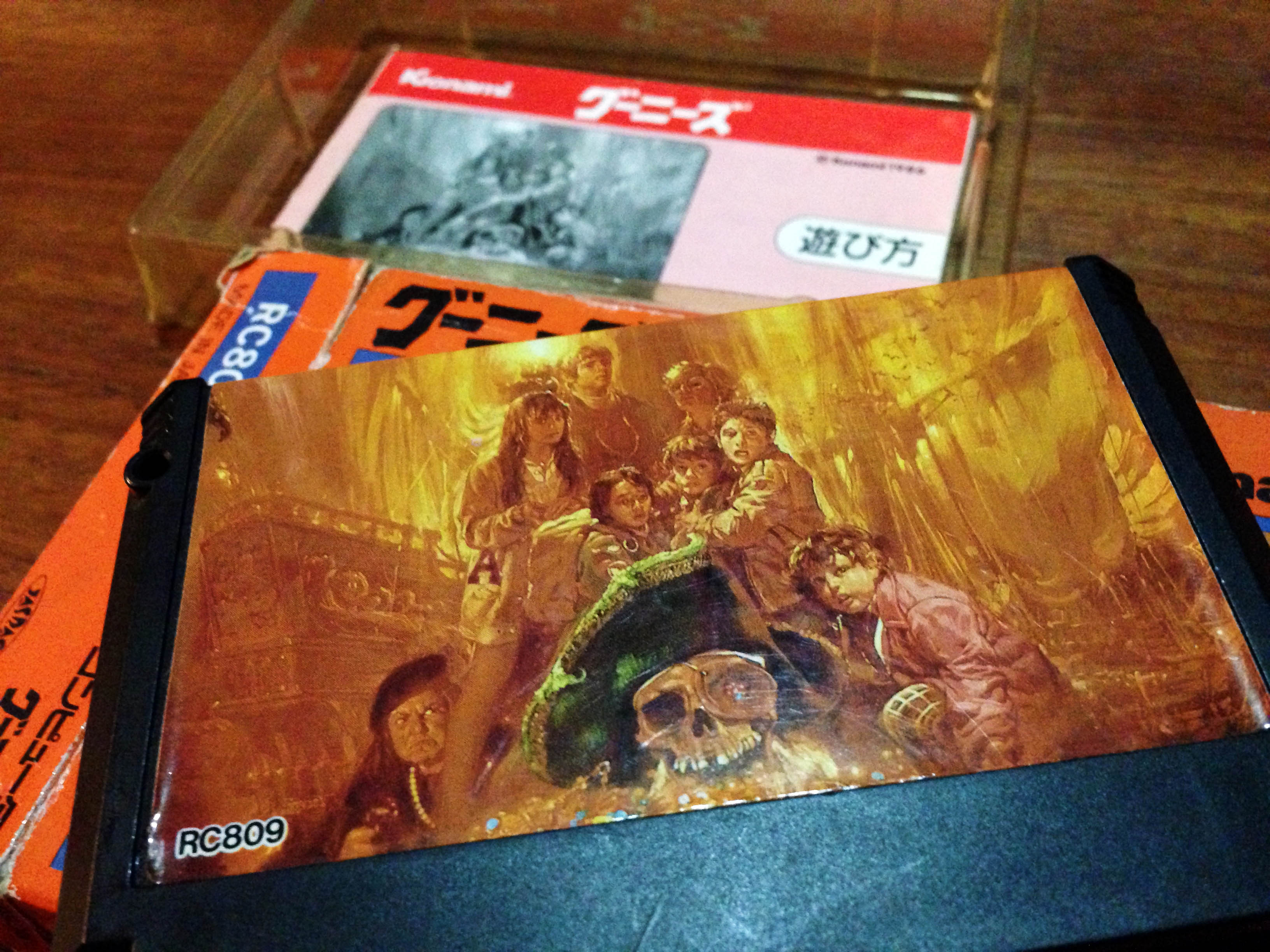
I scanned the nicer quality image from the cart label, and got going in photoshop.GooniesFDS_7

GooniesShop1

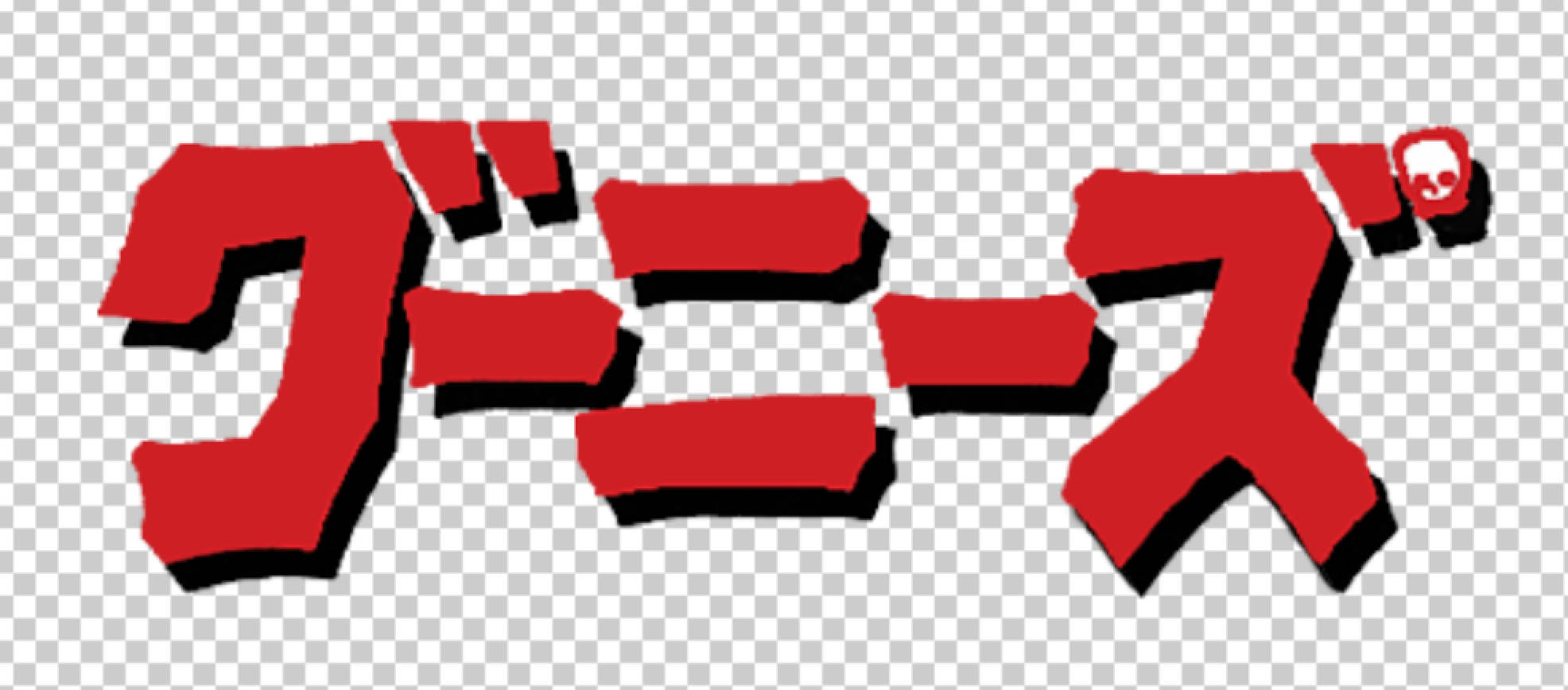
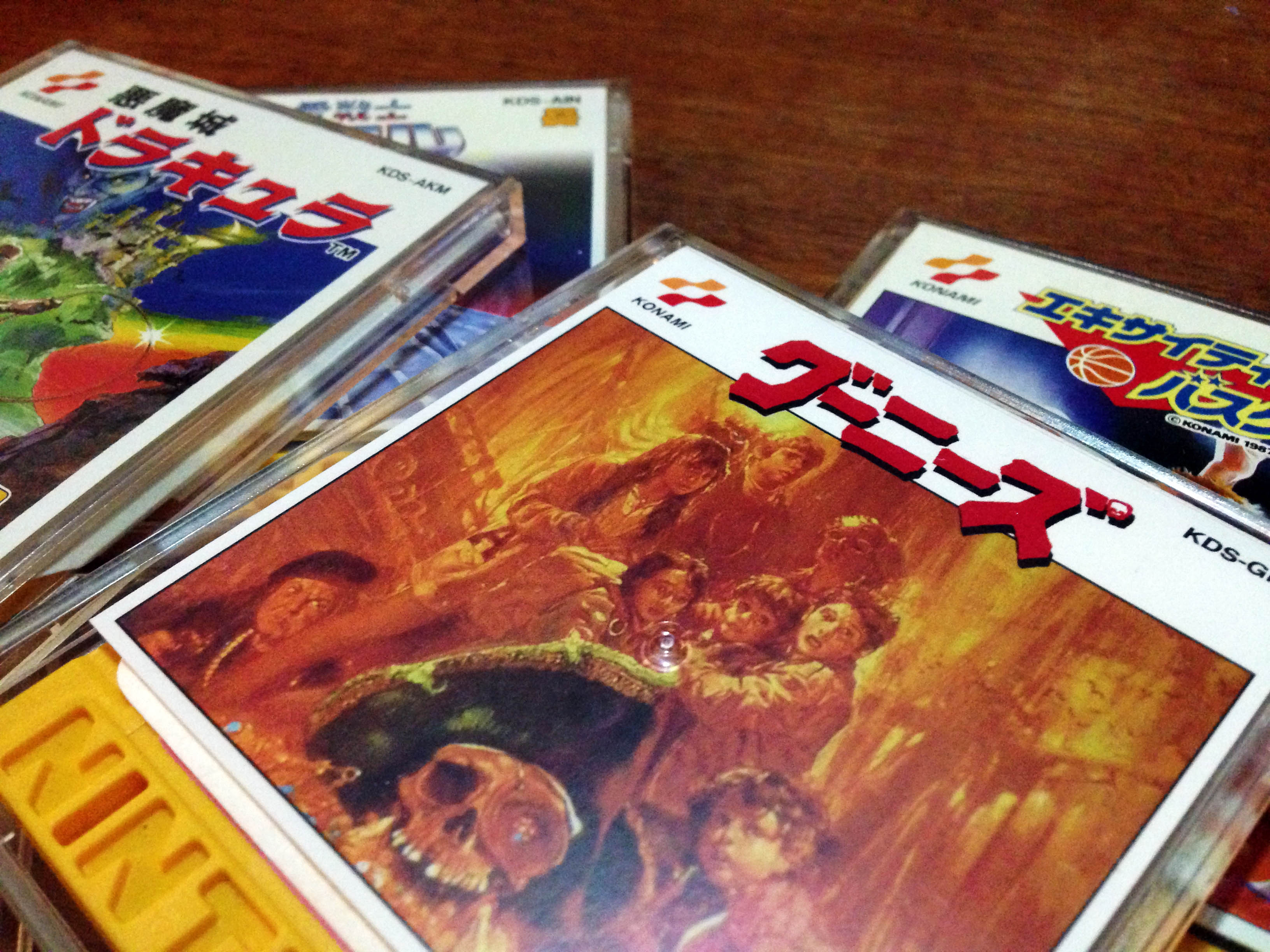
For the logo, black looked a little bland, so I took inspiration from Goonies 2 and Akumajou Dracula, and went with red, using the original black logo from the cart release as a drop-shadow. I used Akumajou Dracula and Exciting Basketball as templates for the basic formatting of the disk case label and outer-box label.

GooniesFDS_8GooniesFDS_9

GooniesShop2

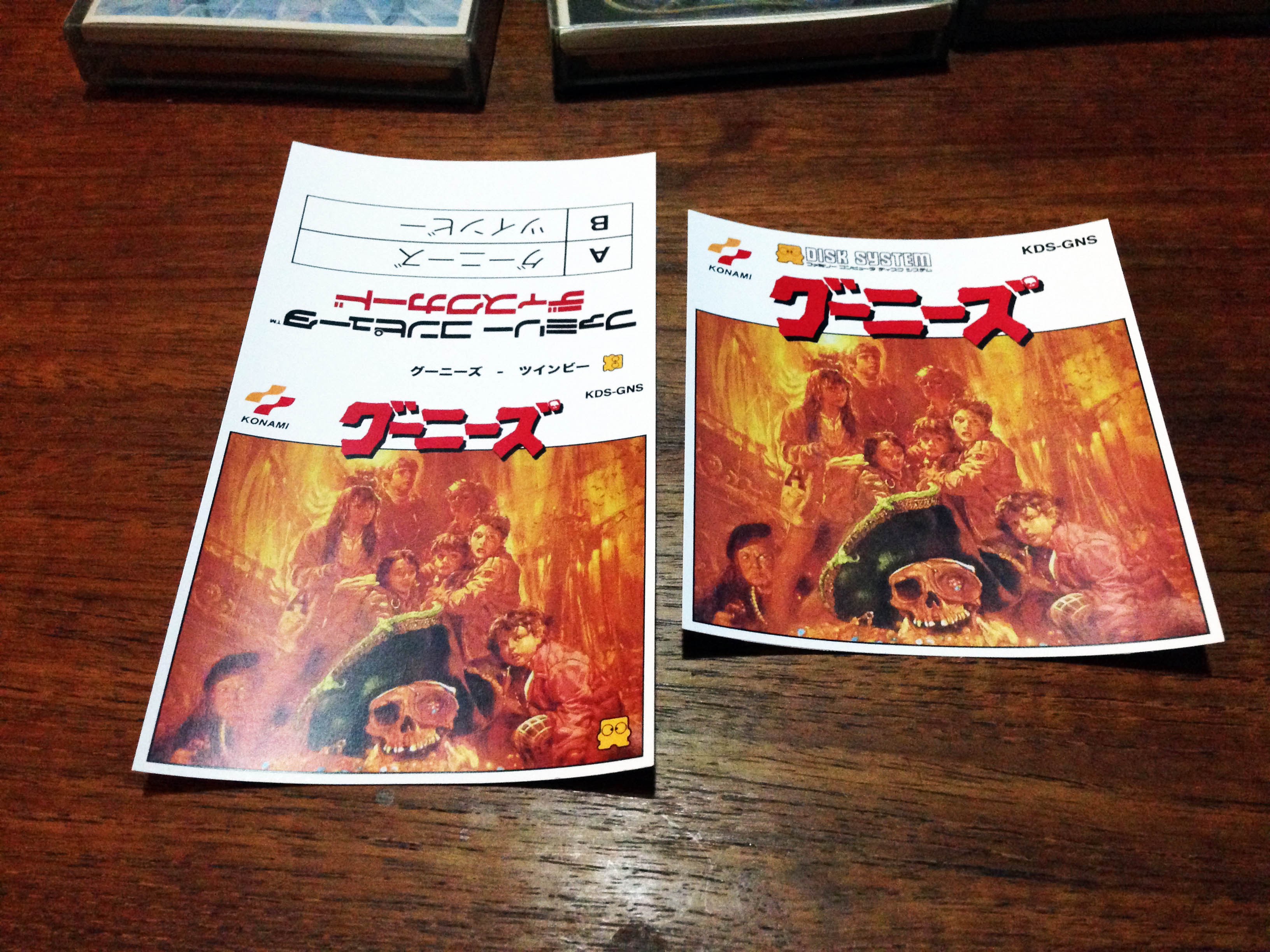
I had it professionally printed on 200gsm satin printing paper, and here’s the result! Goonies on side A, Twinbee on side B, so Goonies gets main billing.GooniesFDS_11

Looks great in disk-case format and full case format!GooniesFDS_12GooniesFDS_13GooniesFDS_15GooniesFDS_14

Now Goonies/Twinbee can take its place with the rest of the Konami FDS set!GooniesFDS_16

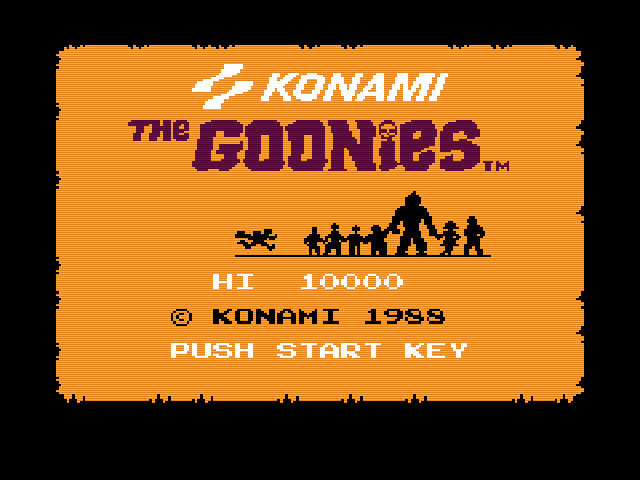
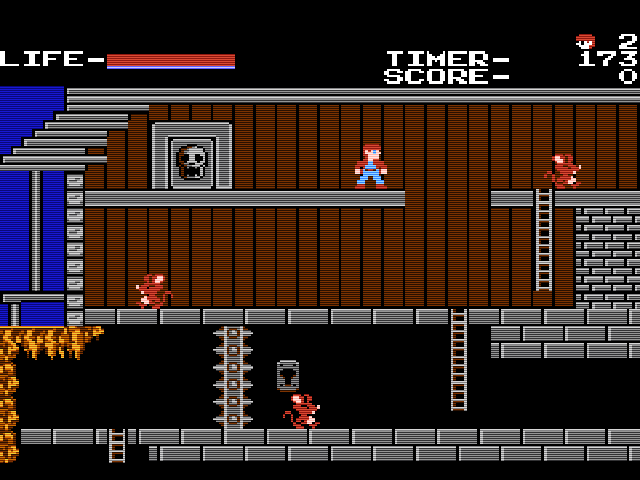
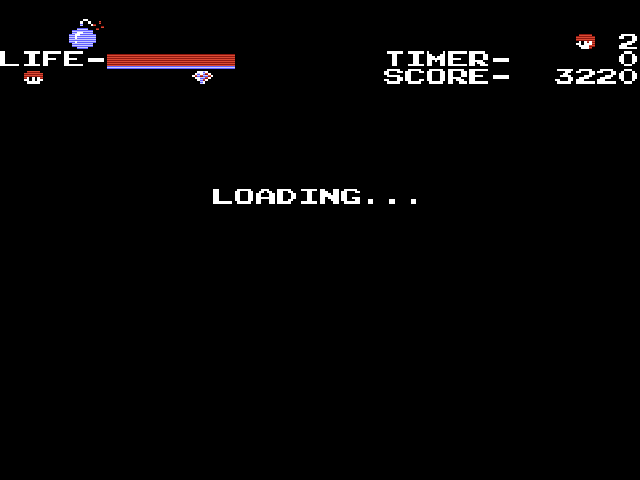
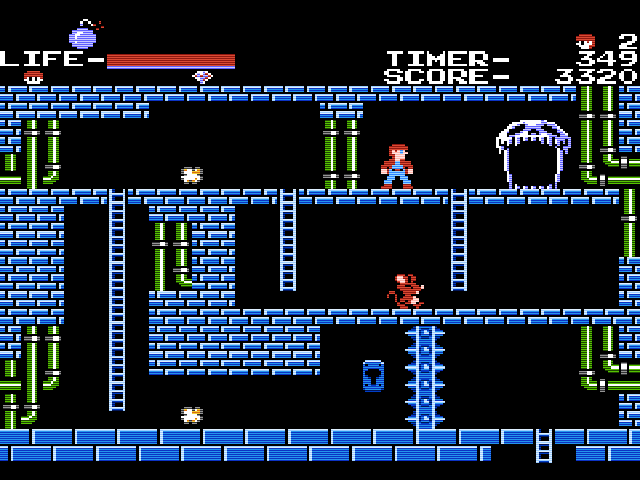
And I can finally play Goonies with additional load times!Goonies1 Goonies2

Goonies3 Goonies4

Goonies Family (Computer) photo.GooniesFDS_17

Nintendo industrial design in the early 80s

Nintendo had such a classy ‘brushed metal on high quality coloured plastic’ aesthetic in the early 80s, carried over from their original ‘Color TV game’ console series, through the Game & Watch series, and on to the Famicom.

This post is a celebration of that aesthetic.

80sNintendo_2035

80sNintendo_2039

80sNintendo_2040

80sNintendo_2042

80sNintendo_2046

80sNintendo_2047

80sNintendo_2048

80sNintendo_2049

80sNintendo_2050

80sNintendo_2051

80sNintendo_2052

80sNintendo_2053

80sNintendo_2058

80sNintendo_2061

80sNintendo_2062

80sNintendo_2067

80sNintendo_2076

80sNintendo_2094

80sNintendo_2097