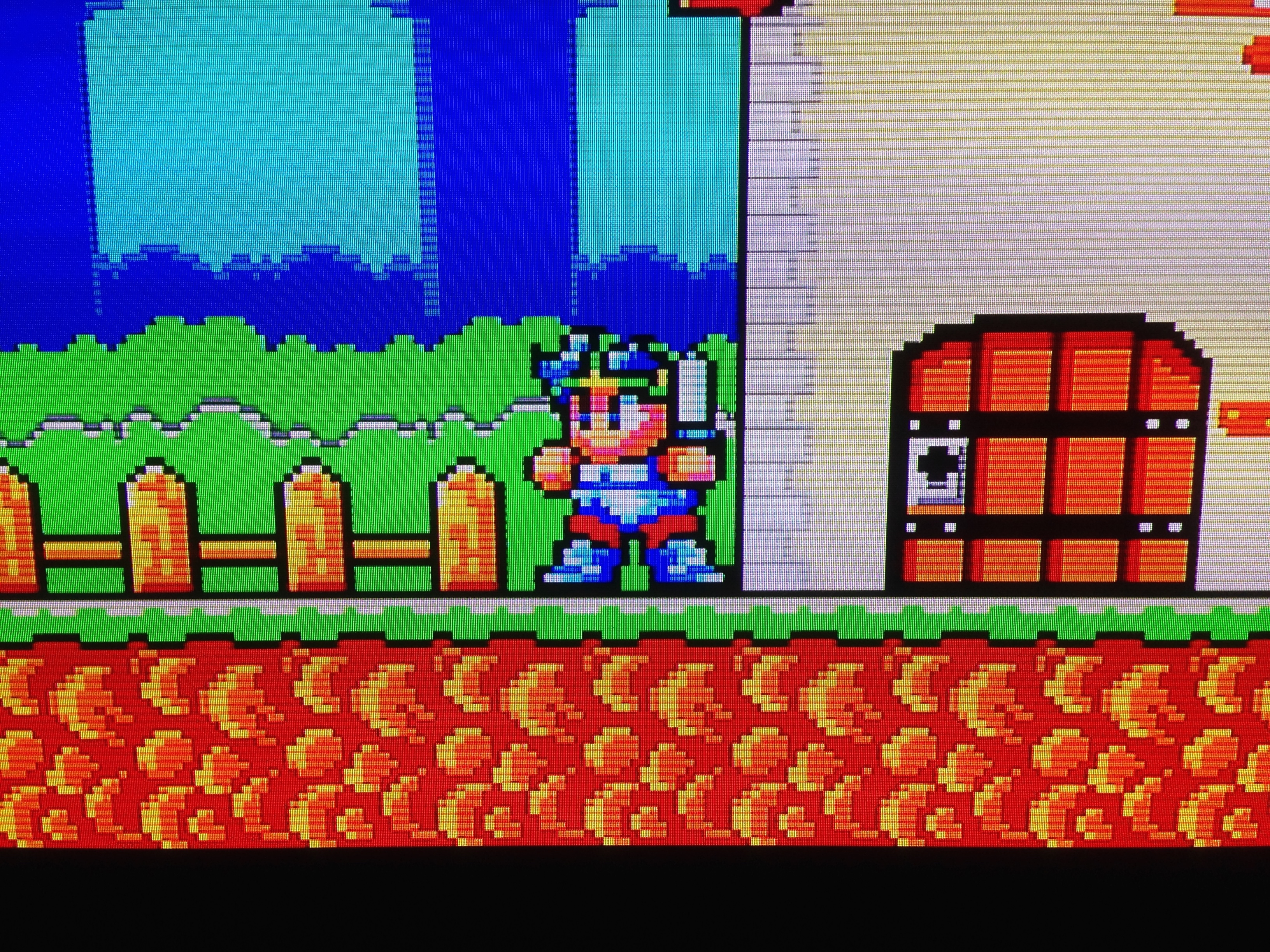
Dragon Wang (ドラゴン-ワン) and Makai Retsuden (魔界列伝)/Kung Fu Kid – Sega Mark III

This one is a weird little series.

DragonWangBoxes_1955

I was introduced to Kung Fu Kid when my family rented a Sega when I was young. It wasn’t the first console game I ever played, but it was the first one I ever played in my own house (i.e. the first game I played for hours and hours in a single night).

DragonWangBoxes_1953
The ‘amazing’ western box art…

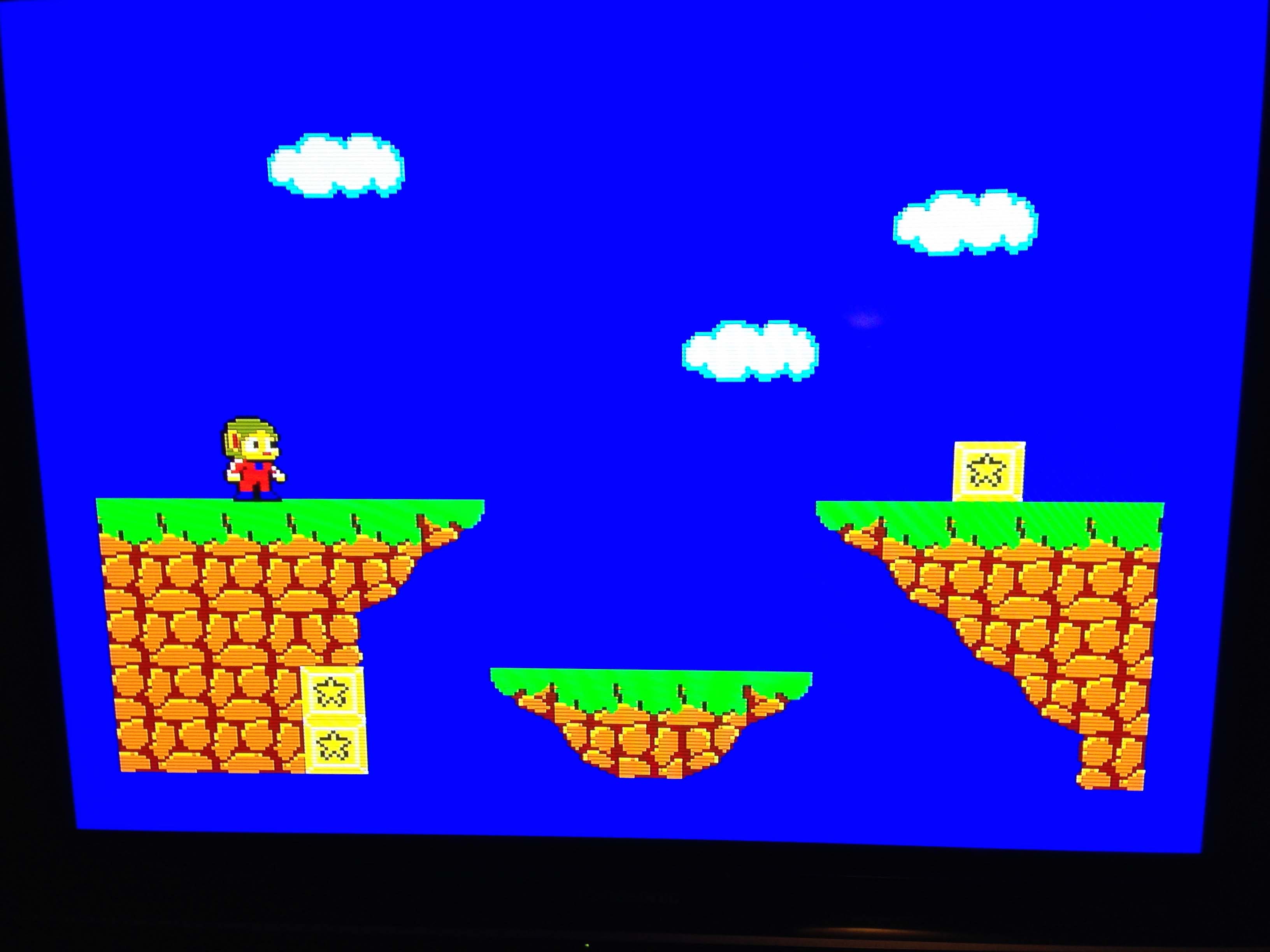
It’s a fun little ‘Kawaii’ rendition of the classic Kung Fu Master template (kick waves of bad guys and move up levels) starring a Chinese kung fu master called Wang. It adds in a dash of platformer with a much higher jump, more variety to the settings (not just a tower) and quite nice colourful graphics.

MakaiRetsuden.003

Years later I found out it was actually called Makai Retsuden (Demon World Story) in Japan and was a sequel to an SG1000 game called Dragon Wang(!). Thanks to eBay and Yahoo Auctions I now have my own copies of both, and it’s time for a write-up.

Dragon Wang (ドラゴン-ワン)

DragonWangBoxes_1945

It turns out Sega were quite accurate in their translations, and the original game was named after Wang.

DragonWangBoxes_1947
It came on the SG1000 card format

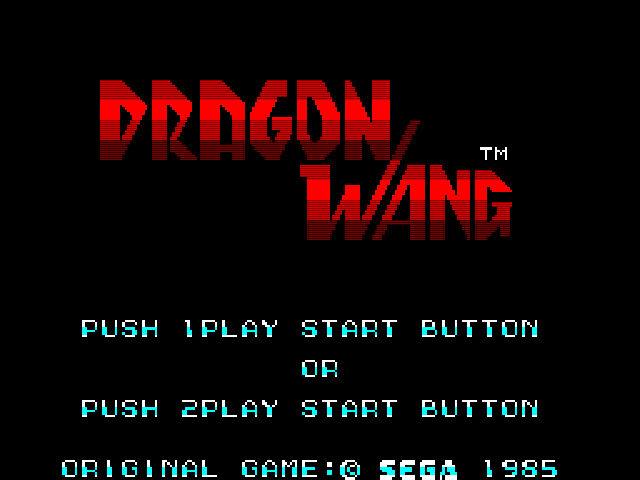
The title of Kung Fu Kid now makes more sense, as Dragon Wang is very much a straightforward clone of Irem’s Kung Fu Master, with a tower to climb, full of bad guys to kick. This format was itself based on the unfinished Bruce Lee movie Game of Death, hence ’Dragon’ in the title. As with most action games on the primitive SG1000 hardware, the graphics are quite simple, the scrolling is choppy, and it is very difficult to progress.
DragonWang.000

DragonWang.001

You fight through waves of regular bad guys, and on each level you pick a fight against a couple of bosses, like nunchucks guy here.

DragonWang.003
D-Wang…

It’s pretty limited and clunky, but it has a nice rhythm in the way bad guys attack, and can be fun in shorter bursts.

Makai Retsuden (魔界列伝)

DragonWangBoxes_1951
I love it how the ‘Gold Cartridge’ is white…

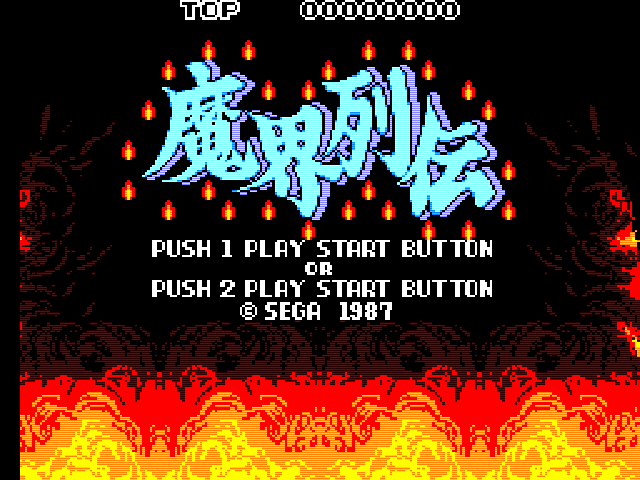
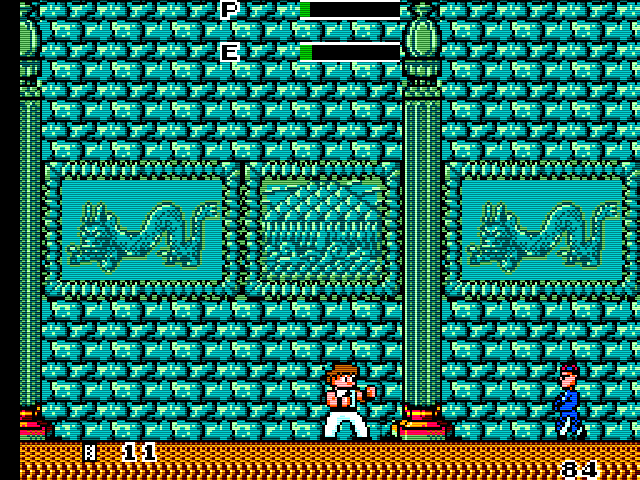
While the original game was a pretty straightforward kung fu romp, For the Mark III sequel, Sega got weird, and it’s a ghost/zombie martial arts game. After saving the day in the first game, Wang could afford to relax and put a shirt on. But an ancient evil named Mandala has awoken and brought with him an undead army.
MakaiRetsuden.025

MakaiRetsuden.013

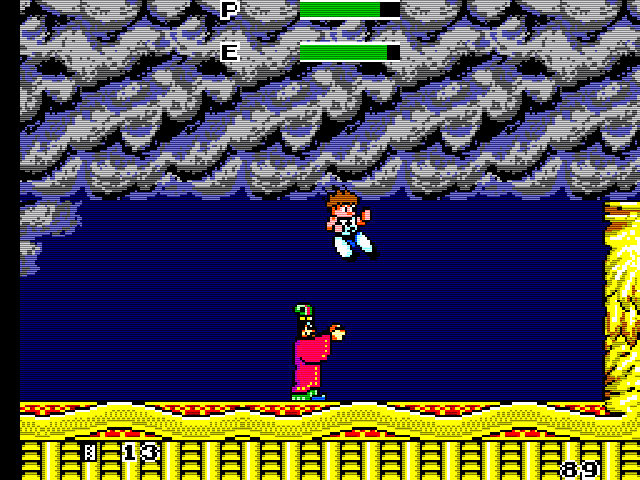
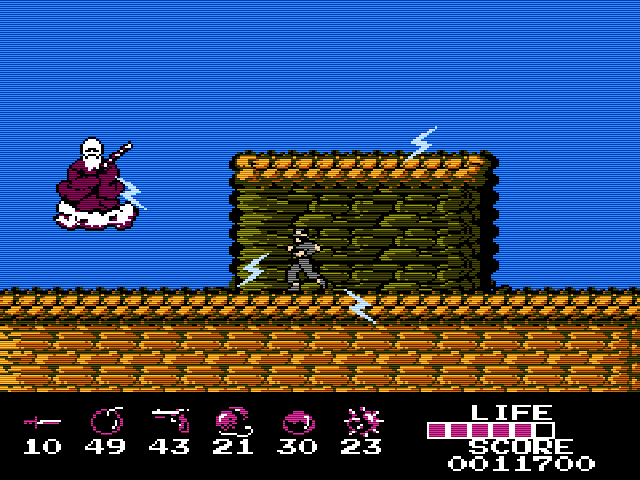
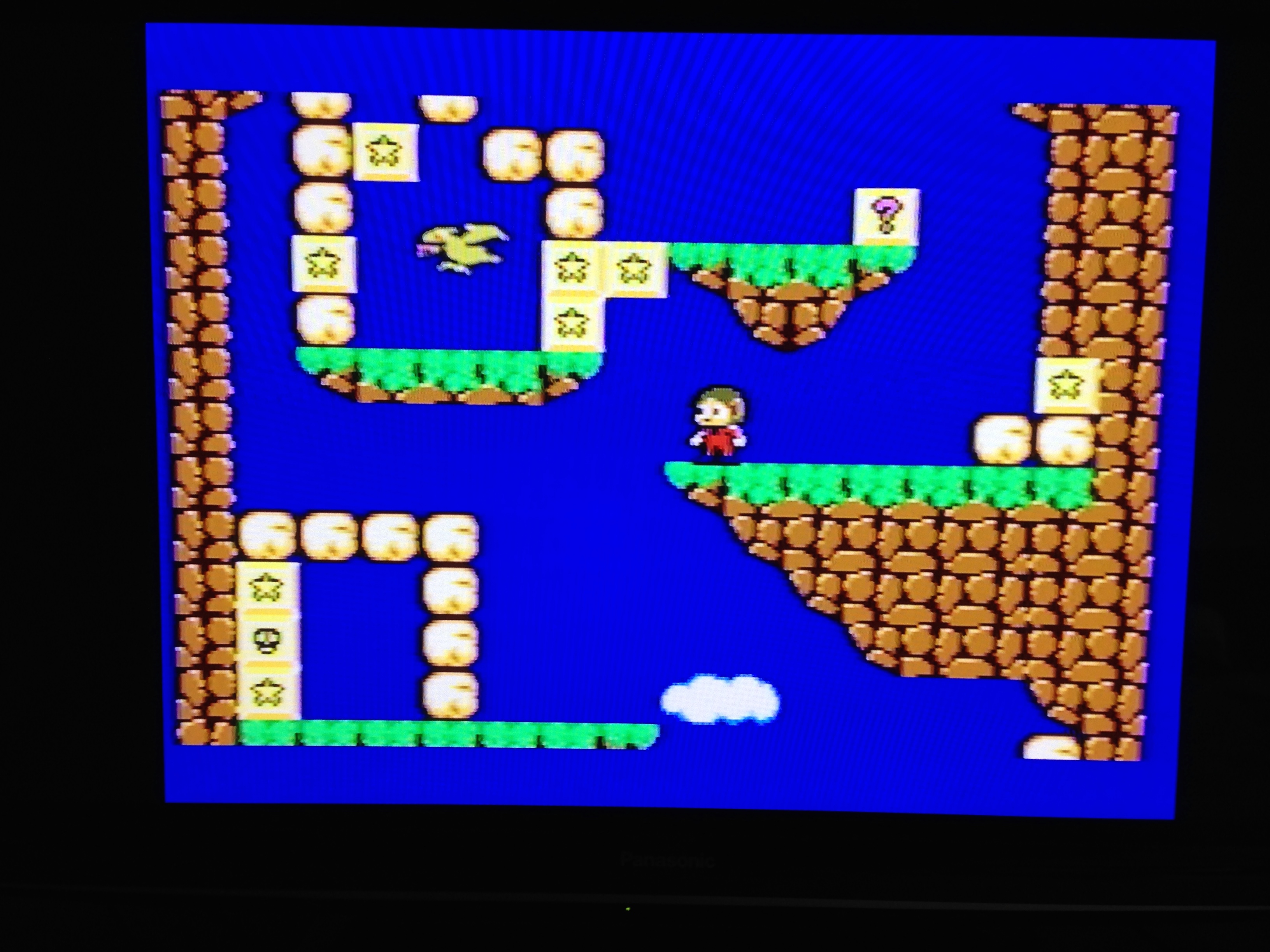
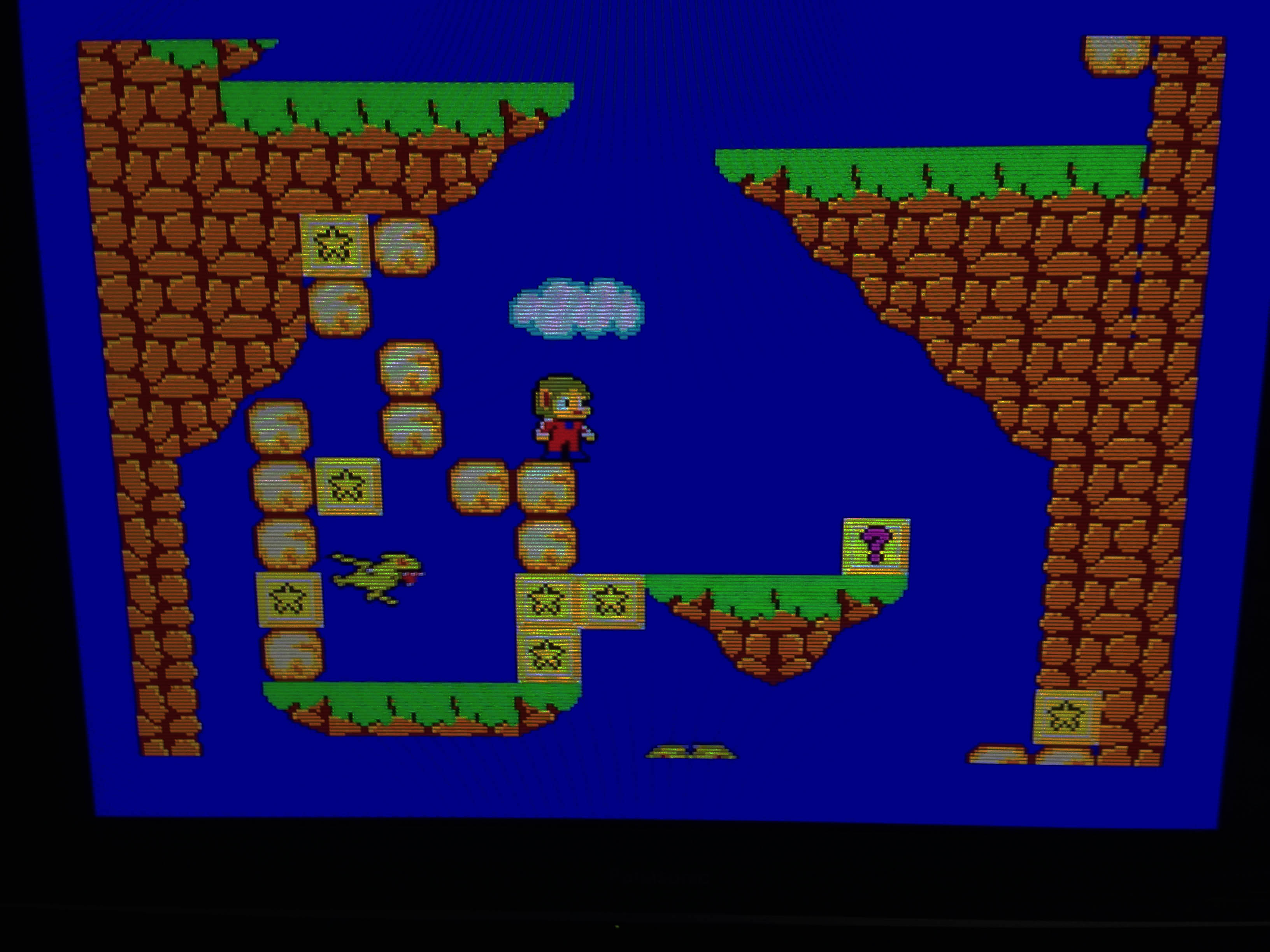
Instead of nunchuck guys, you now fight various Chinese-themed ghosts and zombies and possessed creatures. As a kid I missed all this and just thought it was standard Japanese weirdness, like a Mario game. The game was released in the wake of Mario, and you can see Nintendo’s influence here – jumping is now a much bigger part of the game. Wang has one of the highest jumps in 8-bit games.

MakaiRetsuden.014

The first two levels are straight left to right affairs, but after that it returns mostly to the more claustrophobic ’tower climb’ structure of the first game.

MakaiRetsuden.027

The graphics are great, the music catchy, the mechanics solid and fun, and like most Sega games of this era it’s a mean challenge. Overall a top Mark III effort.

More screens:

DragonWang.005 DragonWang.006

MakaiRetsuden.001 MakaiRetsuden.030

MakaiRetsuden.020MakaiRetsuden.032

MakaiRetsuden.039 MakaiRetsuden.035

Miracle of Arumana (アルマナの奇跡 Arumana no Kiseki) – Famicom Disk System

Of all the Konami Famicom/FDS games that didn’t leave Japan, this one is my favourite.

Armana_1823

In the same way Castlevania was inspired by old monster movies and fantasy novels (including the Frazetta-esque art), and Contra was inspired by Aliens and Rambo,  Miracle of Arumana is pretty much Indiana Jones. It’s so close in fact it even seems possible development began on the basis of gaining the licence at some point. I mean, look at these screenshots:

5

10
There’s even a mine cart level

 The plot is a slightly more cartoony version of Temple of Doom – the miraculous Arumana stone has been stolen from a remote (presumably Indian) village by some powerful supernatural force, and without its power the people are helpless against the evil. The land is ruined and the peaceful locals have been turned to stone.

2

3

You play as a younger, more Japanese looking Indy, who has come across this injustice during his adventures and sets out on a quest to defeat the evil force and restore the Armana stone to its rightful place.

Armana_1829

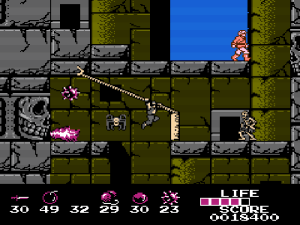
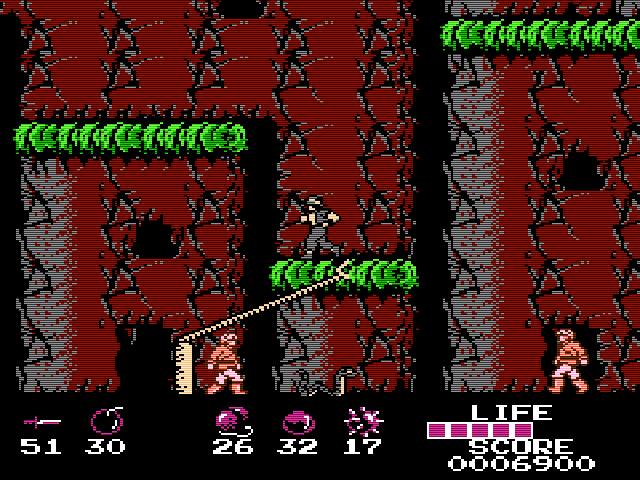
It’s a jolly little platfomer with a fun (if not particularly accurate to the laws of physics) grappling hook mechanic. The hook feature is nowhere near as involved as the one in Bionic Commando, but definitely adds to the experience, allowing interesting navigation possibilities around the levels.

4

8

What sets it apart are the graphics and music. It’s in the top tier of that era’s Famicom games graphically, with that fantastic slightly gritty Konami look (including the trademark ‘faceless’ characters). The music is in my opinion literally the best use of the Disk System’s extra sound channels. This is almost Akumajou Densetsu (Castlevania 3) level here, among the absolute best on the Famicom. It uses the louder extra wave channel for a ‘horn’ type sound, for an 8-bit version of a classic  adventure movie score.

arumana-no-kiseki-1
Promotional flyer

It’s also a vastly superior Indiana Jones game to any of the official 8-bit Indy games. In fact it’s the best Indy game on any consoles at all until the excellent Nintendo 64 version of Indiana Jones and the Infernal Machine.

Here's the collector card that came with this copy
Here’s the collector card that came with this copy

An English translated version is out there with the title ‘Miracle of Almana’. While that is legitimate translation of アルマナの奇跡 without context, it’s clearly incorrect. The product code of the game is ‘ARM’ – including the R means it was meant to be translated ‘Arumana’ or simply ‘Armana’.

Armana_1824
This is my sealed copy.

This is an amazing game. If this had made it to the west, I’m sure it could have been a long running series, just like Castlevania and Metal Gear. But perhaps Konami were afraid of Lucasfilm’s lawyers.

Armanapack_2007

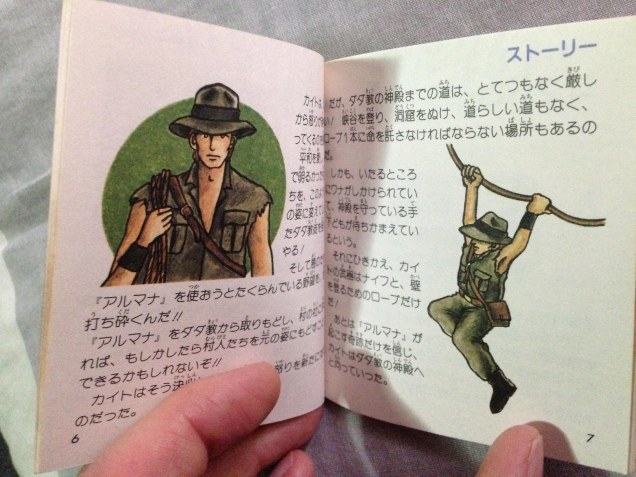
Full colour manual with that classic Konami manual art.

More screens:
1 9

11 12

I first leaned about this game about 15 years ago on Tsr’s NES archive. The piece is still alive today, check it out!

Konami’s Famicom Disk Manual Back Covers

 There was a point in time where Konami were the world’s best developer of video game software.

konFDSman_1848

They also had the best box art and the best presentation. Today, I’ll focus on one element of this – the back of Konami’s Famicom/FDS manuals.

While their box art was the best in the business (I’ll save that for another day) an awesome little detail they started right off the bat on the Famicom was unified presentation. Their first gen of games came in Orange boxes, and had a unified design that mimicked Nintendo’s ‘pulse line of games.

konamimanuals_1837

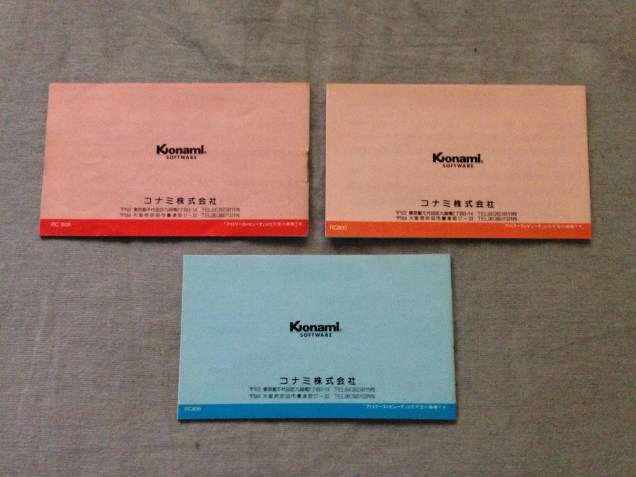
The manuals similarly were uniform, with a plain (old) Konami logo on the back.

konamimanuals_1836

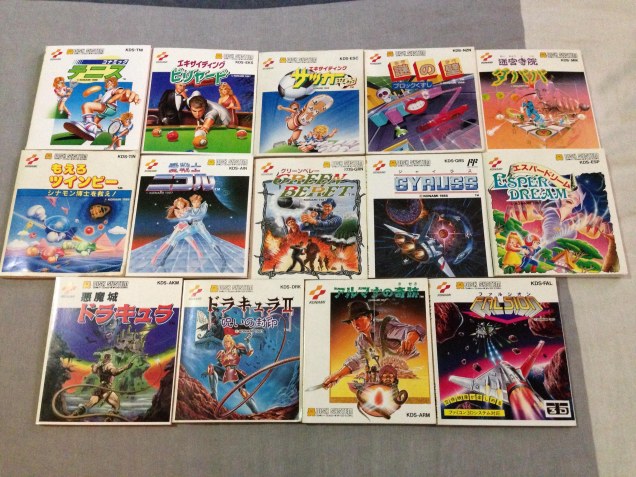
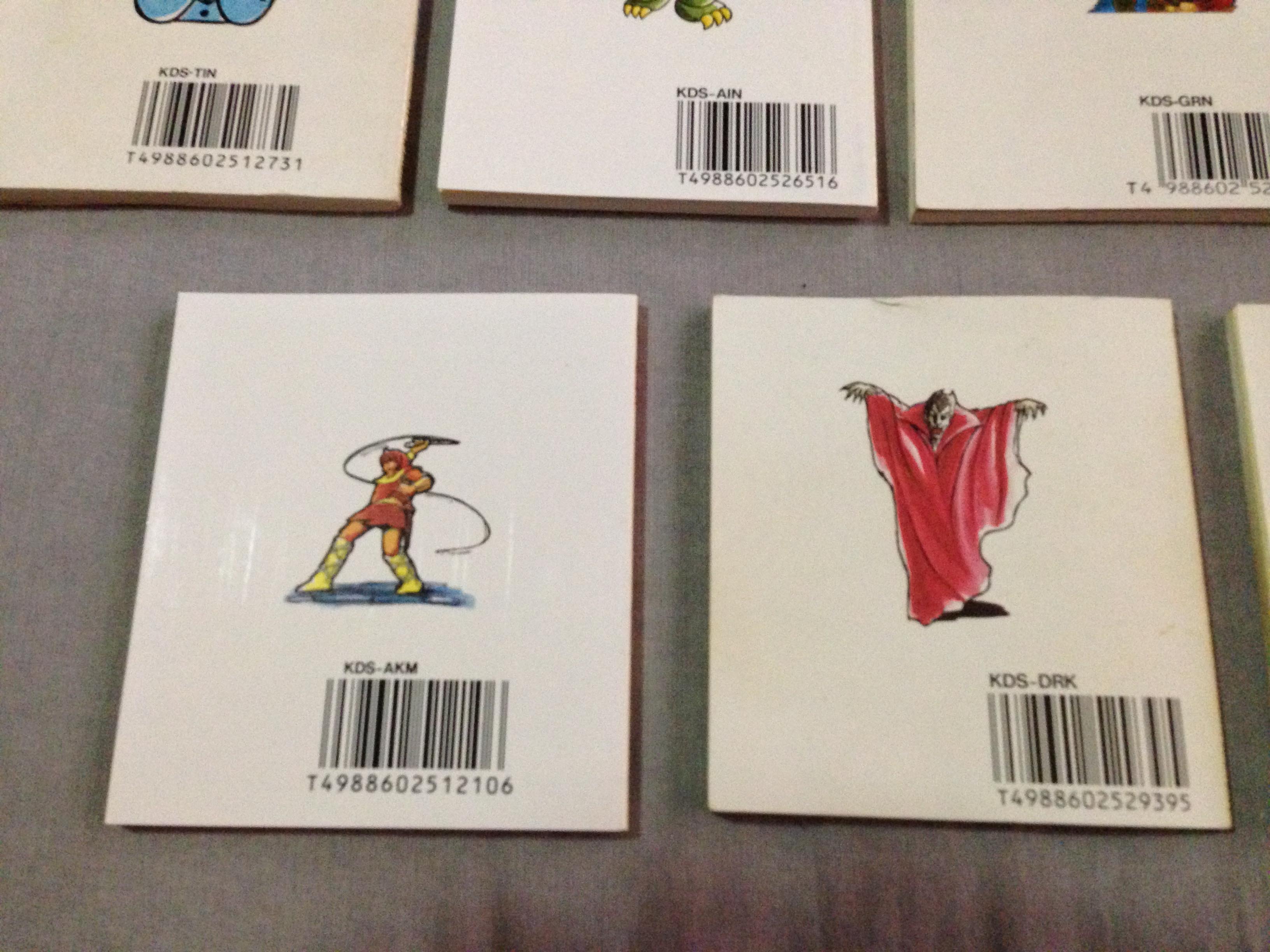
Upon rebranding the company with their awesome ‘two ribbons’ logo, a new motif began, and was maintained for the rest of their Famicom/FDS run. All boxes (or manual covers which doubled as box art in FDS games) would have the Konami logo top left, and the back cover would feature a single small image representative of the game.

konamimanuals_1839
Pennant Chase Baseball back cover

konamimanuals_1838

It’s most prominent on the Famicom Disk games, as they had full colour manuals.

konFDSman_1840

konFDSman_1841

konFDSman_1845

While Konami had similar branding discipline for at least a few years in the US with their awesome silver box line, their NES manuals simply had the game logo on the back. But interestingly, their silver box Game Boy games continued the trend.

konFDSman_1850

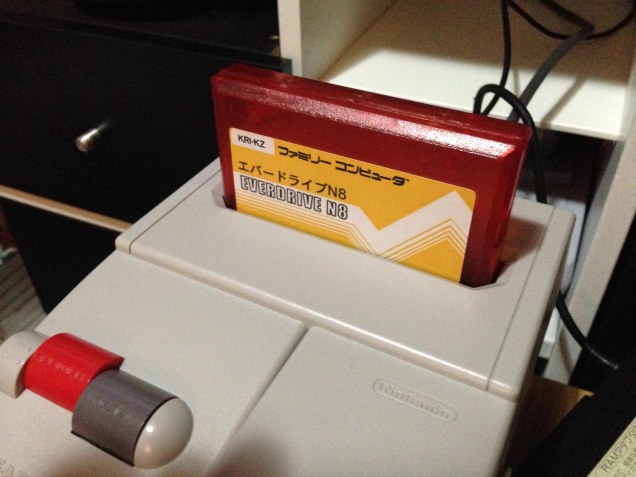
Famicom Everdrive N8 replacement shell

I use the Everdrive N8 for most of my game playing. While I love collecting physical games in boxes, I largely keep them in the box and use the Everdrive to play the games I own.

N8_1892

I bought it a couple of years ago with a shell. It’s a classy transparent plastic, but it always annoyed me how the shell was taller than a standard Fami cart. It seems these are still the shells being sold with the carts even today too.

N8_1893

N8_1897

N8_1896

However, I found a seller on Alibaba who sells knockoff Everdrives (Pirated piracy carts…), and he sells a shell separately as well. And it looked pretty good so I grabbed one.

It’s every bit as high quality as the real one, and even comes with an equally professionally printed label. But is the right height! So much better.

N8_1898 N8_1899

I got blue this time, because the red didn’t go well with the OG Fami. Blue looks amazing.

N8_1902

8/20 Konami Famicom Collector Cards

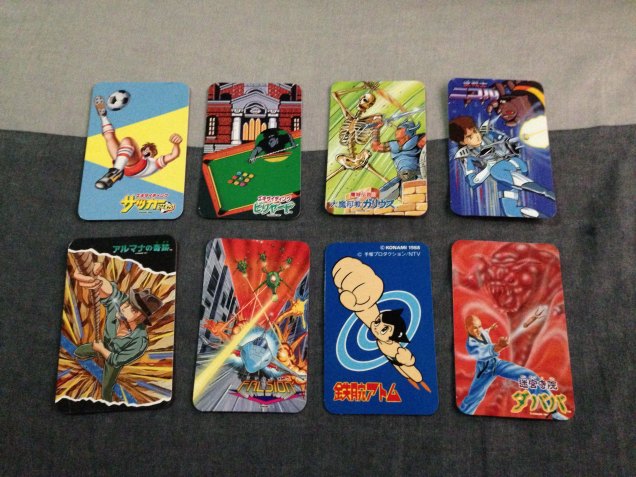
At some point starting in 1987, Konami decided to include a collector card with all their titles. Each card had an illustration related to the game. Some cards had screenshots or pieces of screenshots, others had artwork of scenes in the game.

IMG_1822

There were multiple cards for each game, so perhaps Konami thought kids would be encouraged to get the same games their friends had to trade cards? Apparently it didn’t work, so they stopped including cards a couple of years later,  and only the following 20 titles ended up with the cards:

  1. Ai Senshi Nicol
  2. Arumana no Kiseki
  3. Dracula II (Castlevania II)
  4. Contra
  5. Do Re Mikko
  6. Dragon Scroll
  7. Exciting Baseball
  8. Exciting Basketball (Double Dribble)
  9. Exciting Billards
  10. Exciting Boxing
  11. Exciting Soccer
  12. Falsion
  13. Getsu Fumaden
  14. Konami Wai Wai World
  15. Majo Densetsu II (Knightmare II)
  16. Meikyujin Dababa
  17. Metal Gear
  18. Salamander
  19. Tetsuwan Atomu (Mighty Atom aka Astro Boy)
  20. Top Gun

I have the bolded ones already, and I always like the idea of complete sets of something (when the goal is achievable) so I’m on a mini-collection quest to get one card of each game that had one.

Of the ones I have, I like Arumana no Kiseki and Astro Boy best.

IMG_1820

So now I have 12 to go. Some will be easy to get (there are plenty of cheap copies of Konami Baseball and Basketball), some will be harder (popular titles like Salamander and Metal Gear). Do Re Mikka will likely be hardest, it’s a very expensive music game that came with a piano keyboard controller.

My pilgrimage to Nintendo’s headquarters in Kyoto

I’ve been a Nintendo fan for 30 years, and I was in Kyoto for the first time. Well I had to go to Nintendo, didn’t I?

First stop was very hard to find, and Google (at least in English) was very little help. I wanted to see the oldest surviving Nintendo building, buried in the backstreets of a now largely residential area of Kyoto.

KyotoNintendo2_0009

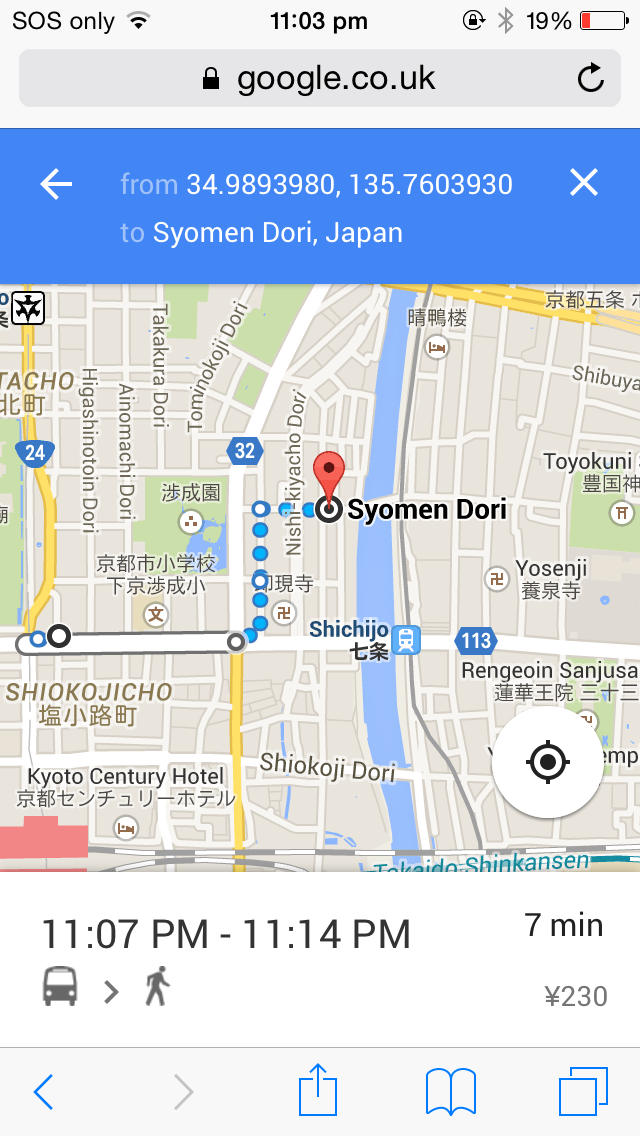
After some research (largely machine translating Japanese walking tour maps), I worked out it was somewhere near here, which was around 15 minutes walk from the apartment we were staying in.

kyotonintendo

So we set off the next morning. After a lot of wandering in the freezing cold winter air, we found it!

KyotoNintendo_0002

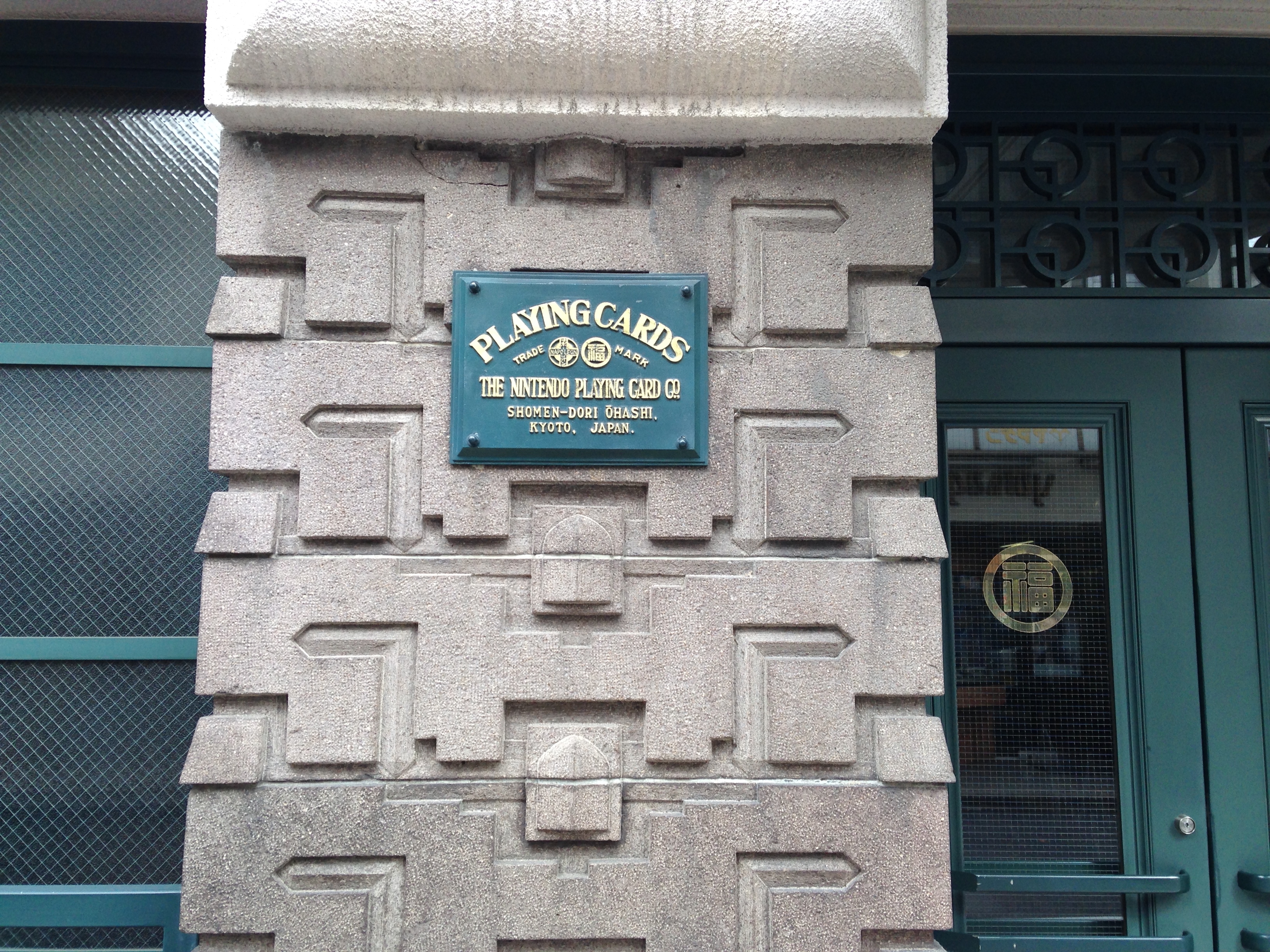
Built in 1933, it sits on the same land as the original headquarters from 1889. While nicely designed with lots of detailed flourishes, it’s an otherwise relatively nondescript building. Except for two plaques:

KyotoNintendo_0004

The sign references Japanese playing cards ‘Karuta’ (かるた) and western playing cards ‘Trump’ (トランプ – Toranpu)

KyotoNintendo_0003

This was their playing card factory and distribution centre before they became a larger toy company, and it has stayed in company hands.

KyotoNintendo_0005

 I took a peek inside as well, it is clearly well maintained and clean, and in some form of use.

KyotoNintendo_0006

It appears to have been maintained perfectly from the 1933 until today.

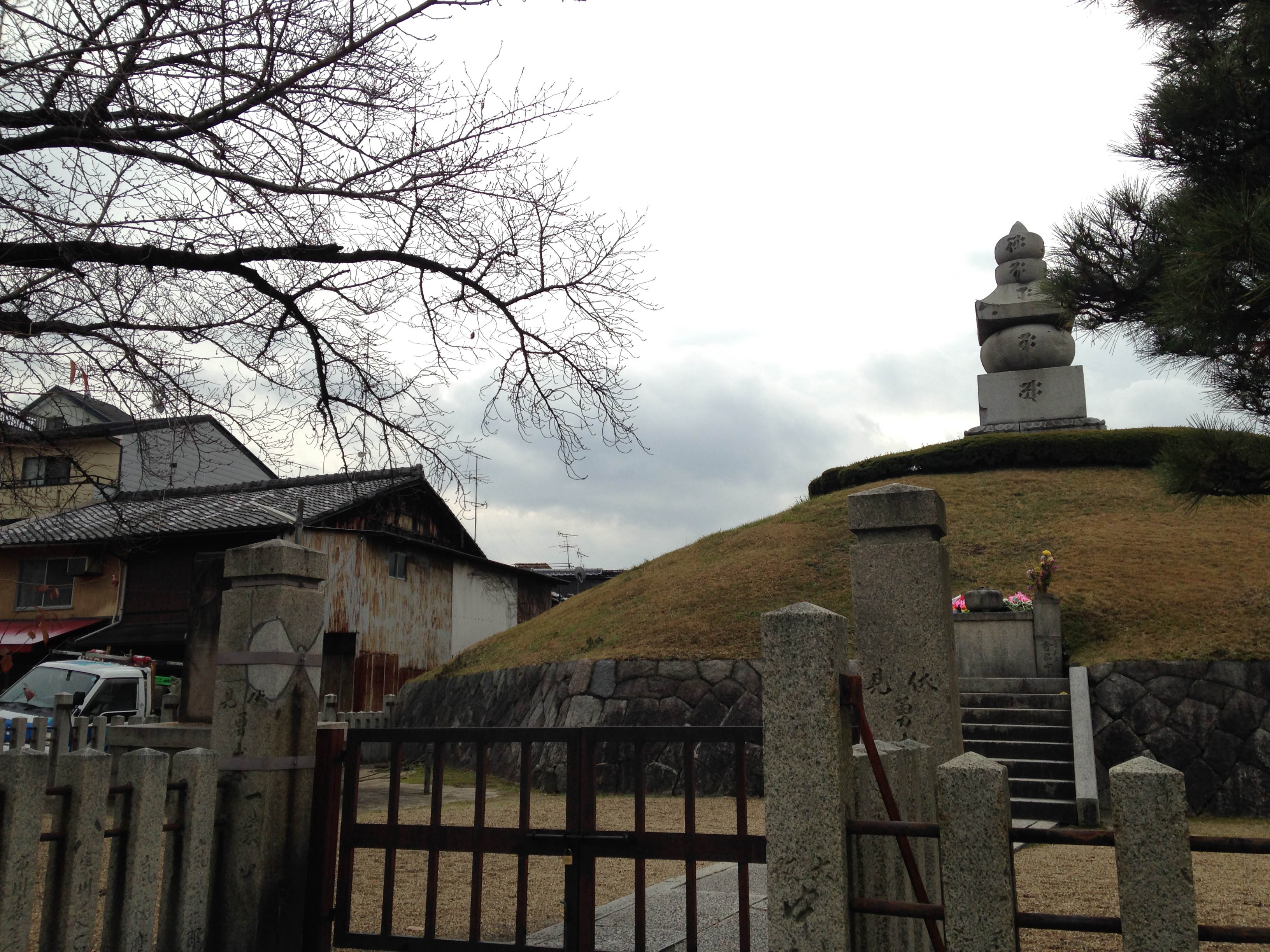
The next stop would be much easier to find. It was about 40 minutes walk away through residential and industrial areas, though we stopped in at a couple of Kyoto’s famous temples along the way.

KyotoNintendo2_0012 KyotoNintendo2_0015

KyotoNintendo2_0020KyotoNintendo_0028

Until it appeared…

KyotoNintendo2_0058

KyotoNintendo_0041

Mecca.

KyotoNintendo_0049

KyotoNintendo_0052

Two blocks away there is the other monolith, the new development building.

KyotoNintendo_0059

KyotoNintendo_0063

KyotoNintendo_0064

Not too much to see, you’re not allowed in either building. But they do have a nice big sign at the development centre.KyotoNintendo_0067

Sega Mark III external RGB amplifier with FM audio break-in

The Mark III’s composite output is pretty bad.

M3RGB_0001

It does have RGB out, using the same pinout as the Master System and Mega Drive.

Mark3FM2_1620

Unfortunately, unlike later Sega consoles, it’s an unamplified signal. So while Master System and Mega Drive RGB cables fit, the picture comes out far too dark.

I didn’t grab a picture of the native RGB output, but it looks something like this:

M3RGB_0005a

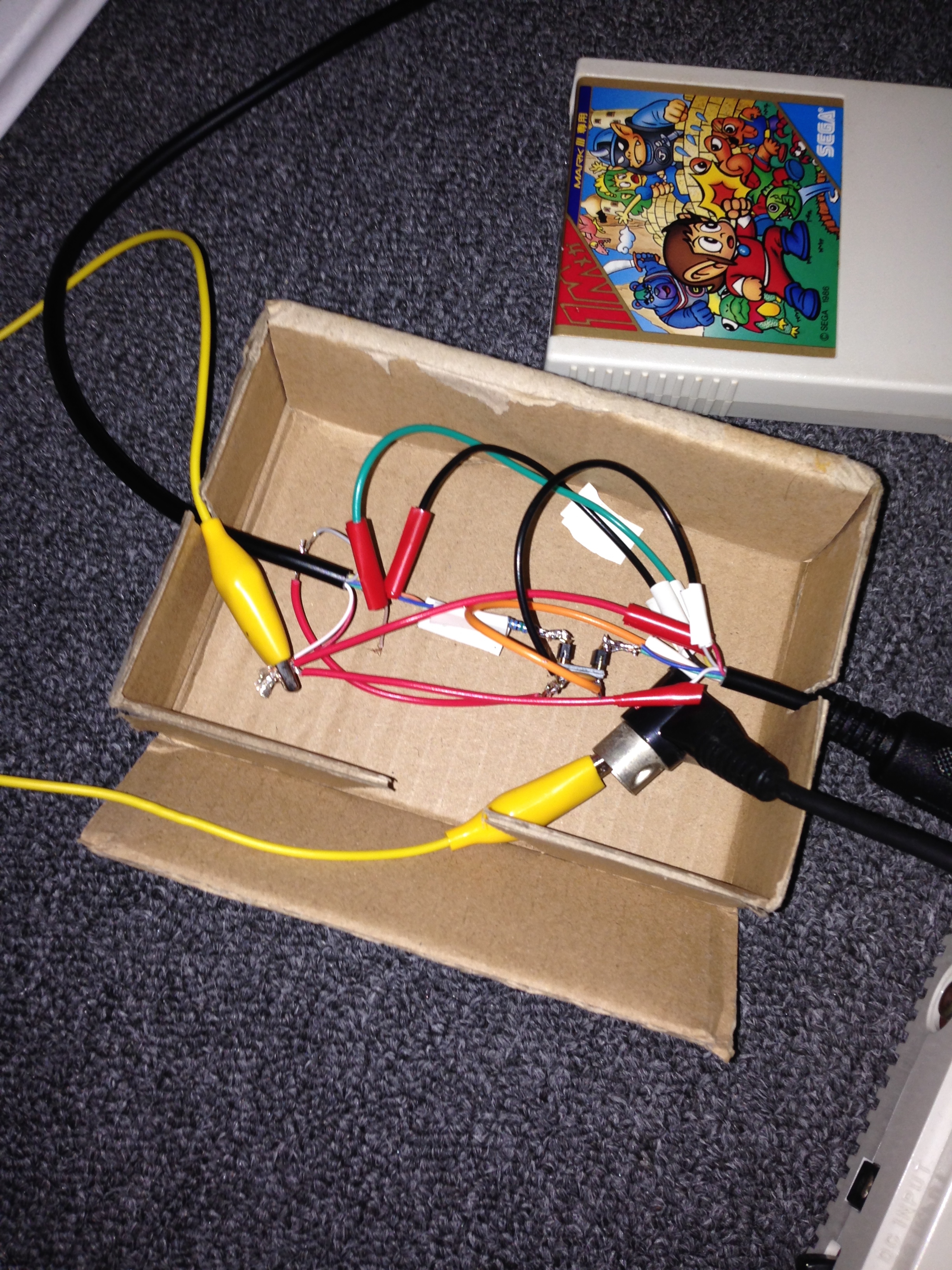
Rather than tamper with the console internally, I had a theory I could use the 5V and ground pins of the output to power an external RGB amplifier. I grabbed a cheap RGB cable and did a quick and dirty splice in of a THS7314 based amplifier circuit (commonly used to RGB mod Nintendo 64s), powered and grounded by the console.

M3RGB_0002

Success!

RGB

The only issue was that like many older Sega consoles, it has a weak sync signal, and on my XRGB Mini some sync dropouts occurred. I needed to boost the sync as well. I was feeling lazy so rather than do this myself, I ordered a Mega Drive RGB cable with boosted sync built into the scart plug. It is also powered by the 5V output of the console, but I’ll wire my amp in parallel and there should be plenty of current available.

An additional complication is that when using the FM unit, you only get composite video. You route video through the FM unit, which mixes in the FM audio when appropriate and outputs both video and audio from its own AV out. But it’s only a 5 pin din, so no RGB.

Mark3FM2_1623 Mark3FM2_1621

I did some quick tests, and due to the way the circuit of the FM unit is designed, you can tap the FM audio from both the input and the output. So I’ll be able to use the existing cable of the FM unit as my FM sound source.

M3RGB_0003

Works perfectly! But doesn’t look too nice like that…

M3RGB2_9999

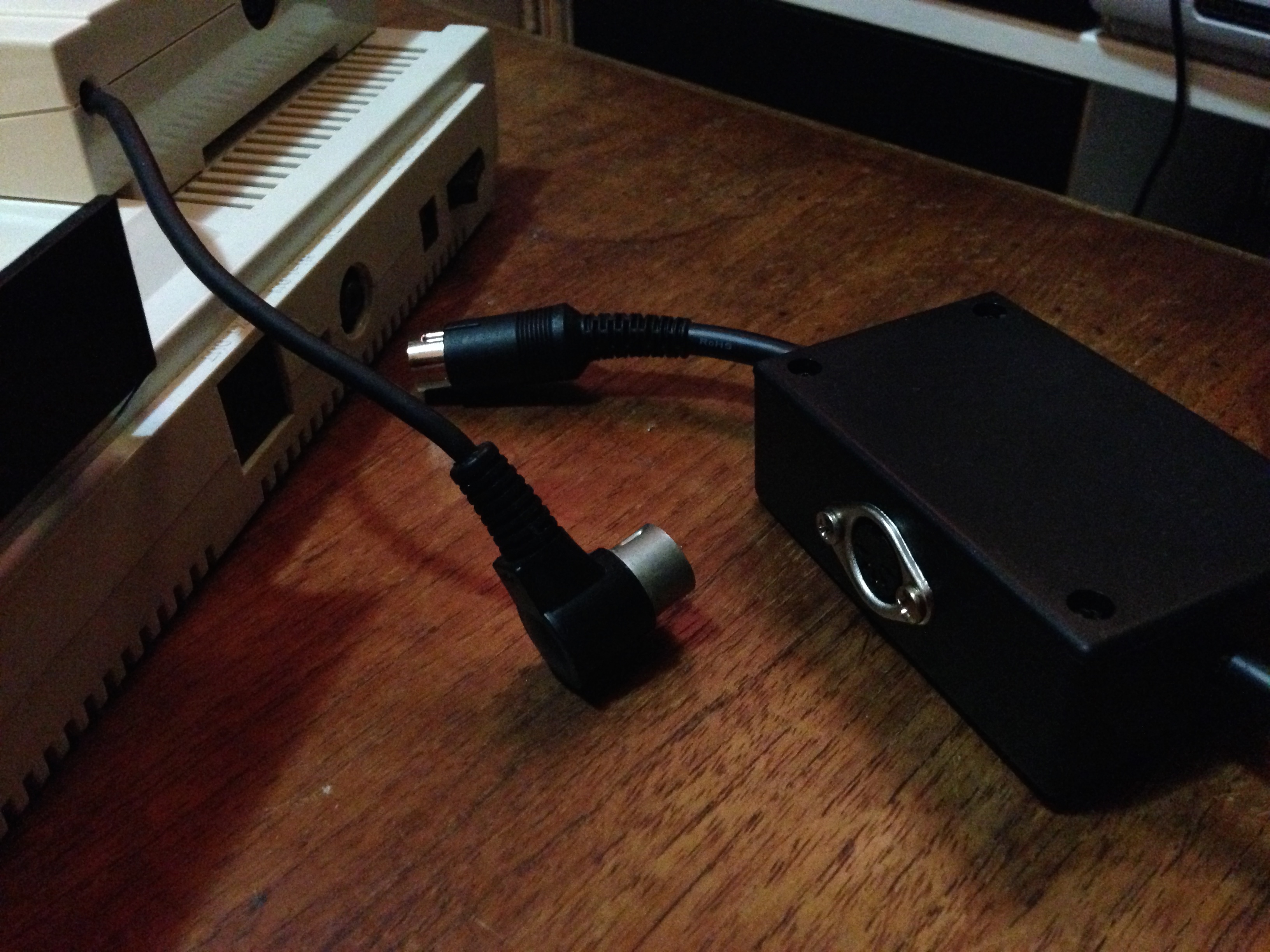
So now I have to get the whole thing into a little project box. I drilled the holes and sliced up my new (nicely shielded) RGB cable. In this pic you can see I’ve added a 5-pin DIN socket to one side, with four of the output pins removed. This is where I’ll splice in the FM audio.

M3RGB_0011

 So many wires to fit in. Red, blue, green, sync, 5V, audio… luckily most of the rest are ground, so I can just solder them together and connect them with a single wire. I could just leave them disconnected, but I want good grounding to prevent possible interference, which is common for poorly grounded scart cables.

M3RGB_0012

With the video circuit working, I also lined up the wires and glued them in place, so nothing can be pulled out by the inevitable cord-trip that will happen sometime in the future.

Disaster struck just before I finished – the picture was too bright! It turned out my new scart cable was wired differently, and was missing some 25 ohm resistors on the RGB lines. So I pulled them from the old one and spliced them in carefully, in series with the 75 ohm resistors already built into my amp circuit. Now what was once a halfway neat job became a mess again, oh well.

 I also completed the audio circuit, spliced in the FM audio pin of the din socket, and closed up the box.

M3RGB_0015

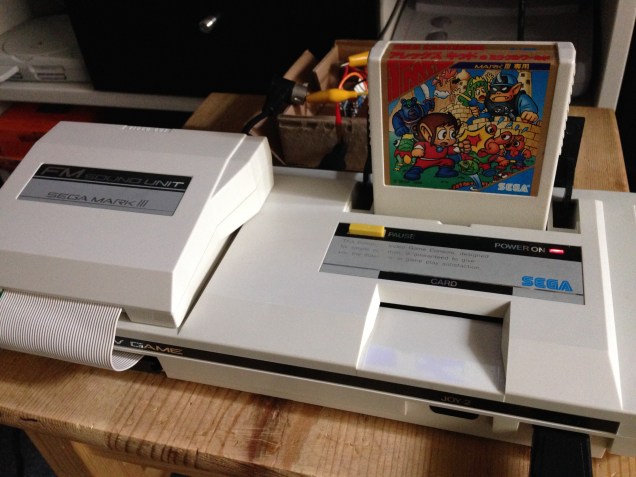
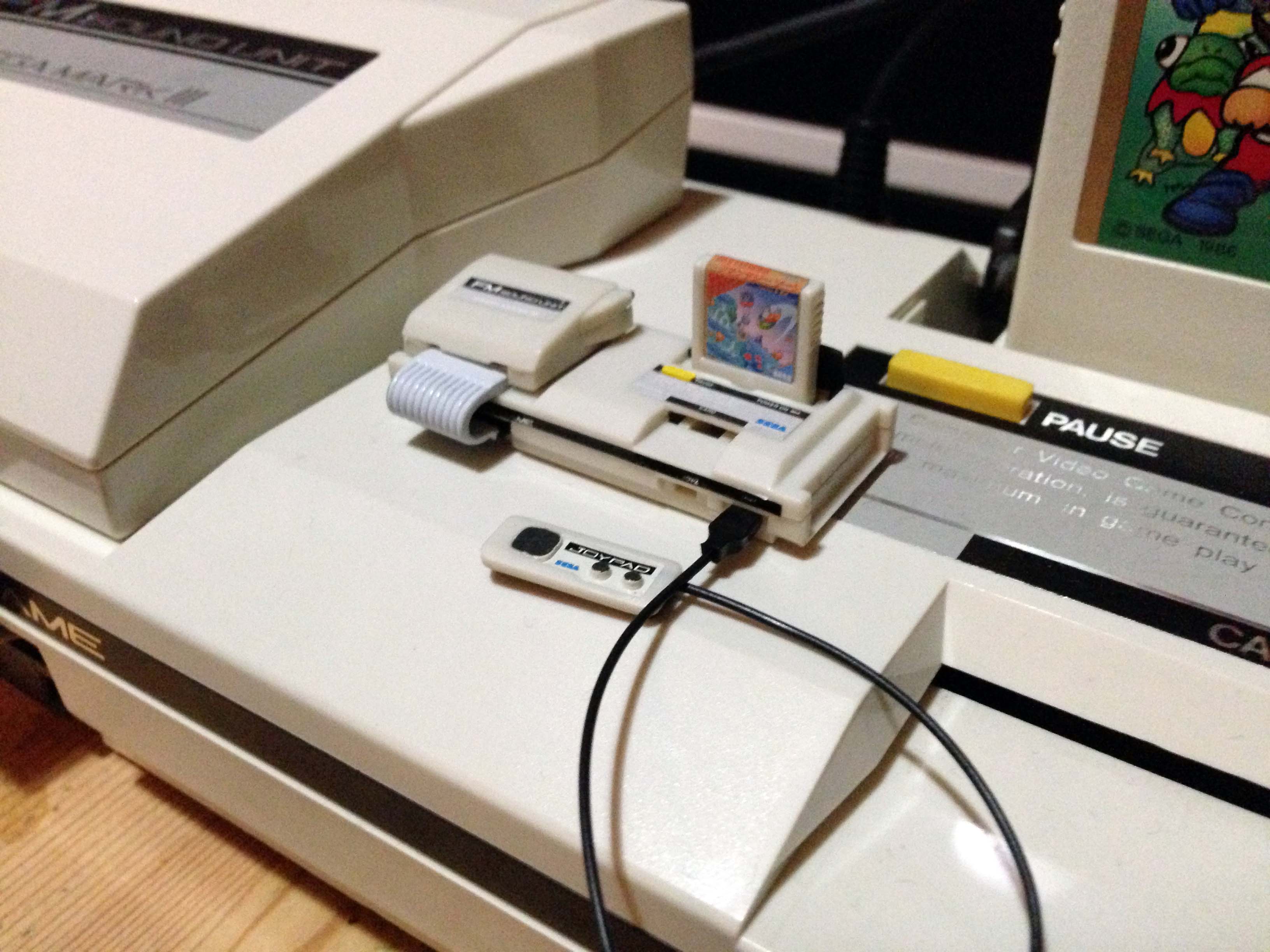
It connects like so. I have oriented it toward the right of the console, because the power cable connects on the left.

M3RGB2_1631

M3RGB2_1632

And the results, all through an XRGB Mini to my Panasonic Plasma:
M3RGB2_1648 M3RGB2_1645 M3RGB2_1641 M3RGB2_1635

Creation of a Sega Mark III Everdrive flash cart

My preferred manner of playing Sega 8-bit games is on the original Sega Mark III. It’s just a great looking system, and with RGB and FM Audio I have a pretty nice set up. I wanted to reduce stress on the cartridge port to prolong its life, so a flash cart would be a good solution. Unfortunately there is no dedicated Mark III or SG1000 flash cartridge.

So I theorised I could create a normal looking flash cart for my Mark III, combining a Master Everdrive with a new-style Master System to Mark III converter. They arrived, and worked!

Mark3Everdrive_0001

I needed to downgrade the firmware to version 5. It seems from version 6 and up, developer Krikz changed the video mode slightly, and the game select menu no longer works on a Mark III or other non-Master System hardware (e.g. a Game Gear in Game Gear mode via a modified converter).

Mark3Everdrive_0002

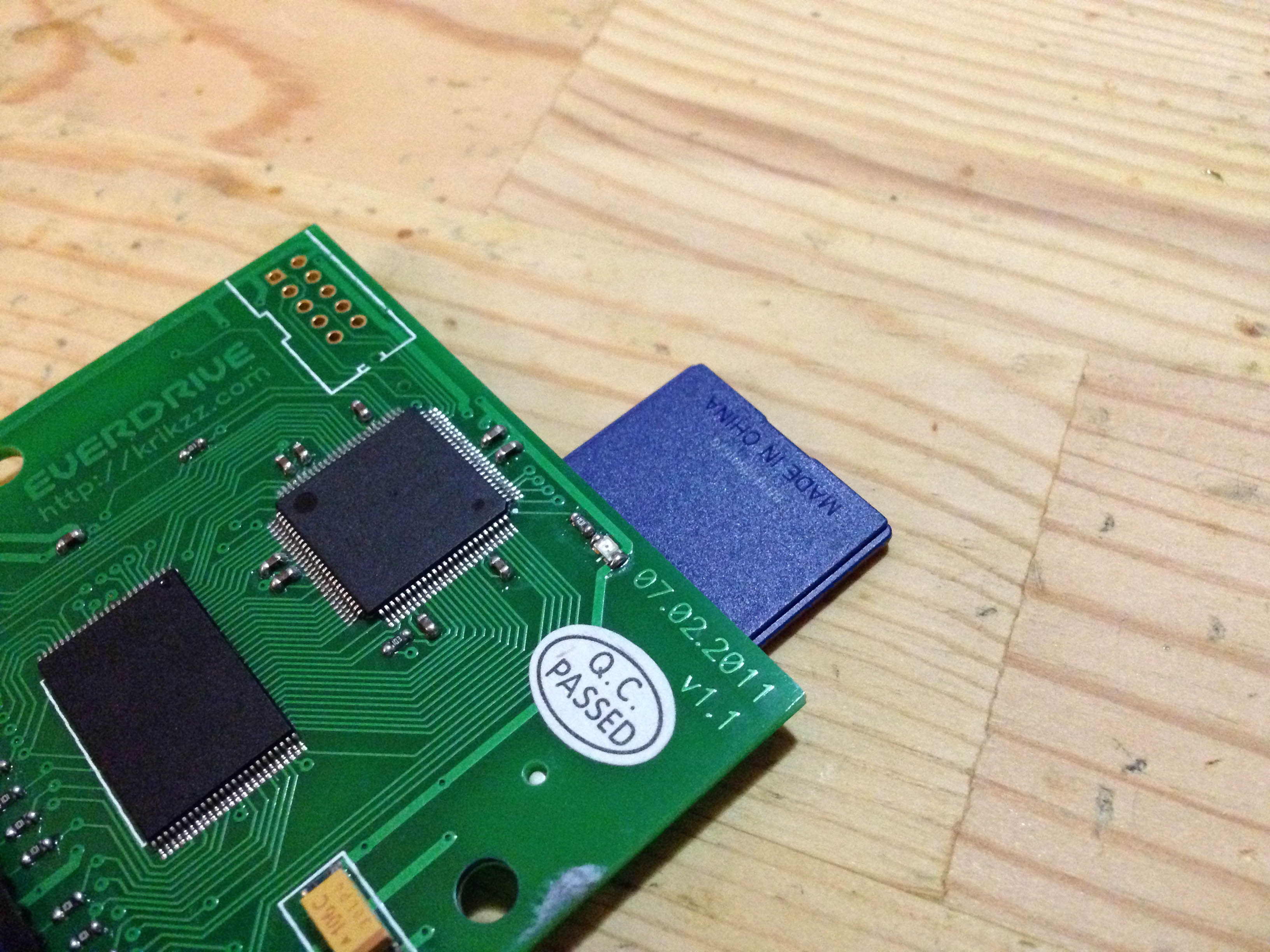
However, the combined cart/converter was a long way from fitting into a regular Mark III cartridge shell. First of all, the SD card sticks out.

Mark3everdrive2_1587

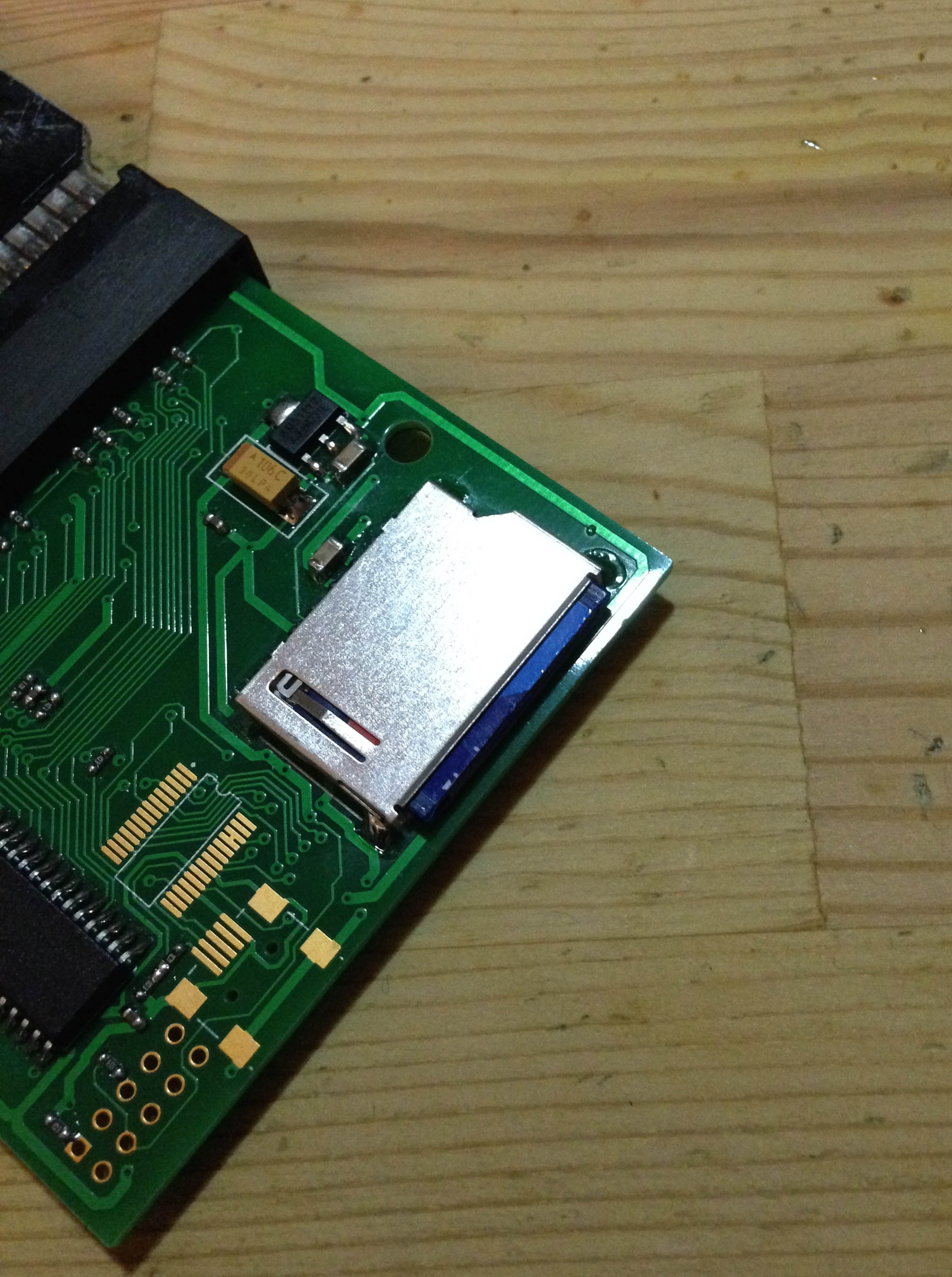
I looked around for a micro sd card adapter that would work, but a couple I got didn’t fit, or were not low profile enough. Then I came across this. Many SD cards can simply be cut in half! Sure enough, the 2GB SD I was using was just empty plastic in the top 2/3, so I sliced off the excess plastic.

Mark3everdrive2_1590

Now it sat well clear of the edge. This extra gap became very important later on, as I needed that extra few millimetres of clearance on the case.

Mark3everdrive2_1591

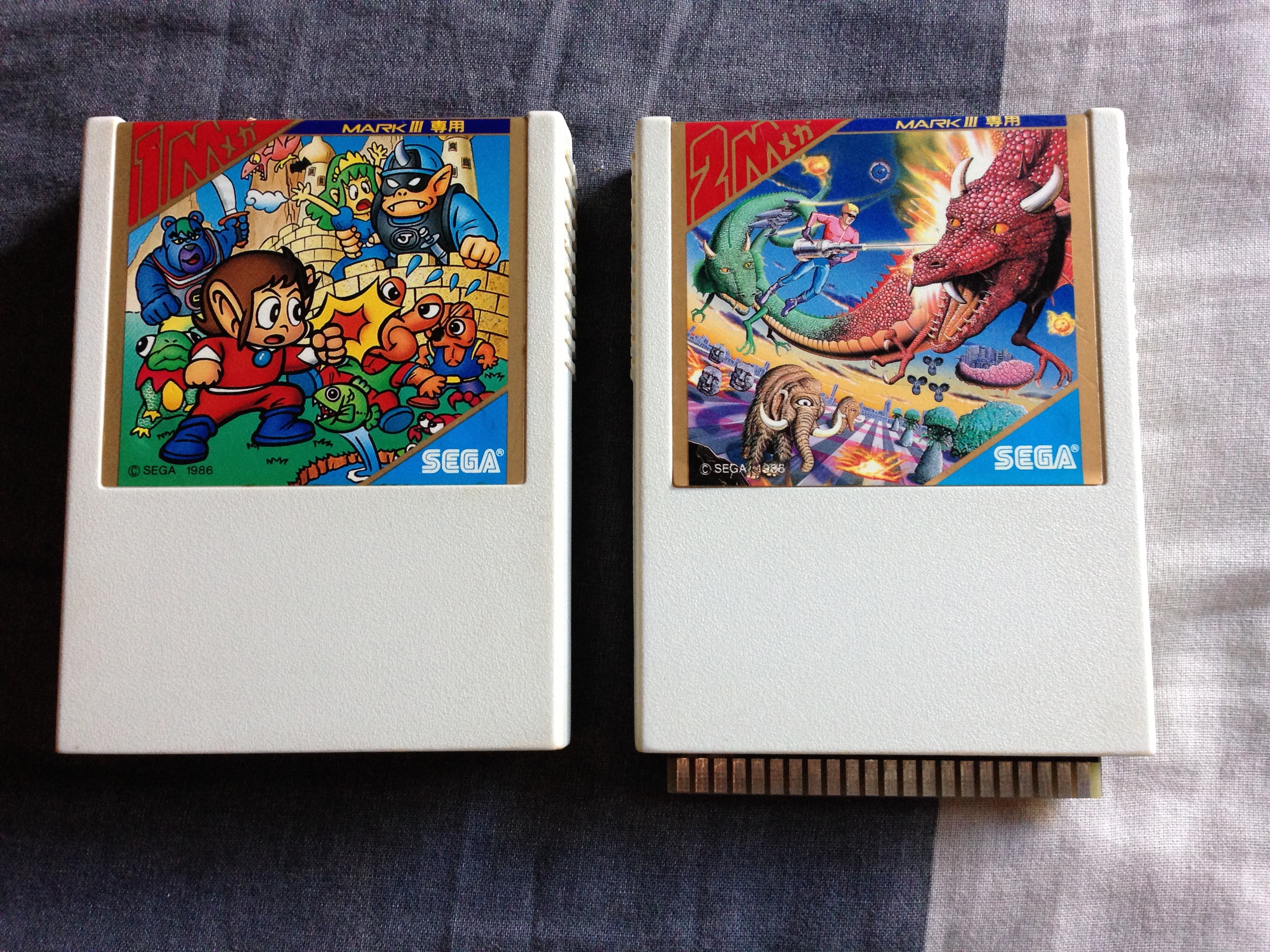
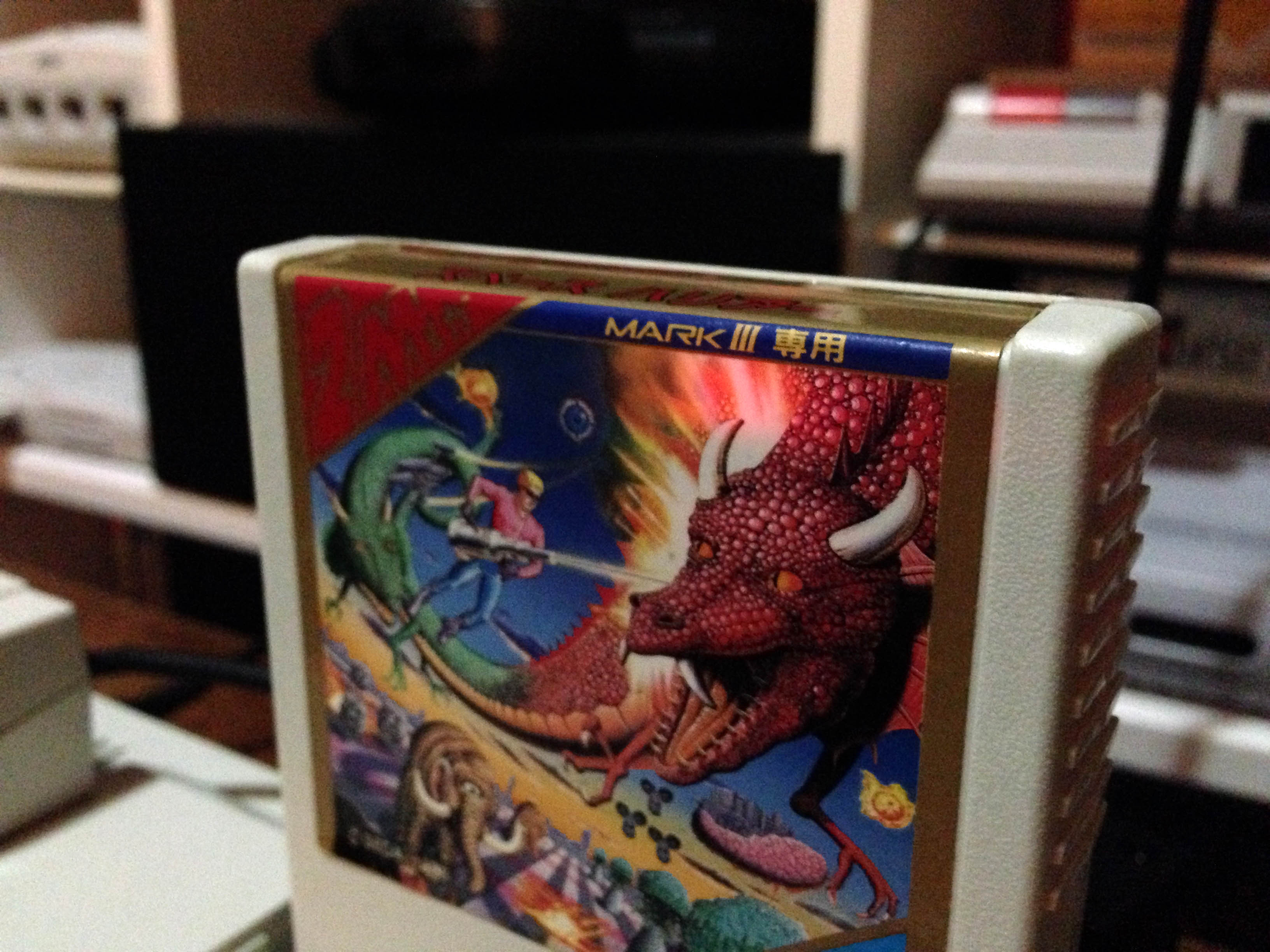
Next I had to open up the shell I was going to use – a cheap copy of Space Harrier was my sacrificial lamb. To open Mark III carts you have to access some screws under the label, so I used a hairdryer to warm up the label glue, then a pin to start peeling the label.Mark3Everdrive_0003

It’s fairly easy this way, with no damage to the label or cart.

Mark3everdrive_1737

Mark3everdrive_1738

After getting inside, I sliced away all excess plastic, but the combined cart/converter was still sticking out the bottom of the shell quite a lot.

Mark3Everdrive_0005 Mark3Everdrive_0006

I gained a couple of millimetres by shaving down the top plastic rim

Mark3Everdrive_0008 Mark3Everdrive_0020

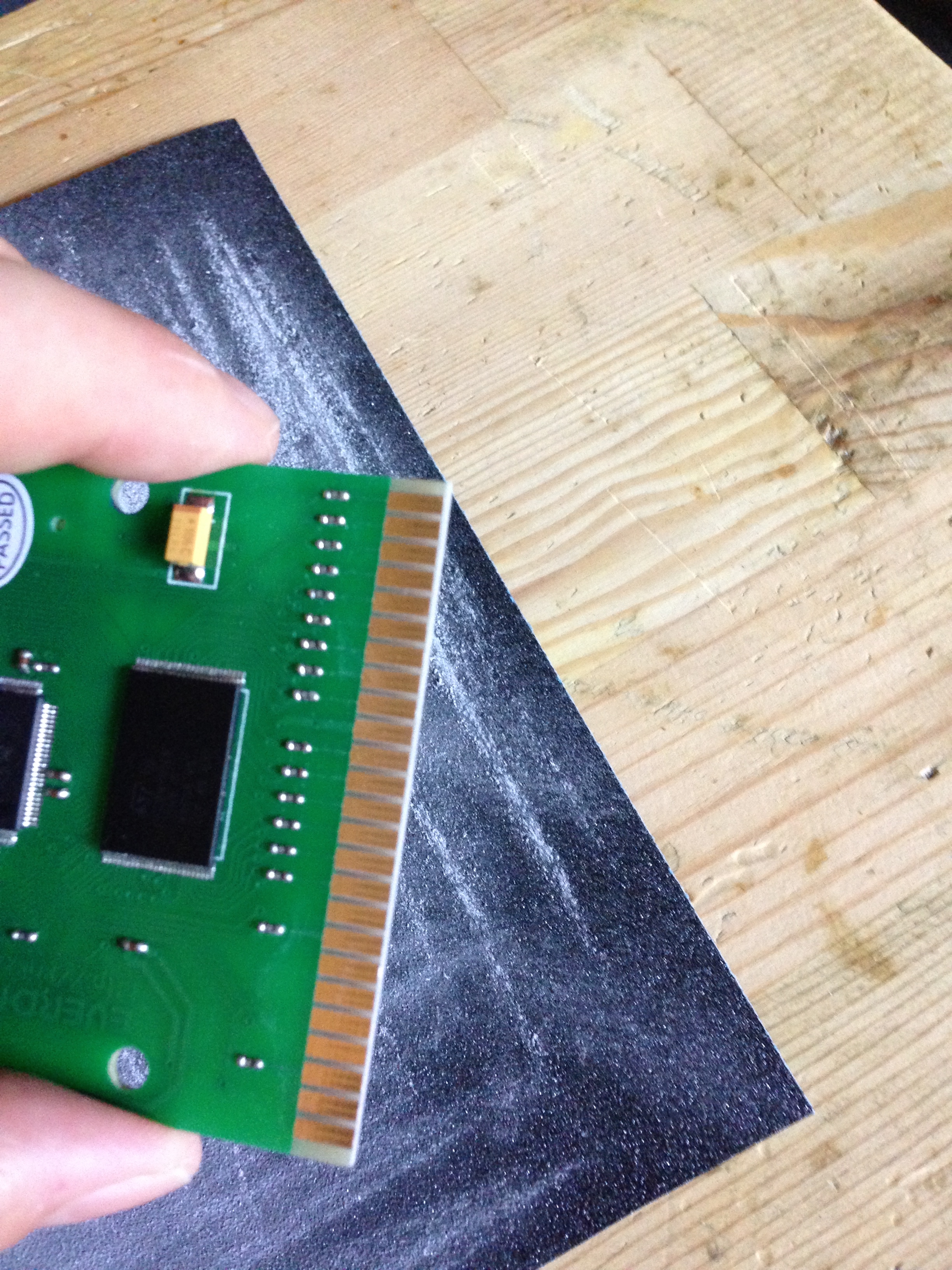
But the real gains would be had by filing/sanding back the contact pins on both the flash cart and the adapter. Contact pins are often far longer than they need to be, they really only need 1-2mm – just enough to make a solid connection. Wear and tear is much less of an issue than back in the day, as I won’t be inserting and removing the flash cart from the adapter ever again, and the cart itself will stay in the console most of the time. So I brought them down to about half their original height.

Mark3Everdrive_0009 Mark3Everdrive_0021

And now it’s going to sit just 3-4mm higher than a regular cart would! I could have gone further, but wasn’t going to push it too far and risk damaging the flash cart or adapter beyond repair.

Mark3Everdrive_0022

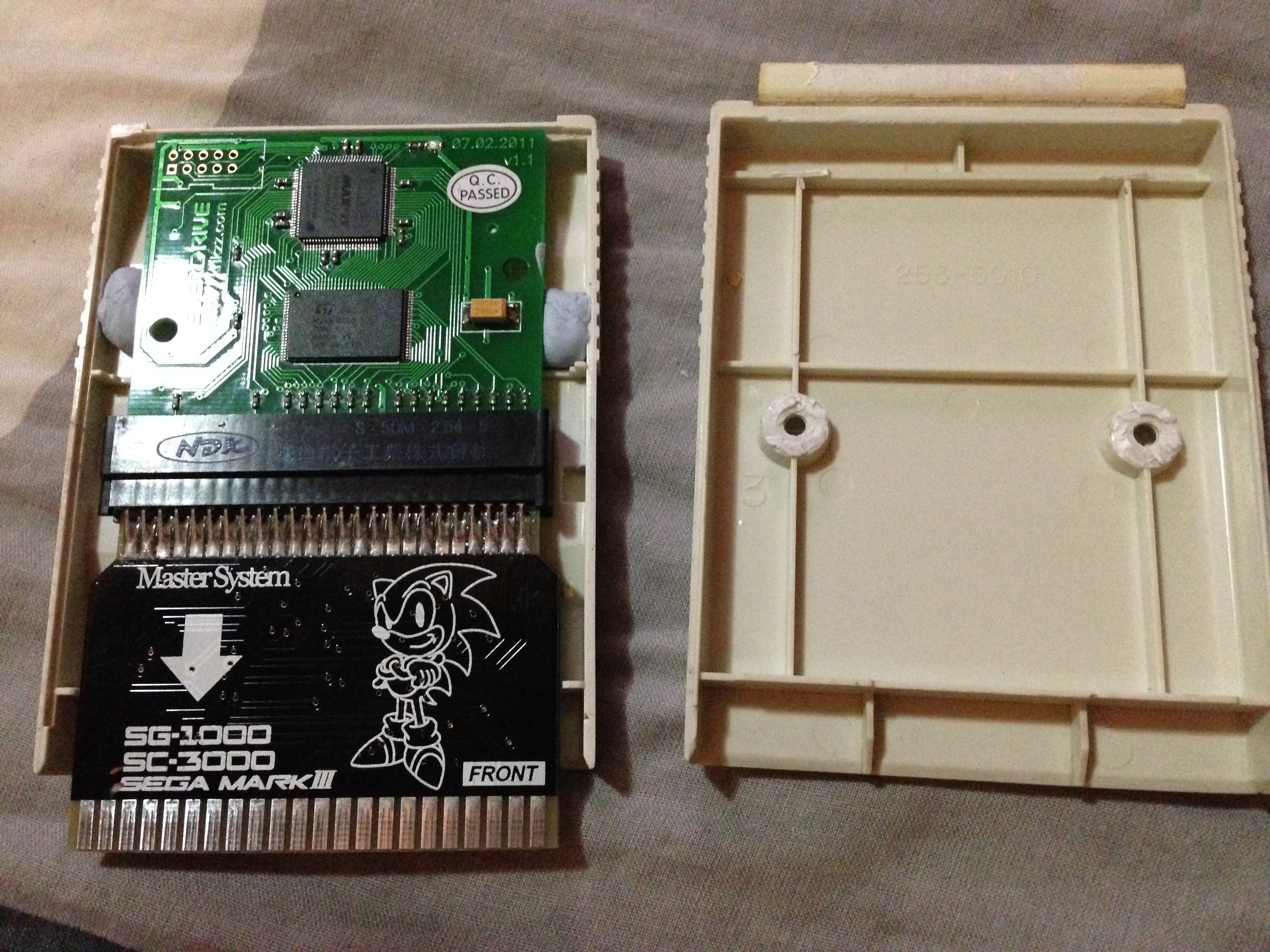
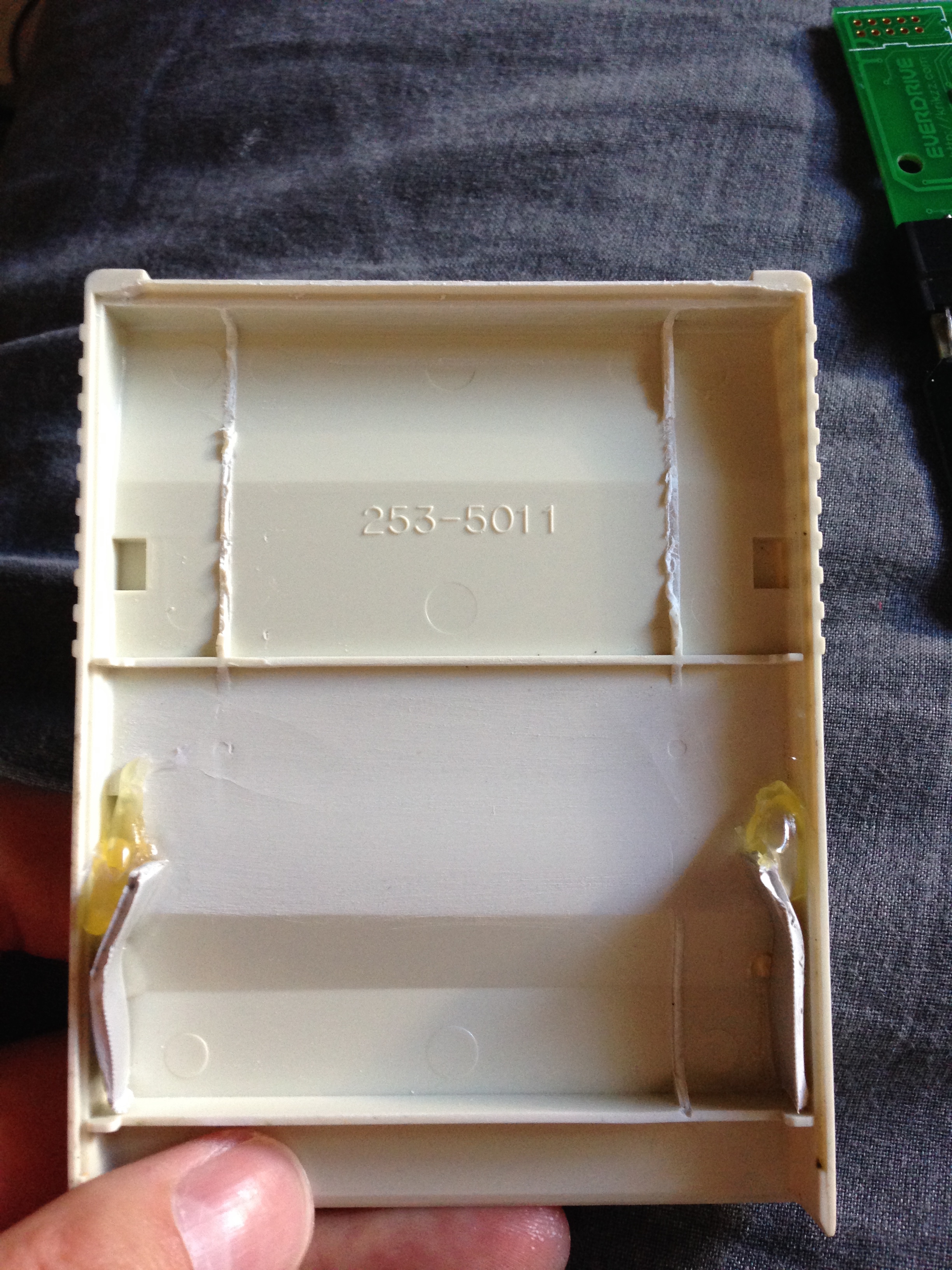
Next up I had to brace the combined cart inside the shell. I superglued some plastic that I cut to a shape that would hold the board well, braced them against the bottom of the cart shell, and backed it with hot glue for support from the sides.

Mark3Everdrive_0023

It slots in under the adapter’s slot section, and holds flawlessly, so now I have a snug but secure brace for the board! The braces push slightly outward at the front, and combined with the label over the top, also keep the cart securely closed, so it needs no additional screws or glue with regular handling (it would probably open if dropped however).

Mark3Everdrive_0024

Close up the cart for the finished product! It sits slightly higher than a regular cart, but low enough to be quite stable within the cart slot, as it still sinks into the slot about 10mm. It sits lower than an unplugged cart resting on the cart slot, for example. At a glance you can’t even tell.

Mark3everdrive2_1592

The LED when the everdrive loads shies through the explosion behind the dragon on the label too, which is nice.
Mark3everdrive2_1605 Mark3everdrive2_1604